Note
The
default setting may be different depending on the selected Input Mode (input signal
source selected in External Input List) and the selected resolution.
Plug & Play
You can manage the entire configuration.
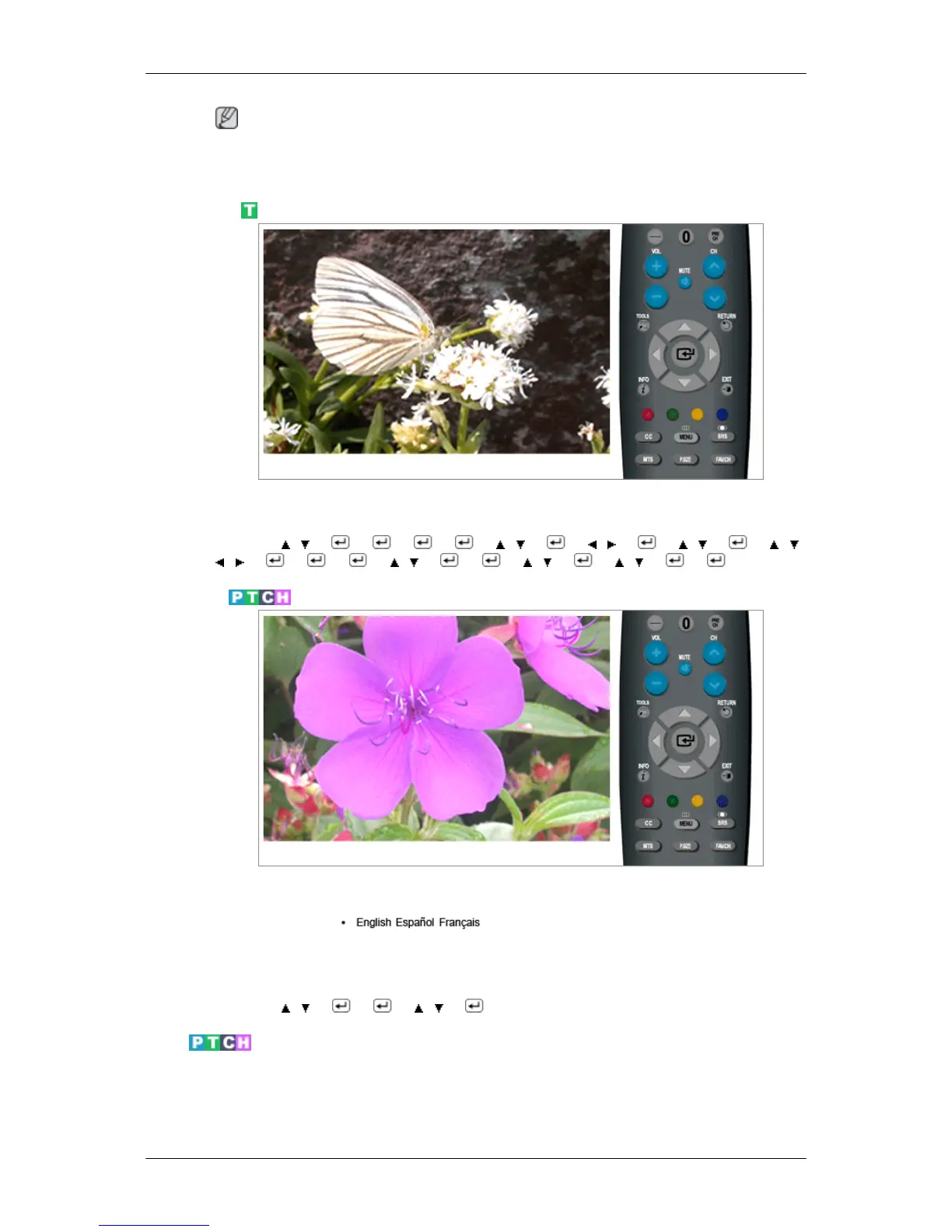
MENU → , → → → → → , → → , → → , → → , ,
, → → → → , → → → , → → , → →
Language
You can choose one of 3 languages.
The language chosen affects only the language of the OSD.
MENU →
, → → → , → → MENU,EXIT
Time
Clock
You can set the current time.
Adjusting the LCD Display






 To Next Page