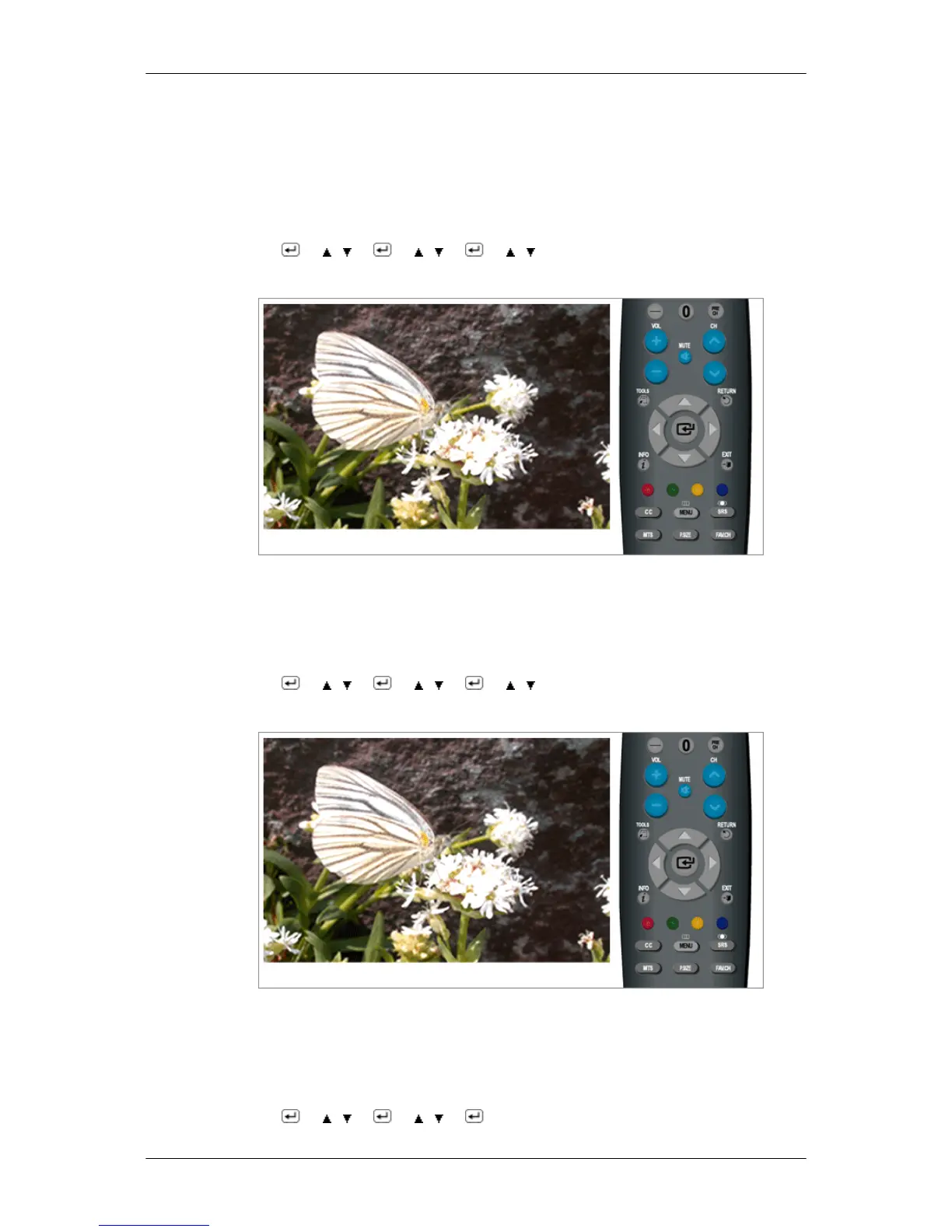
etc., depending on the external device connected. In this case, adjust the screen quality of
your
TV by configuring the HDMI Black Level. This function is active only when the an external
device (DVD player, STB etc.) is connected to the TV via HDMI(RGB Signal).
(Available in HDMI Mode Only)
• Normal / Low
MENU →
→ , → → , → → , → MENU,EXIT
- Film Mode
The Film Mode feature offers you a theater-quality viewing experience.
“Film mode” is supported in TV, Component (480i / 1080i) and HDMI (480i / 1080i)
• Off / Auto
MENU →
→ , → → , → → , → MENU,EXIT
Reset
Picture parameters are replaced with the factory default values.
• OK
• Cancel
MENU →
→ , → → , → → MENU,EXIT
Adjusting the LCD Display






 To Next Page