PC / DVI TV Component HDMI
Note
The default setting may be different depending on the selected Input Mode (input signal
source selected in External Input List) and the selected resolution.
Source List
Use to select PC, TV
or other external input source connected to the Monitor.Use to select
the screen of your choice.
The direct button on the remote control is "SOURCE" button.
• PC, DVI, TV, Component, HDMI1, HDMI2
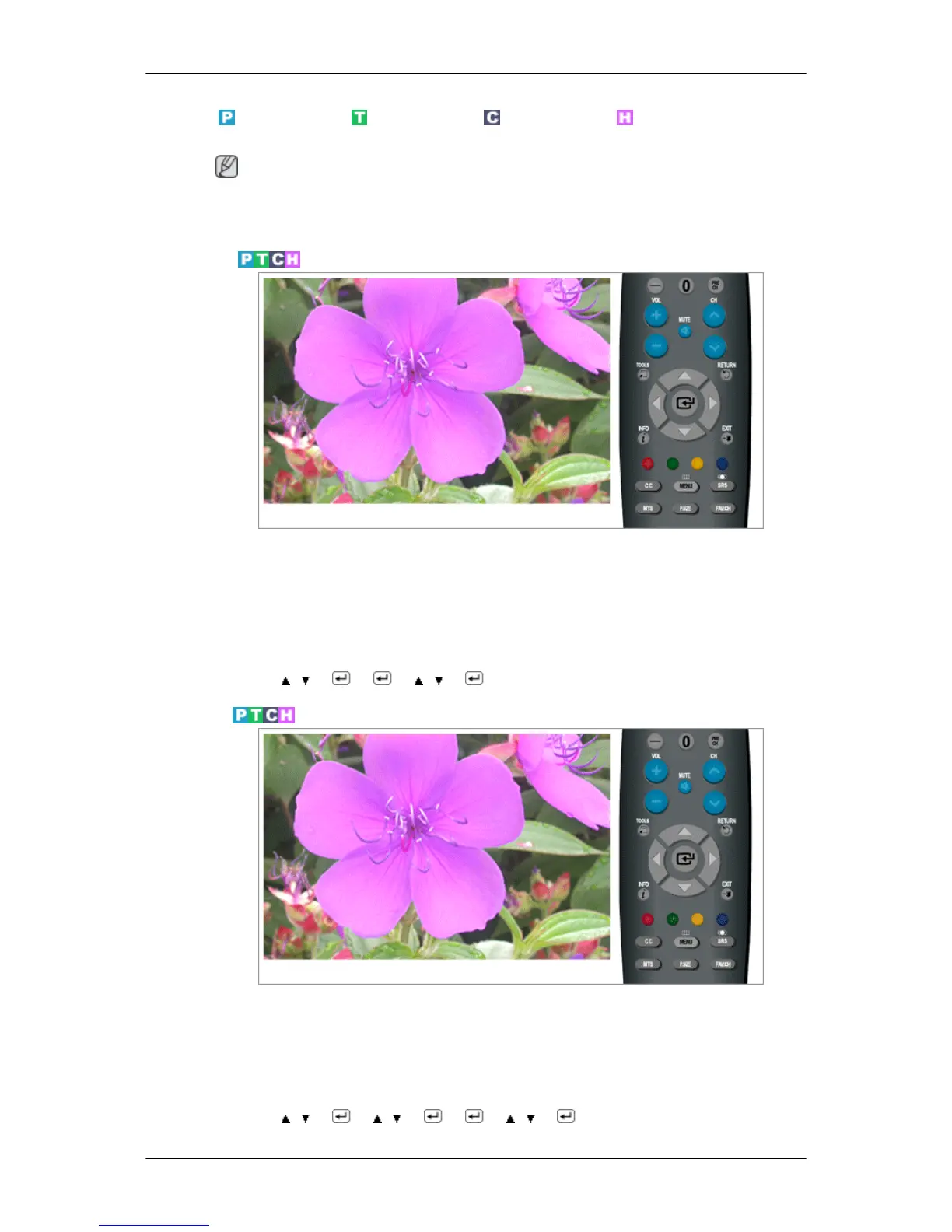
MENU →
, → → → , →
Edit Name
Name the input device connected to the input jacks to make your input source selection easier
• VCR / DVD / Cable STB / Satellite STB / PVR STB / AV Receiver / Game / Camcorder /
PC / TV / IPTV / Blu-Ray / HD DVD / Digital Media Adapter
MENU → , → → , → → → , → → MENU,EXIT
Adjusting the LCD Display






 To Next Page