Note
“Warm1” or “Warm2” is only activated when the picture mode is “Movie”.
Settings
can be adjusted and stored for each external device you have connected to an input
of the TV.
MENU →
→ , → → → , → → MENU,EXIT
- Size
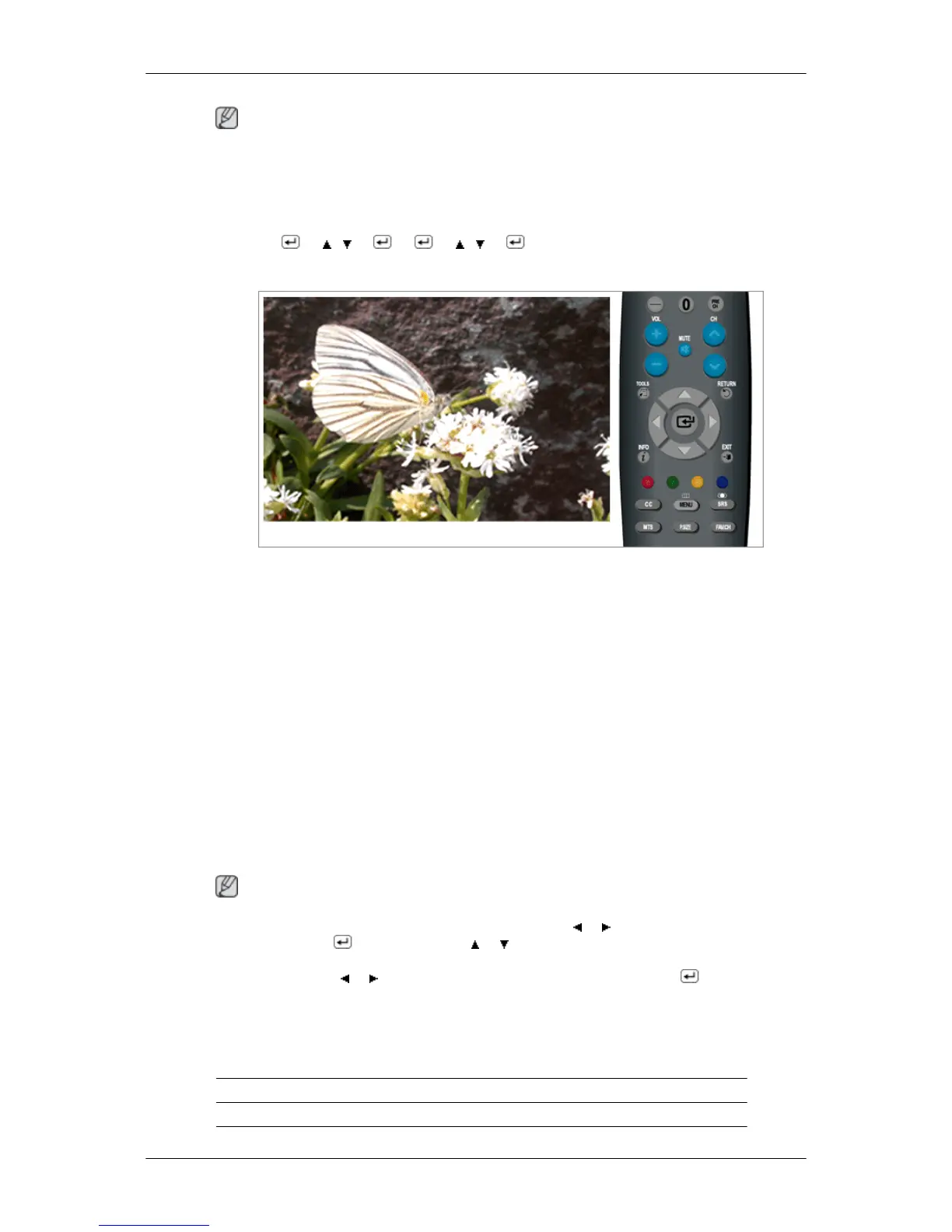
You can switch the Size.
The direct button on the remote control is 'P.SIZE' button.
• 16:9 - Sets the picture to 16:9 wide mode.
• Zoom1 - Magnifies the size of the picture on the screen.
• Zoom2 - Magnifies the size of the picture more than “Zoom1”.
• Wide Fit - Enlarges the aspect ratio of the picture to fit the entire screen.
• 4:3 - Sets the picture to 4:3 normal mode.
• Just
Scan - Use the function to see the original image where its part being cut-off mini-
mized with HDMI (720p/ 1080i / 1080p), Component (1080i / 1080p) or DTV (1080i) input
signals.
Note
- After selecting Zoom1, Zoom2 or Wide Fit : Press the or button to select Position, then
press the ENTER button. Press the or button to move the picture up and down.
- Reset : Press the or button to select Reset, then press the ENTER button. You can
initialize the setting.
-
Settings can be adjusted and stored for each external device you have connected to an
input of the TV.
Input Source Picture Size
TV, Component (480i,480p) 16:9, Zoom1, Zoom2, 4:3
Adjusting the LCD Display






 To Next Page