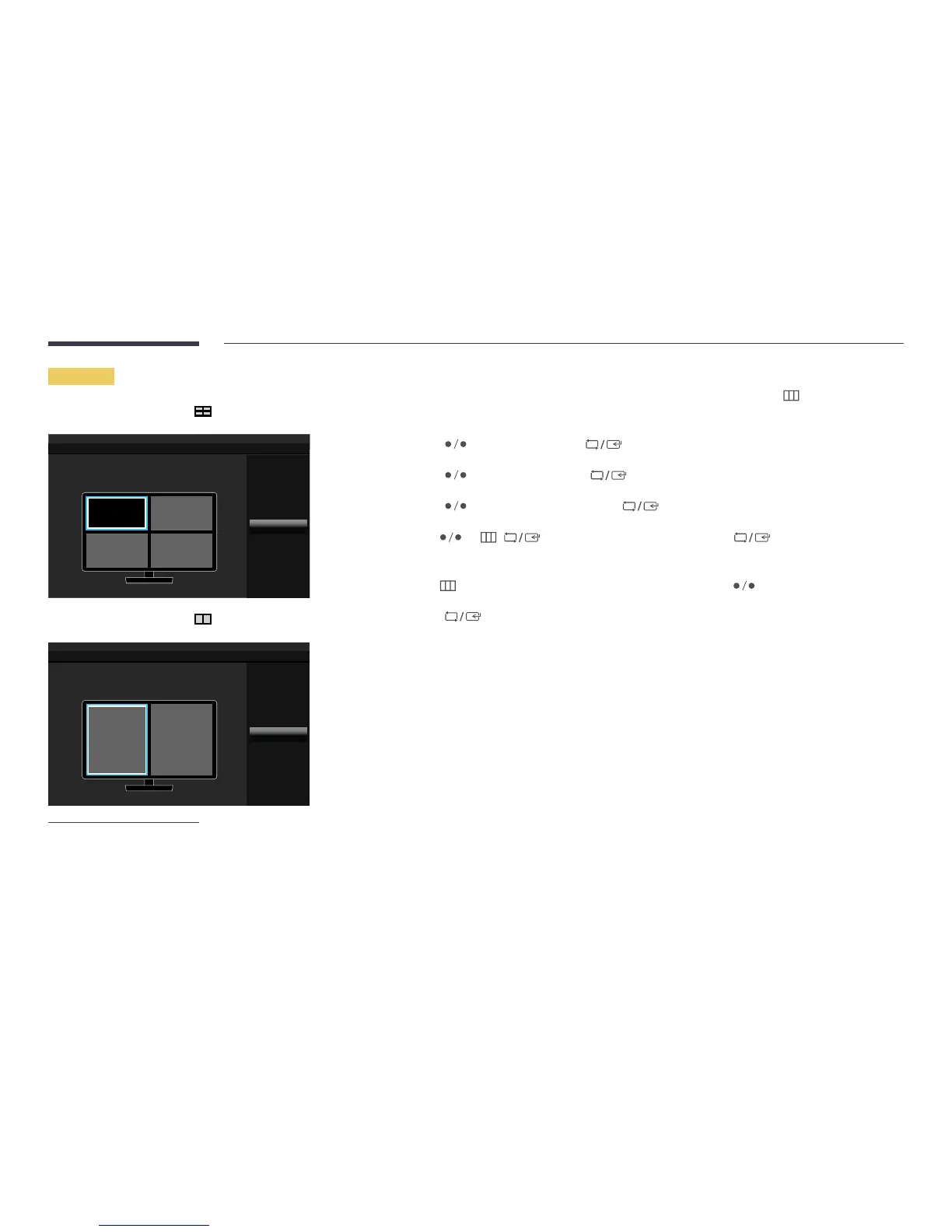
Contrast&Color
Cancel
: 75
: 50/50/50
Contrast
R/G/B Gamma
-
The displayed image may differ depending on the model.
Set the Contrast and Color(Red, Green and Blue)for each screen.
1
Press any button on the front of the product to display the Function Key Guide. Next, press to display the
corresponding menu screen.
2
Press to move to Screen and press on the product.
3
Press to move to PIP/PBP and press on the product.
4
Press to move to Contrast&Color and press on the product.
5
Use and / to move the focus to a specific screen and press .
•
Contrast / Red / Green / Blue
6
Use to move the focus to a specific option and customize the value using .
7
Press to save changes.
8
The selected option will be applied.




 To Next Page