15
3 INSTALLATION
3.1 BEFORE INSTALLING
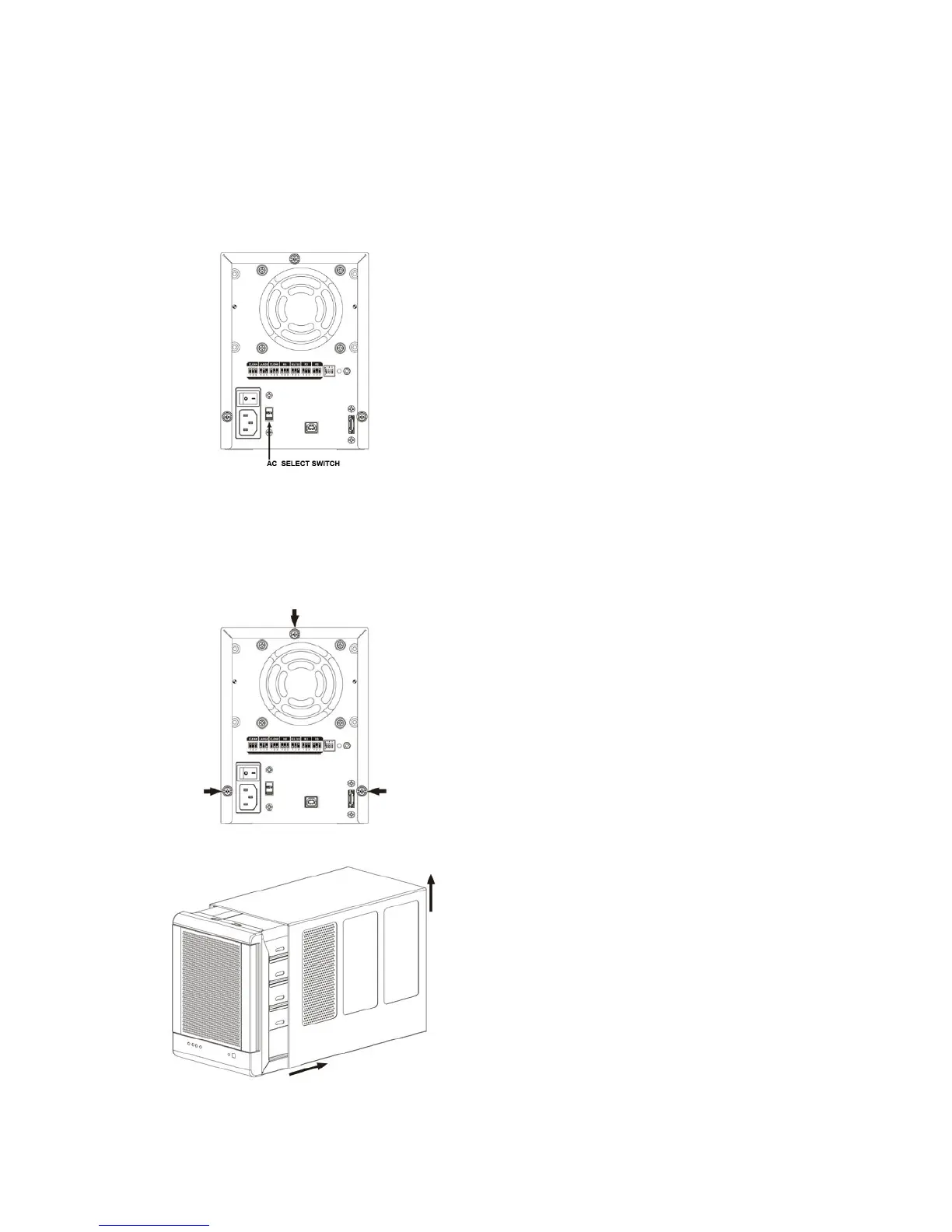
Please unplug the power cable, and switch the VAC to the correct position (For example, 115 for Japan, and 230 for UK)
before installing. It may exposure to strong magnetic fields and malfunctions or damage.
3.2 INSTALLING HARD DISK DRIVE
Please refer below procedure to complete the HDD installation.
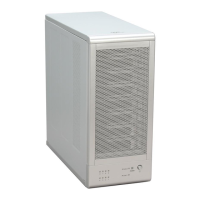
• Unfasten the Tool-less screws on the back panel.
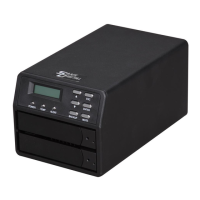
• Remove the upper chassis cover backwards and lifts it up.


 To Next Page