39
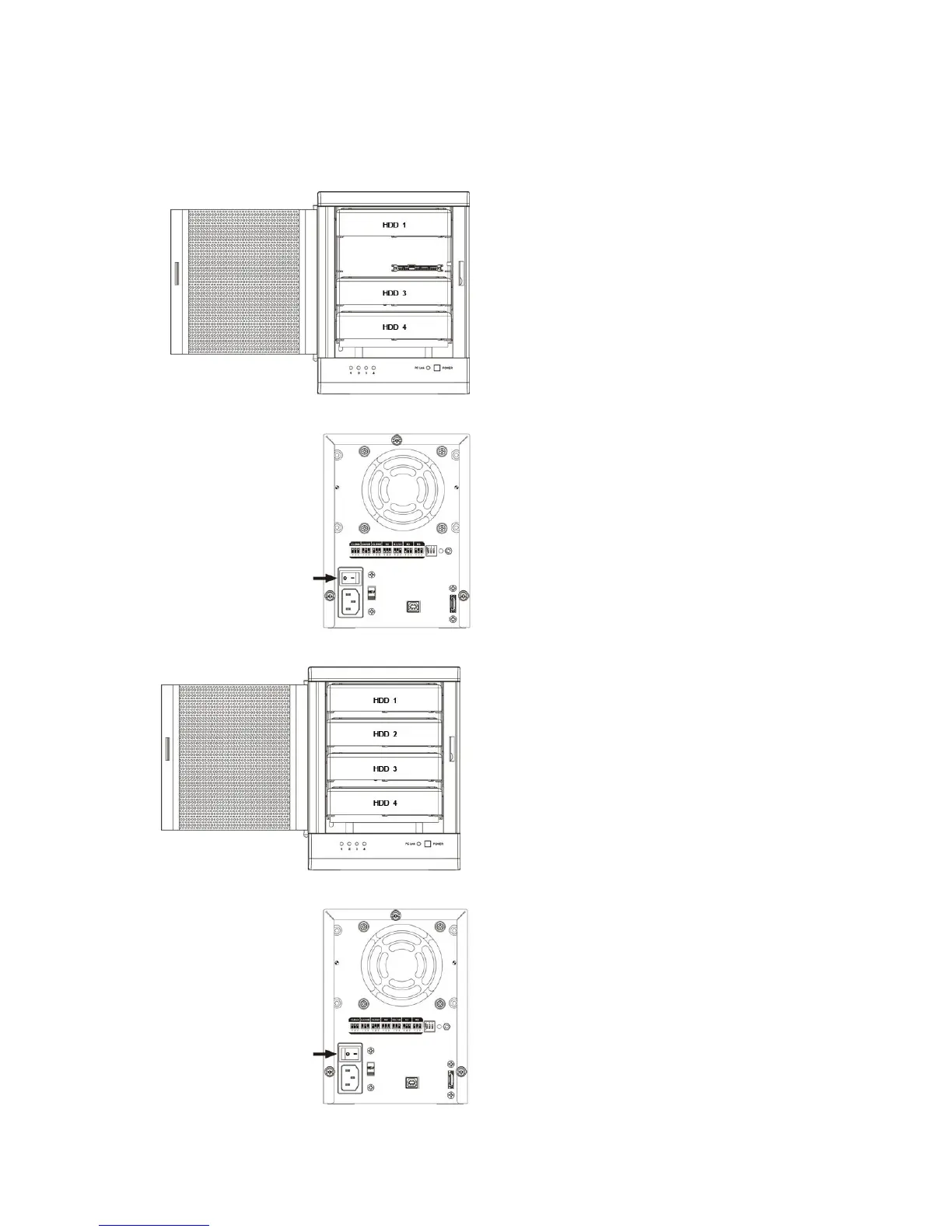
4.7.2 REBUILDING A HOT SPARE DRIVE
1. If the there is a hot spare drive on drive 4, and the drive 2 has breakdown, the hot spare drive on drive 4 will
replace the breakdown drive and rebuild automatically.To setup a new hot spare drive, please remove the
breakdown drive 2.
2. Turn off the power.
3. Replace a same or larger size hard disk drive.
4. Turn on the power.
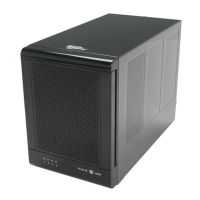
5. The TowerRAID TR4UTP/TR4UT-BP storage appliance will replace a hot spare drive on drive 2 automatically.


 To Next Page