17
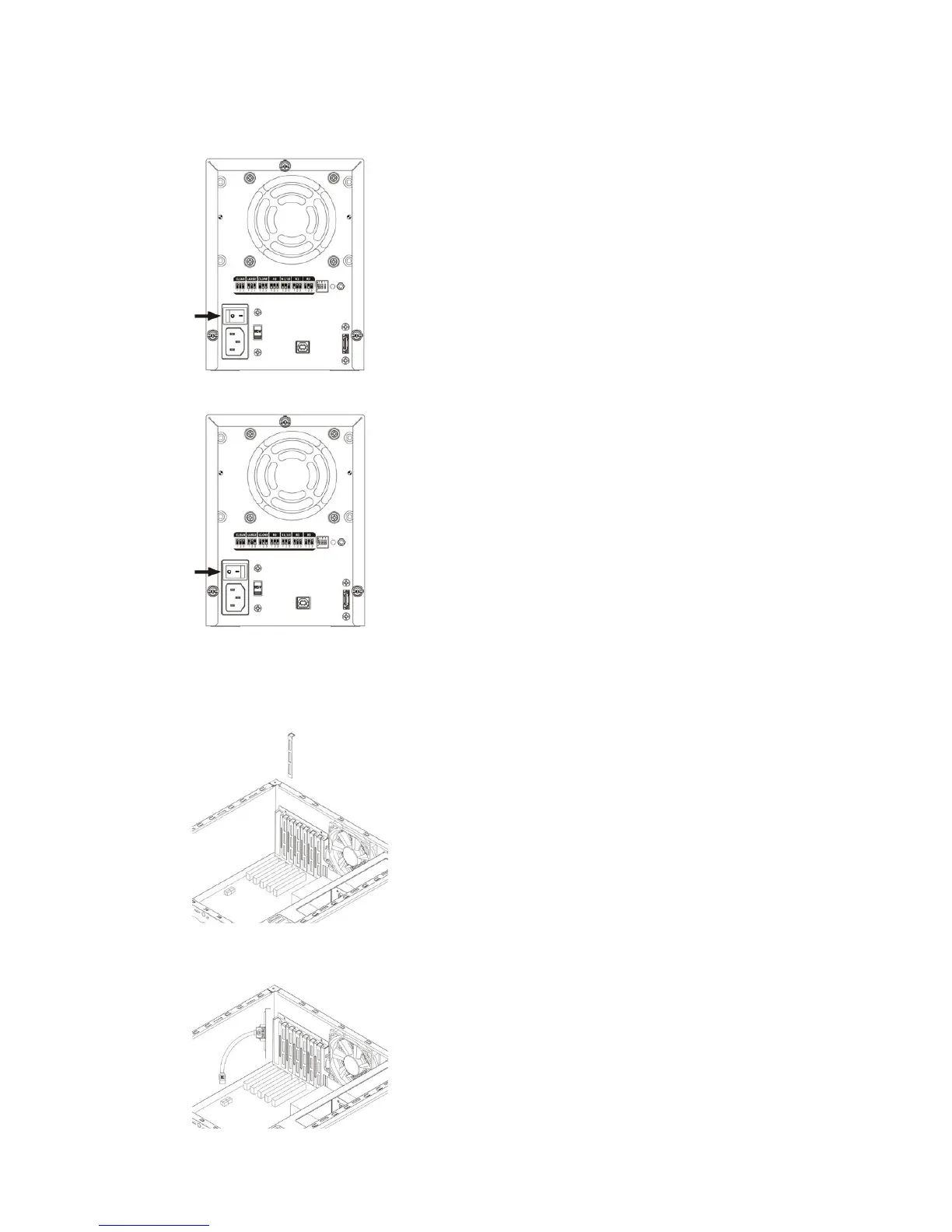
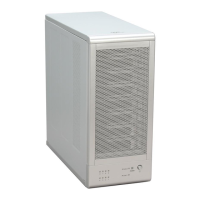
3.4 POWER ON / OFF
• Push power switch to “ - “ position to power on.
• Push power switch to “ O “ position to power off.
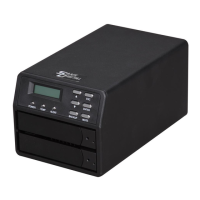
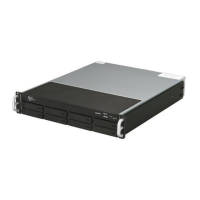
3.5 INSTALLING SATA TO ESATA BRACKET CABLE
• Remove a free I/O bracket from your computer.
• Install the SATA TO ESATA BRACKET CABLE to the free I/O bracket, and connect the SATA cable to a free SATA port
from your computer.


 To Next Page