24
To set the V-Chip
1
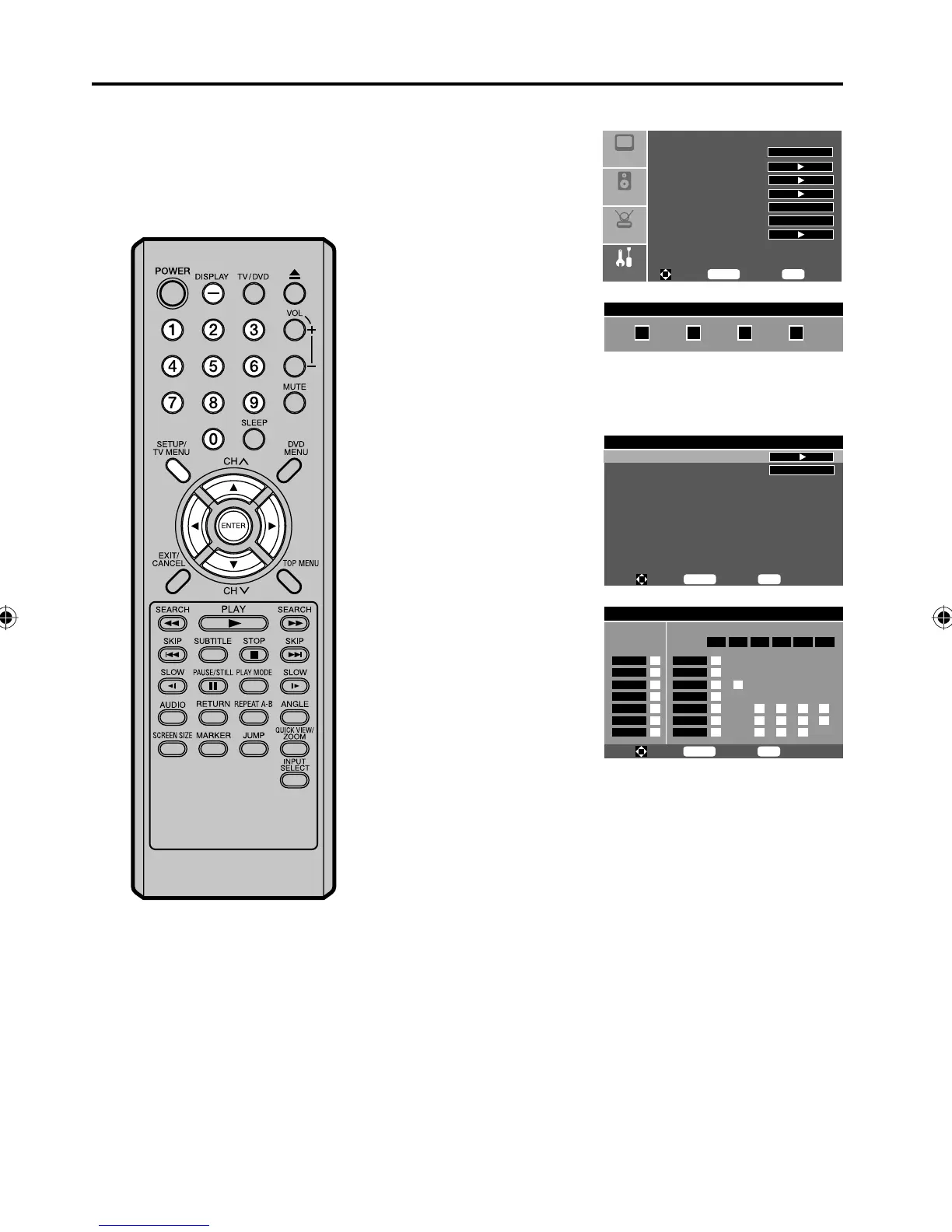
Press SETUP/TV MENU
in the TV mode.
Press ▲ or ▼ to select
“Feature” menu, then
press ▶.
Setup
Audio
Feature
Picture
Sleep Timer Off
Advanced Video Menu
Password Set
Parental Control
NTSC CC Off
ATSC CC Off
Digital Closed Caption
To M ove
To S el ec t
To E xi t
Enter
Menu
2
Press ▲ or ▼ to select
“Parental Control”, then
press ▶ or ENTER.
Use Number buttons
(0-9) to enter your
password. The Parental
Control Menu appears.
Enter Password
3
Press ▲ or ▼ to select
“US Ratings”, then press
▶ or ENTER.
Parental Control Menu
US Ratings
Advanced Rating Off
To M ove
To S el ec t
To E xi t
Enter
Menu
4
Press ▲/▼/◀/▶ to select the
desired rating, then press
ENTER.
Parental Control Menu
MPAA
ALL FV L S V D
NONE
G
PG
PG-13
R
NC-17
X
NONE
TV-Y
TV-Y7
TV-G
TV-PG
TV-14
TV-MA
TV Rating
To M ove
To S el ec t
To E xi t
Enter
Menu
TV Rating
NONE: TV Rating is not set
TV-Y: All children
TV-Y7: 7 years old and above
TV-G: General audience
TV-PG: Parental guidance
TV-14: 14 years old and above
TV-MA: 17 years old and above
ALL (All)
FV (Fantasy Violence)
L (Language)
S (Sex)
V (Violence)
D (Dialogue)
MPAA (Motion Picture Association of America)
NONE: MPAA is not set.
G: All ages
PG: Parental guidance
PG-13: Parental guidance less than 13 years old
R: Under 17 years old Parental guidance suggested
NC-17: 17 years old and above
X: Adult only
5
Press SETUP/TV MENU to return to the normal screen.
To use the TV after the TV is
protected.
When a program is received that is
blocked by the V-Chip, press DISPLAY
or SETUP/TV MENU.
The protection will be temporarily
overridden. If the TV is turned off, the
V-Chip restriction will be reactivated.
NOTE:
The V-Chip function is activated only
on programs and input sources that
include a rating signal.
•
Setting the V-Chip
5Z90101A.indd 245Z90101A.indd 24 07.9.3 3:48:39 PM07.9.3 3:48:39 PM



 To Next Page