EasyManua.ls Logo

Sansui HDLCDVD190 - Page 25

Sansui HDLCDVD190
68 pages
Print Icon
To Next Page IconTo Next Page
To Previous Page IconTo Previous Page
Loading...
25
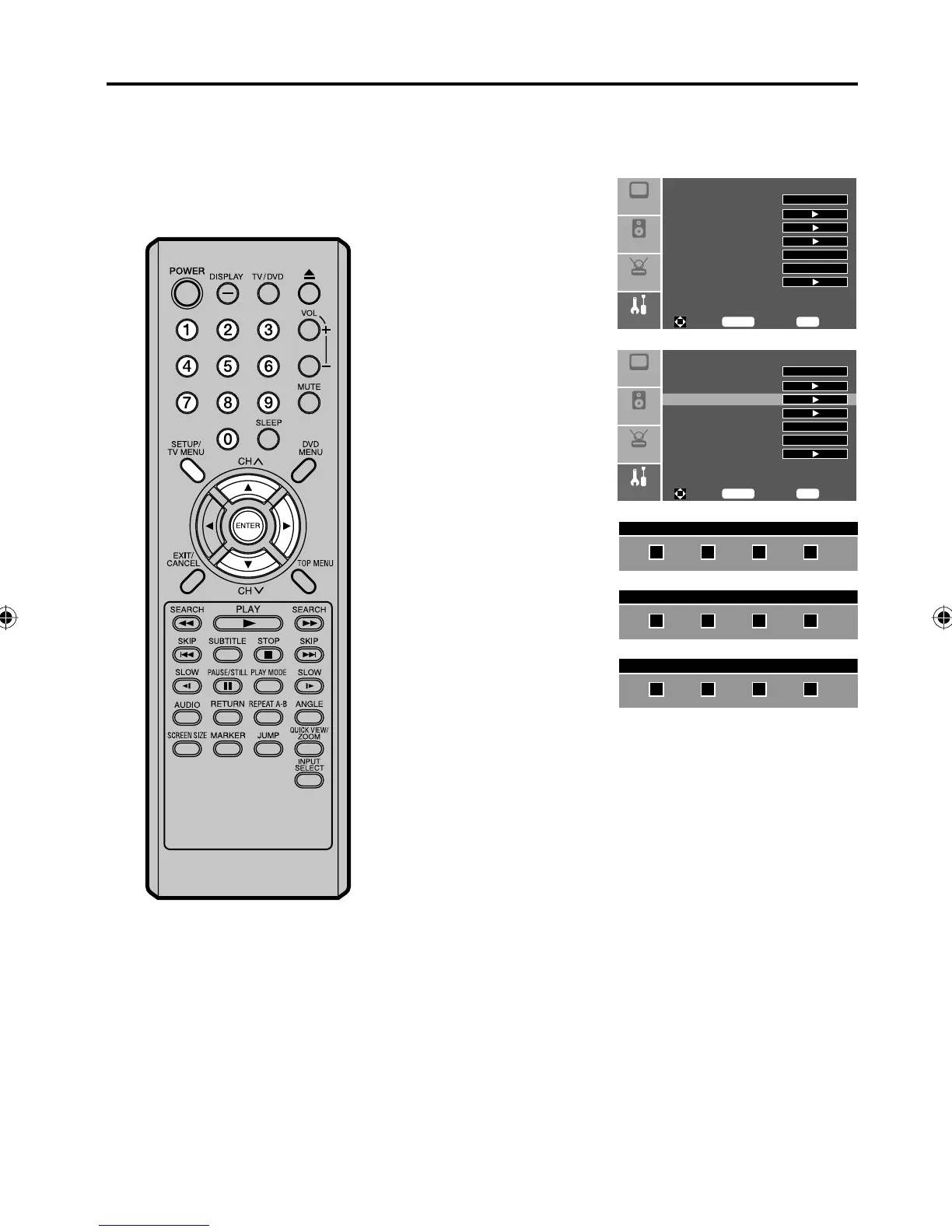
To change the password
1
Press SETUP/TV MENU in the TV mode. The TV menu screen
will appear.
2
Press or to select
“Feature” menu, then
press .
Setup
Audio
Feature
Picture
Sleep Timer Off
Advanced Video Menu
Password Set
Parental Control
NTSC CC Off
ATSC CC Off
Digital Closed Caption
To M ove
To S el ec t
To E xi t
Enter
Menu
3
Press or to select
“Password Set”, then
press or ENTER.
Setup
Audio
Feature
Picture
Sleep Timer Off
Advanced Video Menu
Password Set
Parental Control
NTSC CC Off
ATSC CC Off
Digital Closed Caption
To M ove
To S el ec t
To E xi t
Enter
Menu
4
Use Number buttons
(0-9) to enter your
password.
Enter Old Password
5
Enter a new password
using Number buttons
(0-9).
Enter New Password
6
Enter the same password
again to confirm.
The password is now
registered.
Confirm New Password
Setting the V-Chip
5Z90101A.indd 255Z90101A.indd 25 07.9.3 3:48:40 PM07.9.3 3:48:40 PM

Table of Contents

Other manuals for Sansui HDLCDVD190

Related product manuals