36
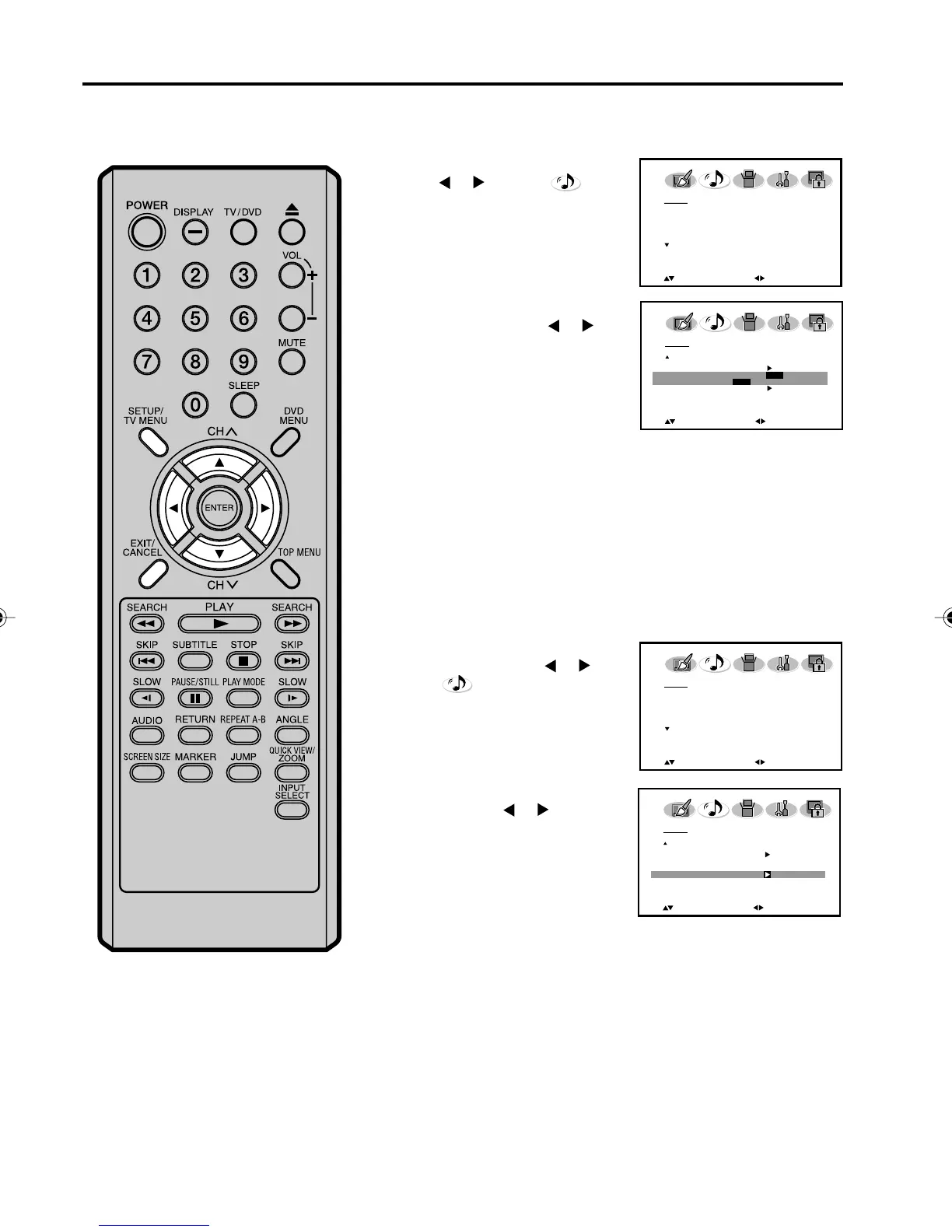
Selecting the digital output/
Resetting your audio adjustments
The RESET function returns the audio adjustments to the following
factory settings:
BASS................. center (25)
TREBLE ............ center (25)
BALANCE ........... center (0)
Resetting your audio adjustments
Press SETUP/TV MENU in the
TV mode, then press
or to
select
(AUDIO) menu.
1
Press ▲ or ▼ to select “RESET”,
and then press
or .
2
Selecting the digital output
You can choose the format of the digital audio output signal.
1
Press SETUP/TV MENU, then
press
or to select
(AUDIO) menu.
2
Press ▲ or ▼ to select “DIGITAL
OUTPUT”
, then press
or
to
select “PCM” or “DOLBY
DIGITAL”.
3
Press
EXIT to return to the normal screen.
AUDIO
HDMI HDMI
AUDIO LANGUAGE
DIGITAL OUTPUT PCM
PCM / DOLBY DIGITAL
RESET
:SELECT
:ADJUST
AUDIO
MTS STEREO
BASS 25
TREBLE 25
BALANCE 0
SURROUND OFF
:SELECT
:ADJUST
AUDIO
MTS STEREO
BASS 25
TREBLE 25
BALANCE 0
SURROUND OFF
:SELECT
:ADJUST
AUDIO
HDMI HDMI
AUDIO LANGUAGE
DIGITAL OUTPUT PCM
RESET
:SELECT
:ADJUST
50C0301A_EN_P29-37 4/27/07, 7:18 PM36



 To Next Page