45
1
2
3
4
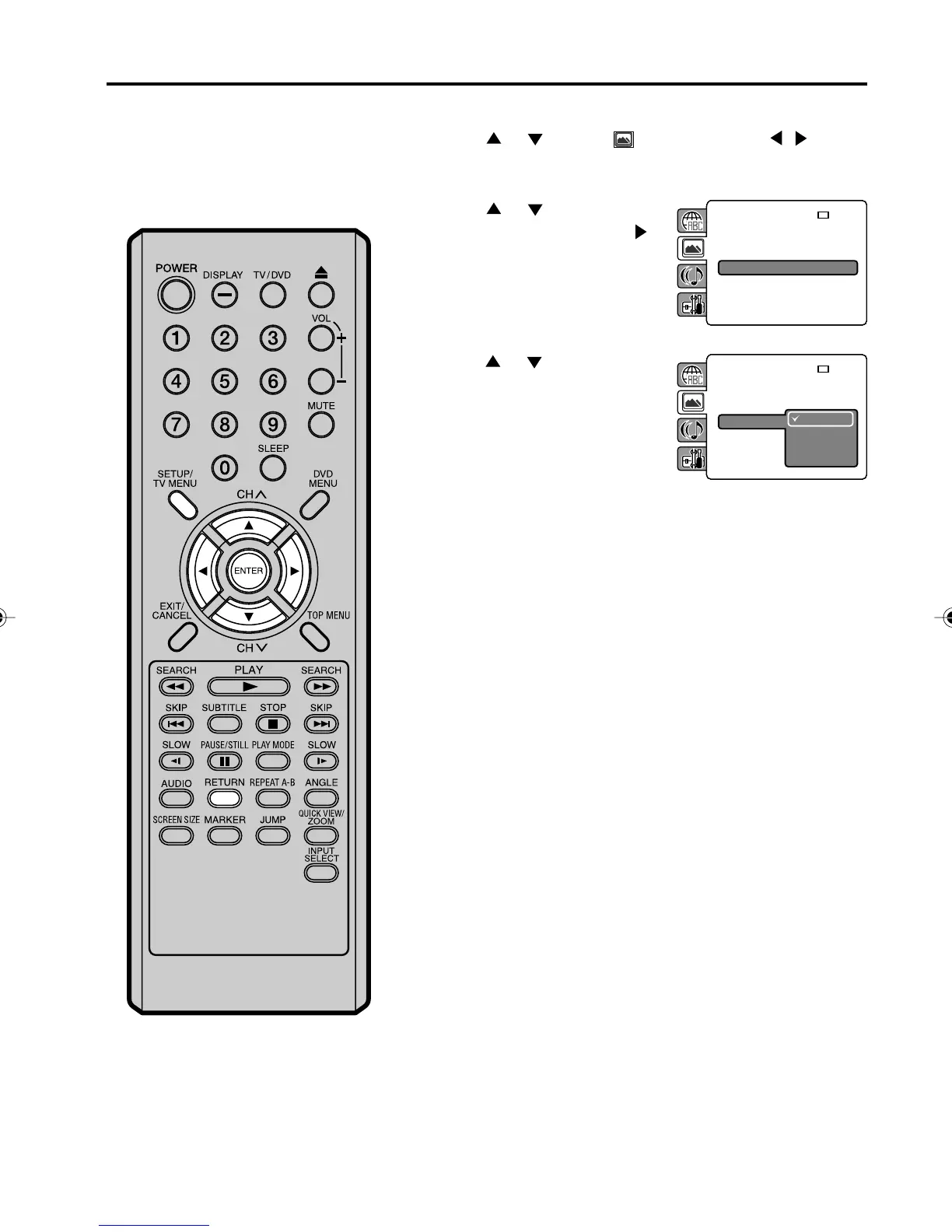
Setting the JPEG interval
Press SETUP/TV MENU in the stop mode.
Press
or to select option, then press / or
ENTER.
Press
or to select
“JPEG Interval”, then press
or ENTER.
Press
or to select your
desired time, then press
ENTER.
Off:
Plays back one file at a time.
5 Seconds:
Plays back images in the form of a slide show at 5 second
intervals.
10 Seconds:
Plays back images in the form of a slide show at 10 second
intervals.
15 Seconds:
Plays back images in the form of a slide show in 15 second
intervals.
Press SETUP/TV MENU or RETURN to remove the Menu
screen.
You can continuously play back all
JPEG files automatically.
TV Screen :
Display : On
Picture Mode : Auto
JPEG Interval : Off
: 16:9
TV Screen :
Display : On
Picture Mode : Auto
JPEG Interval
Off
5 Seconds
10 Seconds
15 Seconds
: 16:9
50C0301A_EN_P40-45 4/27/07, 7:19 PM45



 To Next Page