38
Picture/Audio control adjustment in the PC mode
NOTES:
• If you wish to change the on-screen
language, follow the steps 1 - 7 on page
16.
• If no buttons are pressed for more than
approx. 60 seconds, the PC Monitor
Menu-screen will return to normal
Monitor-screen automatically.
• The PC Monitor Menu settings are not
effective for normal mode, or external
input mode.
Picture menu setting:
BRIGHTNESS: To adjust the brightness of
PC Monitor-screen.
CONTRAST: To adjust the contrast of PC
Monitor-screen.
HOR POSITION: To adjust the horizontal
position of the image on the
PC Monitor-screen.
VER POSITION: To adjust the vertical position
of the image on the PC
Monitor-screen.
PHASE: This must be adjusted after
the frequency of your PC has
been set to 60Hz to optimize
picture quality (page 63).
CLOCK: To minimize any vertical bars
or stripes visible on the
screen background.
RED/GREEN/BLUE:
To adjust the color temperature
of PC monitor-screen
WXGA INPUT: Set to ON, when you select
the WXGA mode on the PC.
BACK LIGHTING: To adjust the screen brightness
for improved picture clarity.
Example: Adjust the contrast.
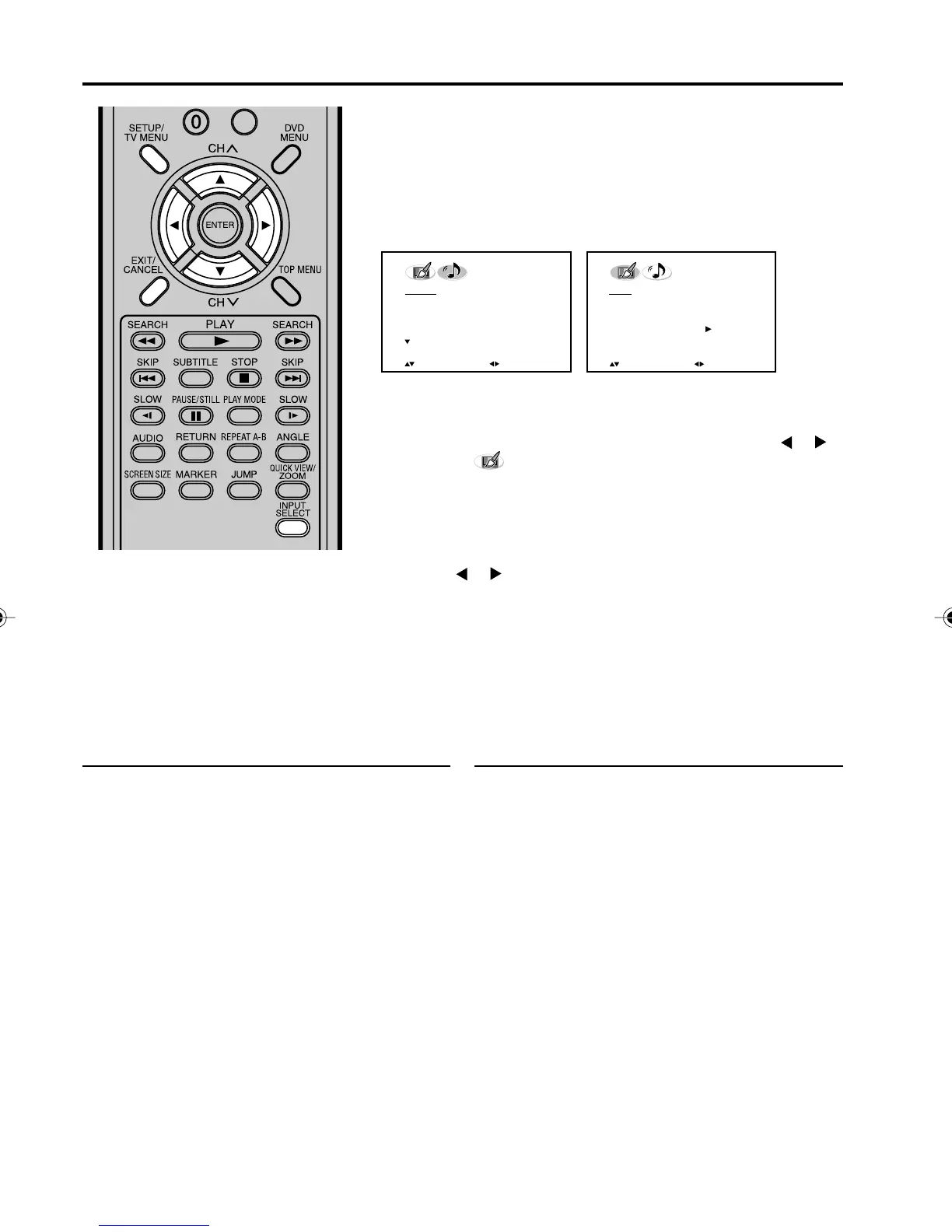
1
Press SETUP/TV MENU during PC mode, then press or
to select (PICTURE) menu.
2
Press ▲ or ▼ to select CONTRAST.
3
Press or to adjust the setting.
4
Press EXIT to return to the normal screen.
PC Monitor Menu
There are a number of picture and audio settings you can adjust to
optimize the performance of the TV in PC mode.
Press INPUT SELECT repeatedly to select PC mode.
Press SETUP/TV MENU. The PC Monitor Menu will appear.
Audio menu setting:
BASS/TREBLE/BALANCE:
To adjust the sound
quality of PC mode.
SURROUND: To turn on or off the
surround effect in PC
mode.
PICTURE Menu
AUDIO Menu
PICTURE
BRIGHTNESS 25
CONTRAST 50
HOR POSITION 25
VER POSITION 25
PHASE 25
CLOCK 0
:SELECT
:ADJUST
AUDIO
BASS 25
TREBLE 25
BALANCE 0
SURROUND OFF
RESET
:SELECT
:ADJUST
50C0301A_EN_P38-39 4/27/07, 7:18 PM38



 To Next Page