39
Picture/Audio control adjustment in the PC mode
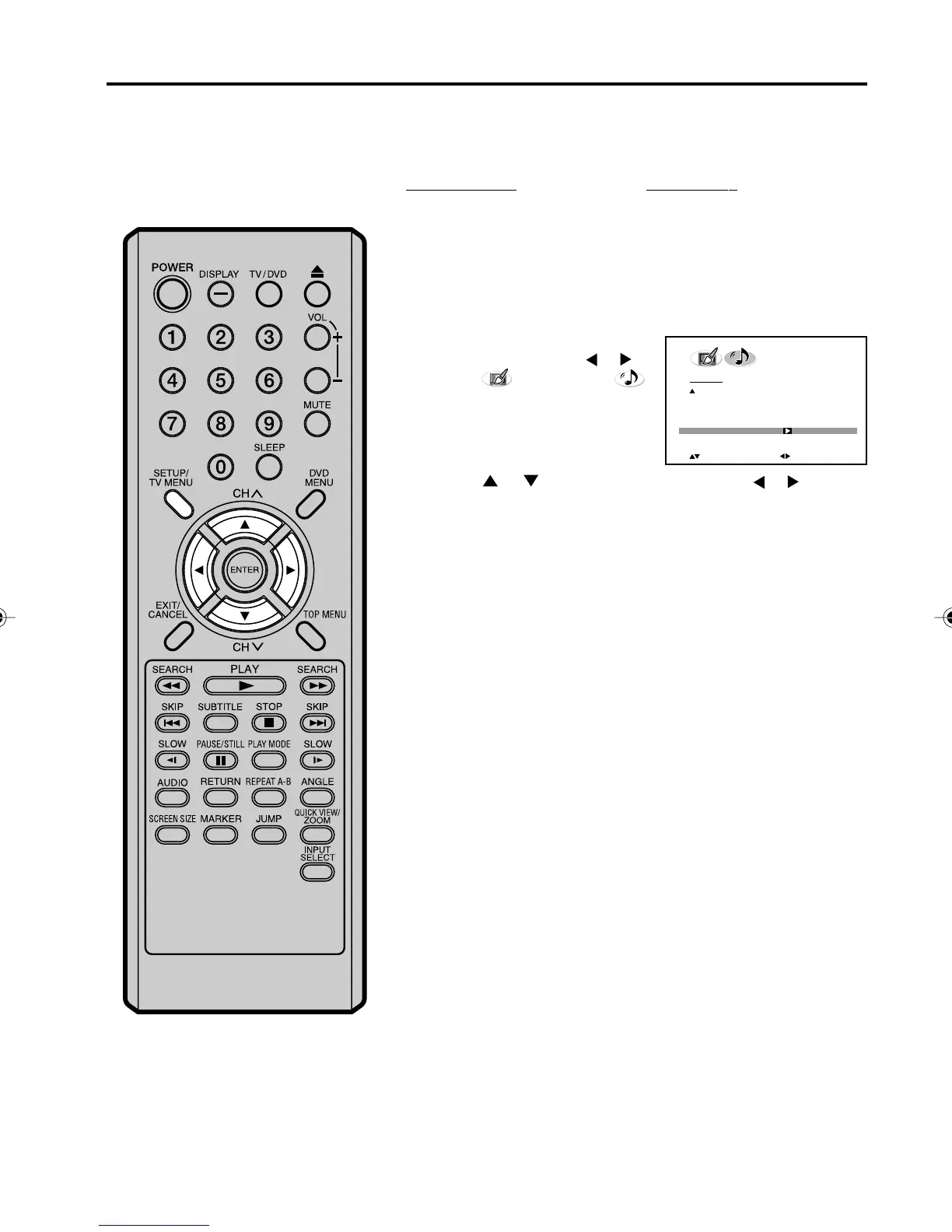
Resetting your picture/audio adjustment in the PC mode
The RESET function returns your picture/audio adjustment to the
following factory settings:
1
Press SETUP/TV MENU during
PC mode, then press
or to
select
(PICTURE) or
(AUDIO) menu.
2
Press or to select “RESET”, then press or .
PICTURE menu
BRIGHTNESS ........... center (25)
CONTRAST ................. max (50)
RED........................... center (25)
GREEN ..................... center (25)
BLUE ......................... center (25)
AUDIO menu
BASS...................... center (25)
TREBLE ................. center (25)
BALANCE .............. center (0)
PICTURE
RED 25
GREEN 25
BLUE 25
WXGA INPUT OFF
BACK LIGHTING 16
RESET
:SELECT
:ADJUST
50C0301A_EN_P38-39 4/27/07, 7:18 PM39



 To Next Page