59
Temporary disabling of rating level by DVD disc
1
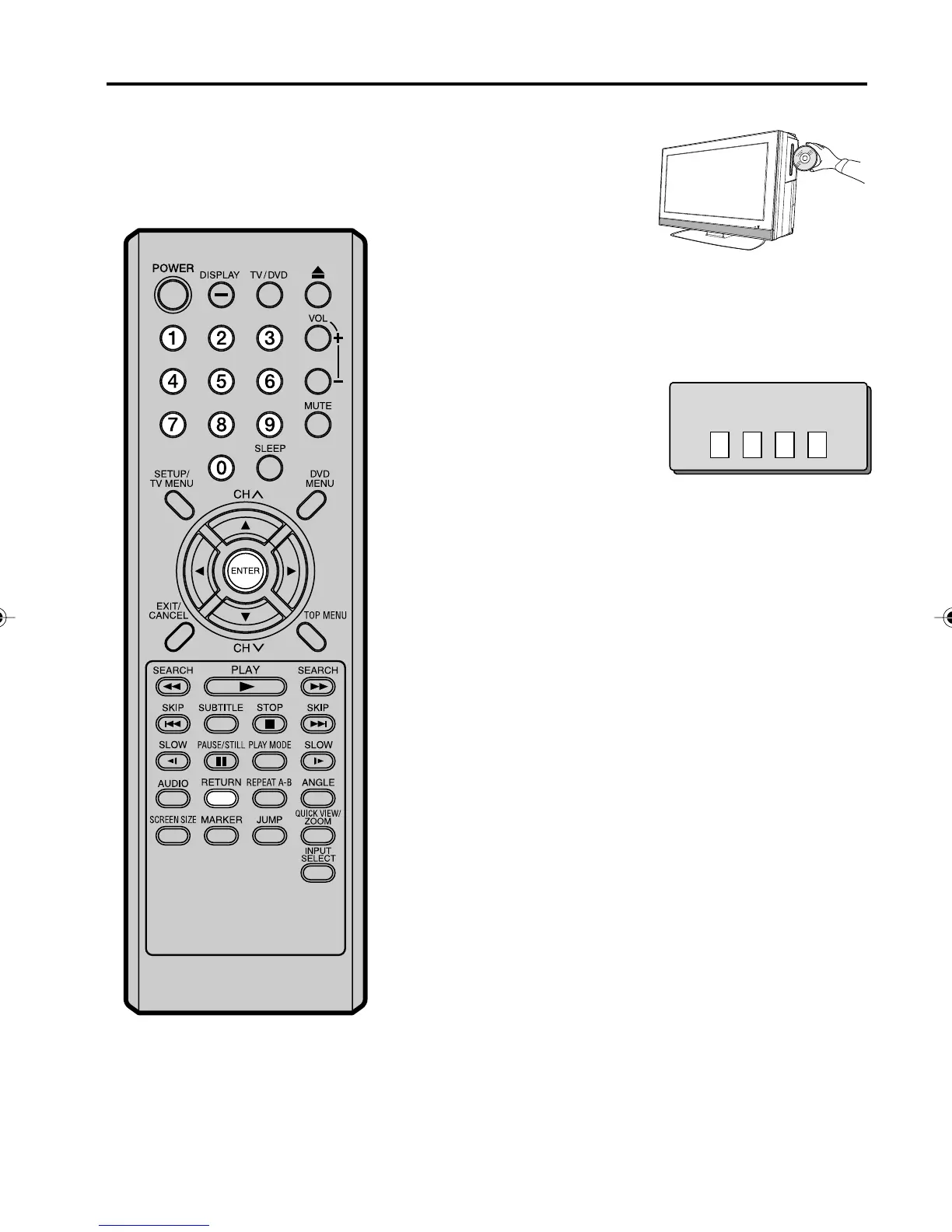
Load a DVD disc (see page 41).
2
If the DVD disc has been designed to temporarily cancel the
Rating level, the screen which follows the “Reading” screen will
change, depending on which disc is played. If you select “YES”
with ENTER key, password input screen will then appear.
Enter the password with
Number buttons (0-9).
Then press ENTER.
3
Playback will commence if the entered password was correct.
4
NOTE:
This temporary cancellation of the rating
level will be kept until the disc is ejected.
When the disc is ejected, the original rat-
ing level will be set again automatically.
Depending on the DVD disc, the disc
may try to temporarily cancel the
rating level that you have set.
It is up to you to decide whether to
cancel the rating level or not.
• If you interrupt the entering,
press RETURN.
Enter Password
50C0301A_EN_P56-61 4/27/07, 7:19 PM59



 To Next Page