58
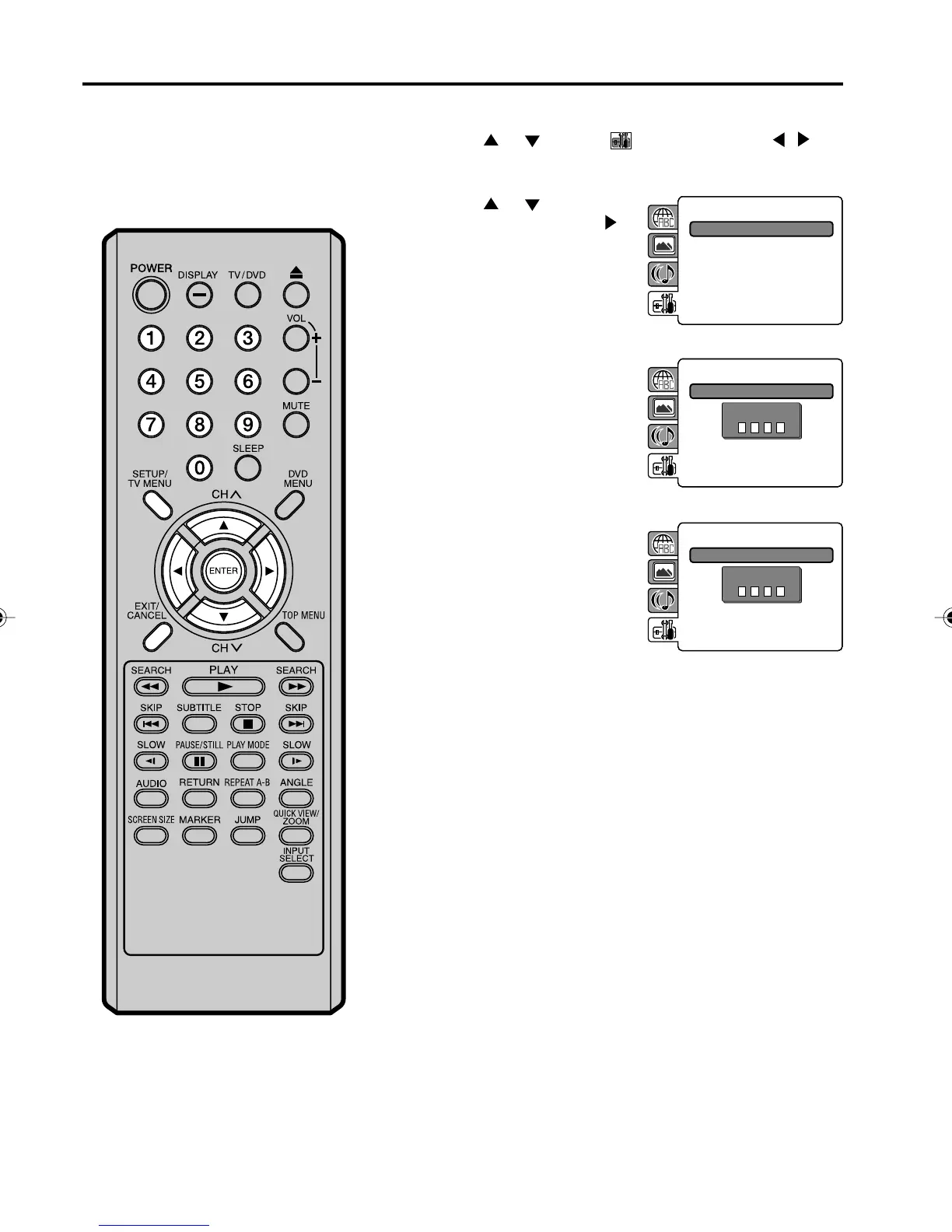
Setting the new password
3
4
5
NOTE:
Do not forget the password. If you forget
the password, contact Customer Service at
1-800-289-0980. The original remote con-
trol will be required.
Then press ENTER. “Enter
New Password” screen will
appear. Press Number
buttons (0–9) to input the
new password.
Press ENTER.
Now your new password has been set.
Be sure to remember this number!
1
2
Press SETUP/TV MENU in the stop mode or No Disc.
Press
or to select option. Then press / or
ENTER.
Press
or to select
“Password”, then press
or
ENTER.
“Enter Current Password”
screen will appear.
Parental : Off
Password : Change
Press Number buttons (0-9)
to enter the password you
have stored.
• If you input a wrong
number, press CANCEL.
Parental : Off
Password : Change
Enter Current Password
Parental : Off
Password : Change
Enter New Password
50C0301A_EN_P56-61 4/27/07, 7:19 PM58



 To Next Page