−33−
【4】DESCRIPTION OF FUNCTIONS
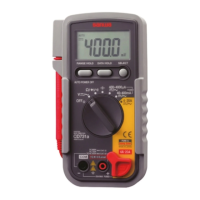
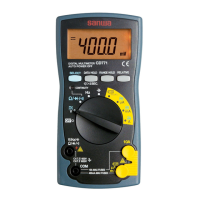
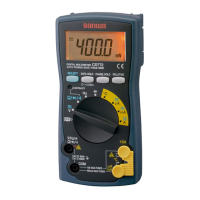
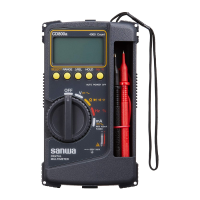
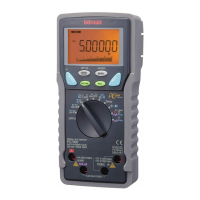
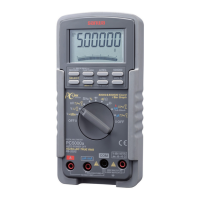
○Power switch and function switch
Turn this switch to turn on and off the power and select the functions
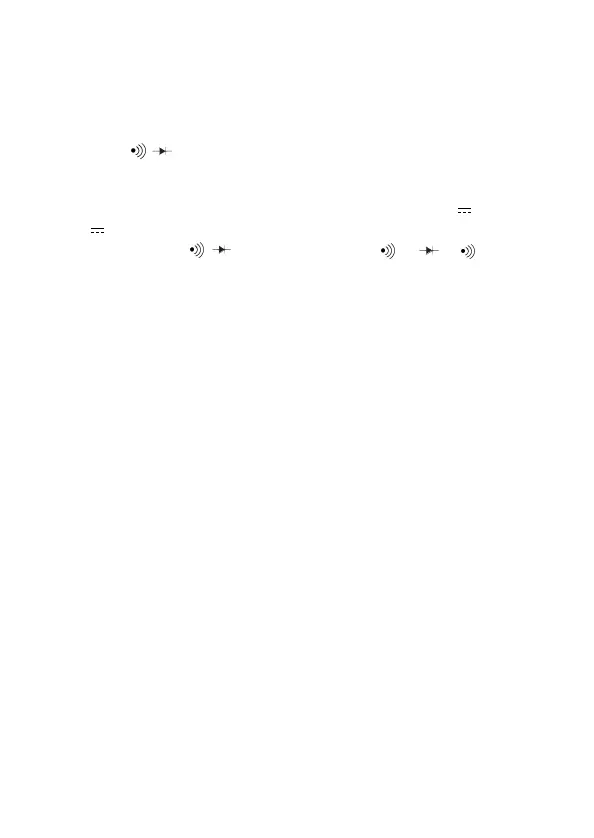
of V,Ω,● /● ,μA,mA,A.
○Shift switch
When this switch is pressed (→), the modes change as follows.
・In the case of current function the mode change as ● → 〜 →
● .
・In the case of ●/● the mode change as ● →● →● .
○Range hold switch (R.H)
Pressing this switch once sets the manual mode and the range is
fixed. Once the manual mode is set, the range moves each time
this switch is pressed. (only V,Ω,μA, mA) Checking the unit on
the display and the place of the decimal point, select a desired
range. To return to the auto mode, keep pressing this switch until
RH on the display disappears.
○Data hold switch (D.H)
When this switch is pressed, the data display at that time continues
(DH lights on the display). When the measuring input changes,
the display will not change.
When this switch is pressed again, the hold status is canceled you
can return to the measuring status. (DH on the display disppears.)
○Auto power off, Auto power save
This equipment incorporates an auto power off and save which
turns off the display in about 10 minutes to save power. Just
before the auto power save is activated, a warning sound is
issued.
If you want to continue to use the equipment, press the data hold
switch. If you will not use the equipment for long hours, keep the
functions switch at OFF.



 To Next Page