—
6
—
[4] DESCRIPTION OF FUNCTIONS
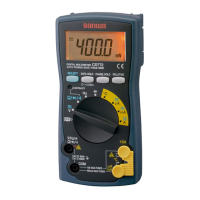
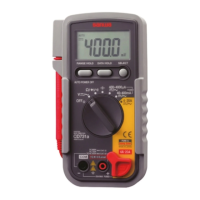
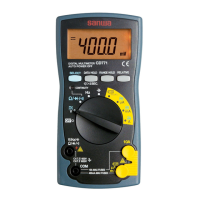
4-1 Power Switch & Function Switch
Turn this switch to turn on and off the power and select a
measuring function.
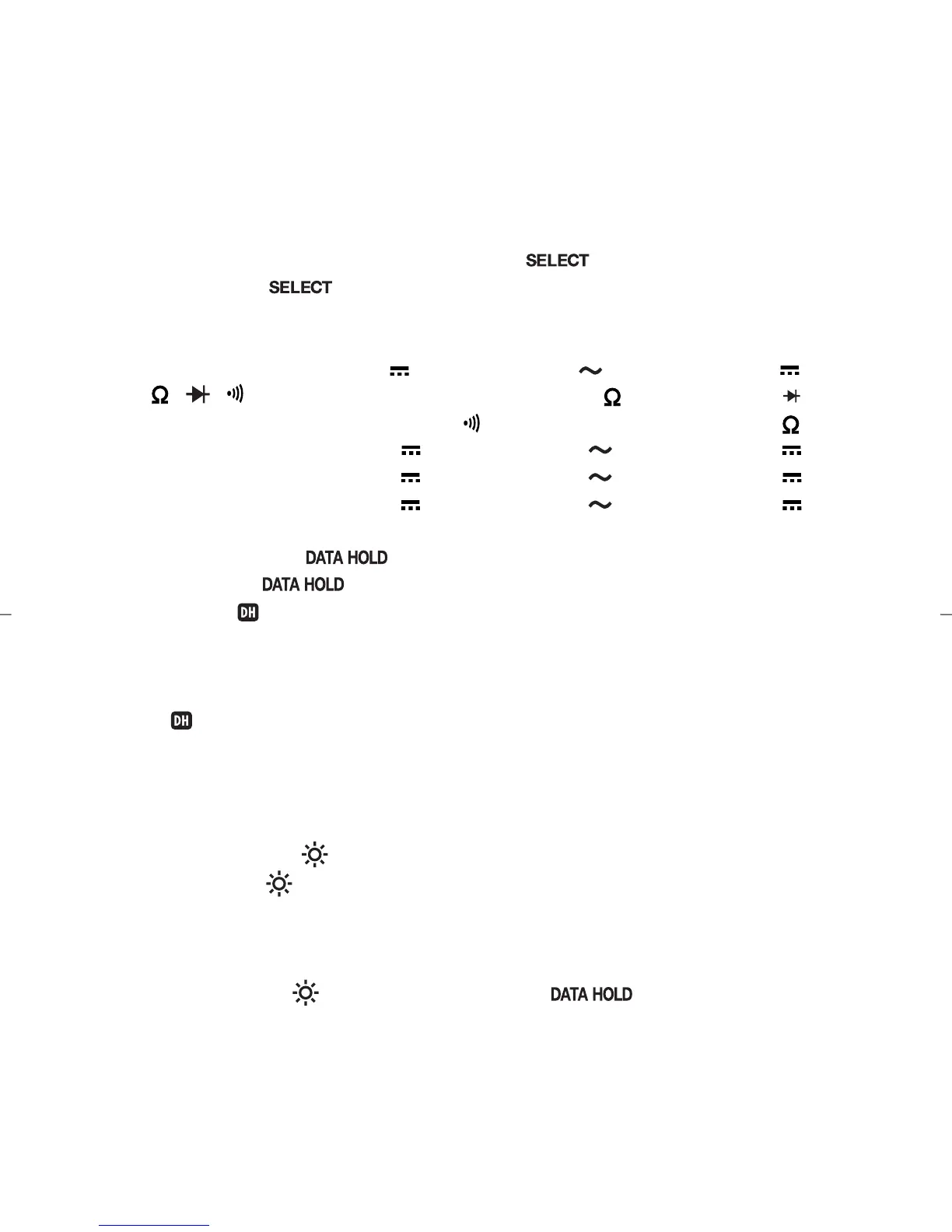
4-2 Measuring Function Selection: SELECT
When the 00000 button is pressed, the functions change as
follows:
•V position: DC voltage (
000
) AC voltage (
000
) DC voltage (
000
)
•
000
/
000
/
000
position: Resistance measurement (
000
) diode test (
000
)
continuity check (
000
) resistance measurement (
000
)
•
µA position : DC current (
000
) AC current (
000
) DC current (
000
)
•
mA position : DC current (
000
) AC current (
000
) DC current (
000
)
•
A position : DC current (
000
) AC current (
000
) DC current (
000
)
4-3 Data Hold: DATA HOLD
When the 0000000 button is pressed, the value indicated will be
held. (“XX” will appear on the display.) The indicated value will
not change if the measurement input fluctuates.
When this button is pressed again, the hold status will be
canceled and the meter will return to the measurement mode.
(“XX” will disappear from the display.)
Remarks:
• The DATA HOLD button does not work with the Hz function.
4-4 Backlight:
When the (XX) button is held pressed for 2 seconds or longer, the
backlight will be turned on. To turn it off, hold this button pressed
for 2 seconds or longer again.
Remarks:
• Because the (XX) button serves as the XXXXXX button also, when
the backlight is turned on, the data hold mode will be set. To cancel
the data hold mode, press this button momentarily (less than 2
seconds) again.
DRAWING No. CD771 03-1101 2040 6017


 To Next Page