EasyManua.ls Logo

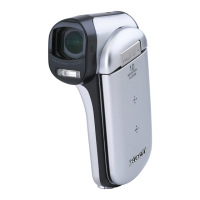
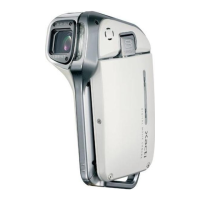
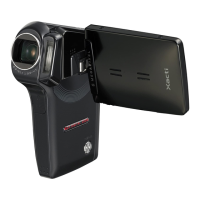
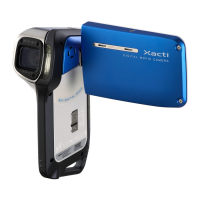
Sanyo Xacti VPC-CA 9 - User Manual

Sanyo Xacti VPC-CA 9
197 pages
Print Icon
To Next Page IconTo Next Page
Loading...
VPC-CA9EX
VPC-CA9
VPC-CA9GX
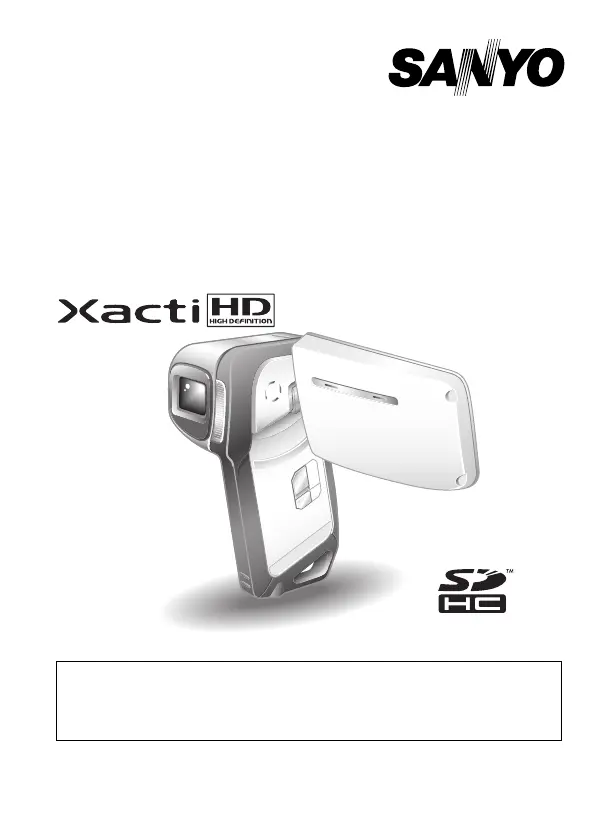
INSTRUCTION MANUAL
Dual Camera
Please read these instructions carefully before using the camera.
Make sure to read and understand the separate booklet “SAFETY MANUAL”.
Keep this manual in a safe place for later reference.
Important note
This manual explains how to safely operate the VPC-CA9EX, VPC-CA9 and
VPC-CA9GX.
Any information regarding only one of these products will be labeled as such.

Table of Contents

Questions and Answers

  • W
    William RuizAug 18, 2025
    What to do if my Sanyo Camcorder has no power?
    • K
      kingmatthewAug 18, 2025
      If your Sanyo Camcorder has no power, there could be several reasons: * The battery pack might be dead. Try recharging it or replacing it with a fully charged one. You can also connect the AC adapter and DC adapter (optional). * The battery pack might not be inserted correctly. Reinsert it, ensuring proper orientation. * The battery pack might be too hot. Allow it to cool down. * The power save function might be activated. Simply turn the camera on again.
  • R
    Rebecca CainAug 20, 2025
    Why is my Sanyo Xacti VPC-CA 9 Camcorder image too dark?
    • H
      Henry BoydAug 20, 2025
      If your Sanyo Camcorder image is too dark, it could be due to a few reasons. Perhaps the flash was blocked by a finger or another object, so make sure to hold the camera correctly and that the flash isn't obstructed. The subject may have been too far away, so ensure the image is captured within the flash's operational range. If the subject was lit from behind, try using the forced flash mode. Finally, there might not be enough light, in which case you should adjust the ISO sensitivity setting.
  • M
    Margaret AdamsAug 23, 2025
    What to do if my Sanyo Xacti VPC-CA 9 image is not in focus?
    • F
      Frederick HaasAug 23, 2025
      If the image from your Sanyo Camcorder is not in focus, consider these possibilities: * The subject might be too close to the camera. Ensure the subject is within the photographable range and select the correct focus setting. * The camera might have moved when the button was pressed, causing camera shake. Hold the camera correctly and slowly press the button halfway to lock the focus, then press it all the way to capture the image. * The lens might be dirty. Clean the lens.
  • N
    Nicholas GarciaAug 26, 2025
    Why won't my Sanyo Xacti VPC-CA 9 capture an image when I press the button?
    • B
      Bradley WilliamsAug 26, 2025
      If your Sanyo Camcorder isn't capturing images when you press the button, it could be due to a few reasons: * The camera may not be turned on. If the power save function was activated, turn on the camera before shooting. If the camera was turned off, press the ON/OFF button to turn it on. * The maximum number of images may have been reached, or the maximum video clip recording time has been reached. Install a new card, or delete unnecessary images. * The flash off mode may be selected. Set the flash to automatic flash mode or forced flash mode. * The battery pack may be dead. Recharge the battery pack, or replace it with a fully charged battery pack. Or connect the AC adapter and DC adapter (optional).
  • B
    brandtkimberlyAug 28, 2025
    Why is my Sanyo Camcorder image too bright?
    • J
      Jason LawsonAug 28, 2025
      If your Sanyo Camcorder image is too bright, it could be due to the following: * The forced flash mode is selected. Select a different flash mode. * The subject was too bright. Use the exposure compensation function. * The ISO sensitivity setting is incorrect. Set the ISO sensitivity to the appropriate level.
  • T
    Tara ColeAug 30, 2025
    How to fix incorrect colors in Sanyo Xacti VPC-CA 9 images captured indoors?
    • M
      michael82Aug 30, 2025
      If the colors of the images captured indoors with your Sanyo Camcorder are not correct, it could be due to ambient lighting. Try capturing the image using the forced flash mode. Alternatively, the white balance setting might be incorrect, so set it correctly.
  • M
    Michael NelsonSep 1, 2025
    Why does my Sanyo Xacti VPC-CA 9 Camcorder digital zoom not work?
    • F
      Felicia Kelly MDSep 1, 2025
      If the digital zoom on your Sanyo Camcorder isn't working, check if the still image is set to I and the digital zoom setting is set to “OFF”. If so, set the still image to J or lower and set the digital zoom setting to “ON”. Alternatively, the battery pack may be consumed. Recharge it, or replace it with a fully charged battery pack, or connect the AC adapter and DC adapter (optional).
  • R
    ronaldmirandaSep 3, 2025
    Why does my Sanyo Xacti VPC-CA 9 have no image or sound on TV?
    • S
      sherry29Sep 4, 2025
      If you're not getting any image or sound from your Sanyo Camcorder on the TV, the camera might not be correctly connected to the TV. Follow the instructions to make the connection correctly. Also, the TV input might not be set correctly; set the input on the TV to “VIDEO.”
  • P
    pattersonchristopherSep 6, 2025
    What causes noise in captured Sanyo Camcorder images and how to fix it?
    • J
      Julia MurilloSep 6, 2025
      Noise in captured Sanyo Camcorder images can be caused by a high ISO sensitivity setting. Try setting the ISO sensitivity to a lower setting.
  • S
    Susan MurphySep 8, 2025
    Why is my Sanyo Xacti VPC-CA 9 Camcorder battery pack not charging?
    • K
      Kimberly SmithSep 8, 2025
      The battery pack is not charging, make sure that the battery pack is correctly oriented when inserting it in the charger.

Summary

Introduction and Basic Operations

Important Notes and Cautions

Crucial information regarding safe operation and product usage.

Camera Setup and Installation

Install Battery Pack and Card

Step-by-step instructions for opening the compartment and inserting the battery pack.

Charge Battery Pack

Step-by-step guide on how to charge the camera's battery pack using the provided charger.

Camera Waterproof Features

Details the camera's ability to be used in water, including limitations and conditions.

Shooting Procedures and Features

Video Clip Recording

Detailed steps for recording video clips using the camera.

Shooting Single Shots

Guide on how to capture individual still photos using the camera's shutter button.

Capture Still Image During Video Clip

Procedure for capturing a still photo without interrupting ongoing video recording.

Playback and File Management

Viewing Video Clips and Still Images

Instructions on how to play back recorded video clips and still images.

Troubleshooting and Specifications

Troubleshooting Guide

Solutions for common camera problems including power, shooting, monitor, and connectivity issues.

Sanyo Xacti VPC-CA 9 Specifications

General IconGeneral
BrandSanyo
ModelXacti VPC-CA 9
CategoryCamcorder
LanguageEnglish

Related product manuals