9
Calibration/ Adjustment
*
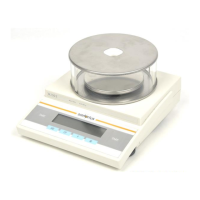
Always calibrate/ adjust the balance/ scale after setting it up in a new location.
Available Features
Calibration/ adjustment can only be performed when
there is no load on the balance/ scale,
the balance/ scale is tared,
the internal signal is stable.
If these conditions are not met, an error message is displayed.
The weight required for calibration/ adjustment is displayed (see Accessories for
calibration weights; for model GC503 see Equipment Supplied).
On Basic
lite
balances, calibration/ adjustment can be performed
with any of three weight units: g, kg* * , or lb (menu code 1. 4. x)
Factory setting: Grams (menu code 1. 4. 1)
Example
Calibrate the balance/ scale
Menu code settings: Factory-set codes
Step Key (or instruction)Display/ Printout
1. Turn on the balance/ scale e
2. Tare the balance/ scale t 0.0 g
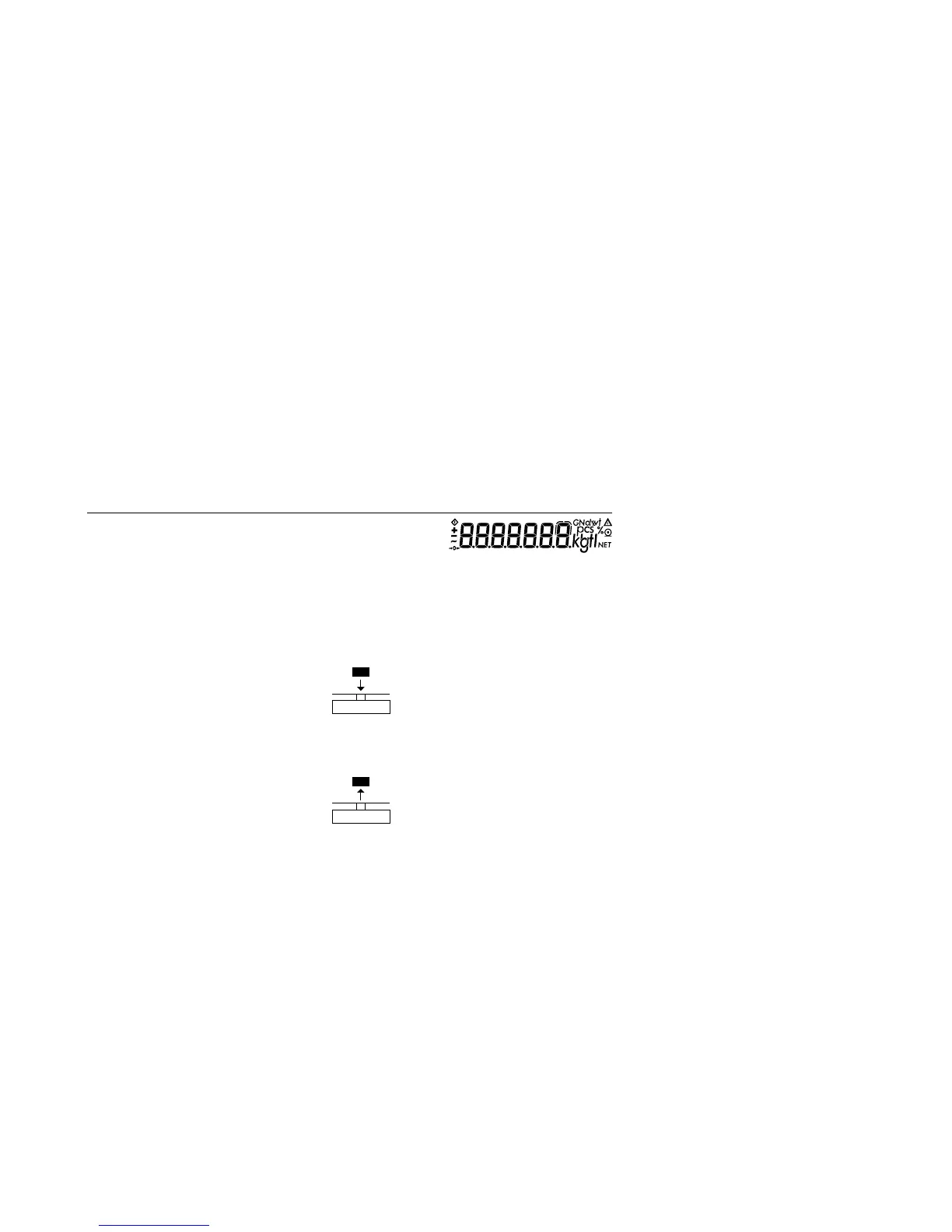
3. Begin calibration t >2 sec. +1000.0
Calibration weight is displayed
without weight unit (here: 1000 g)
4. Place the indicated calibration 1000.0
weight on the balance/ scale
After calibration, the calibration +1000.0 g
weight is displayed with wt. unit
5. Remove the calibration weight 0.0 g
* Calibration technically means to determine the difference between the balance/ scale readout and the
actual weight on the pan to determine the accuracy.
Adjustment means to bring a balance/ scale into the state of accuracy required for its use.
Therefore, calibration, as used in this manual, actually means adjustment.
* * = not on models with a readability of 0.1 mg



 To Next Page