16
Net-Total Formulation/ Second Tare Memory
With this application program you can weigh in components
for formulation of a mixture.
Preparation
Configure the Net-Total Formulation/ Second Tare Memory application
in the operating menu: See Configuring the Balance/ Scale
Menu code 2.1.3
Example
Step Key (or instruction)Display/ Printout
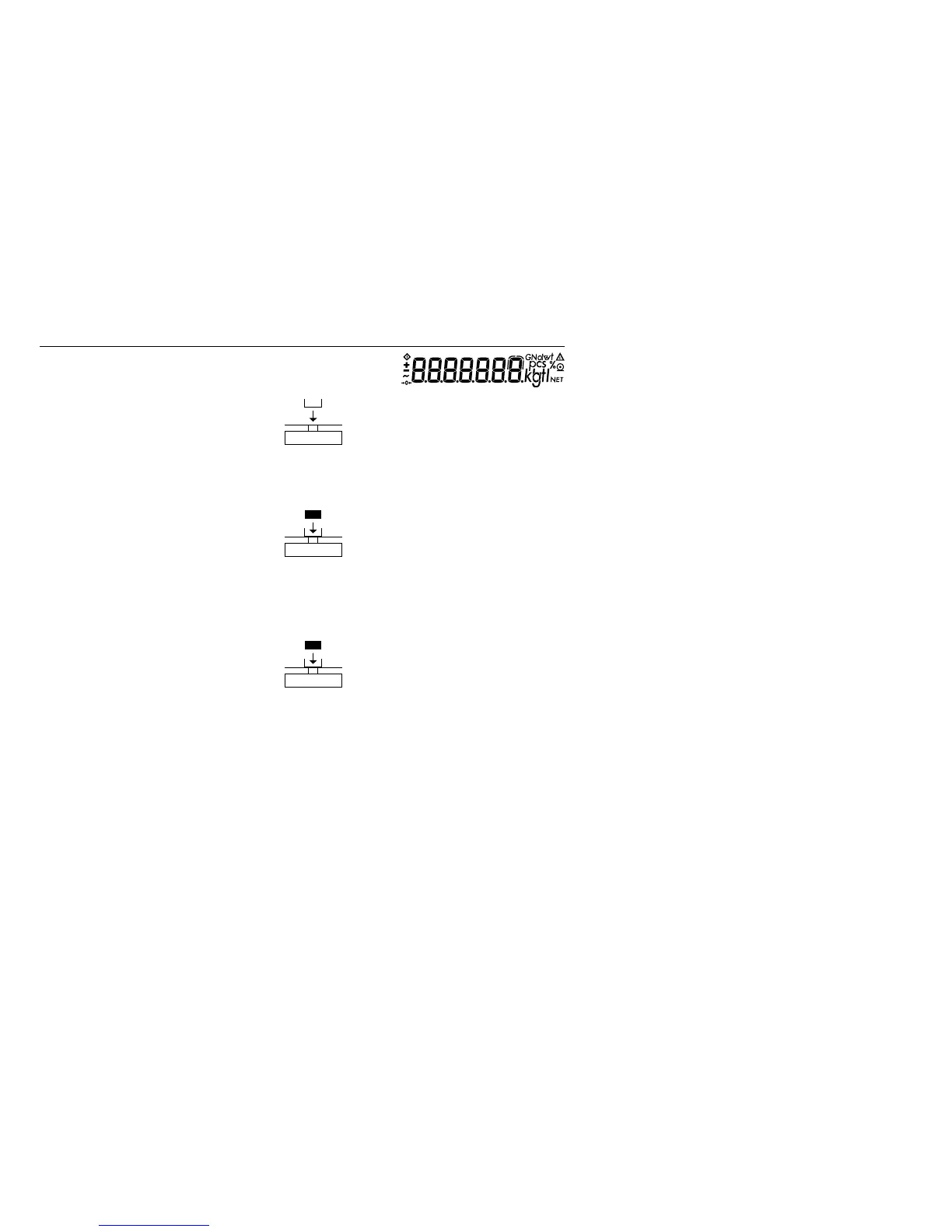
1. Turn on the balance/ scale e
2. Place an empty container on + 65.0 g
the balance/ scale
3. Tare the balance/ scale t
4. Add the first component + 120,5 g
5. Store the first component weight v 0.0 g
NET
If the print format is set
to include data ID codes,
the following is printed: N1 + 120.5 g
6. Add the next component + 70,5 g
7. Store the 2nd component weight v 0.0 g
NET
8. Add further components, As described
if desired for steps 5 and 6
9. Display total weight c + 191,0 g
and fill to desired final weight




 To Next Page