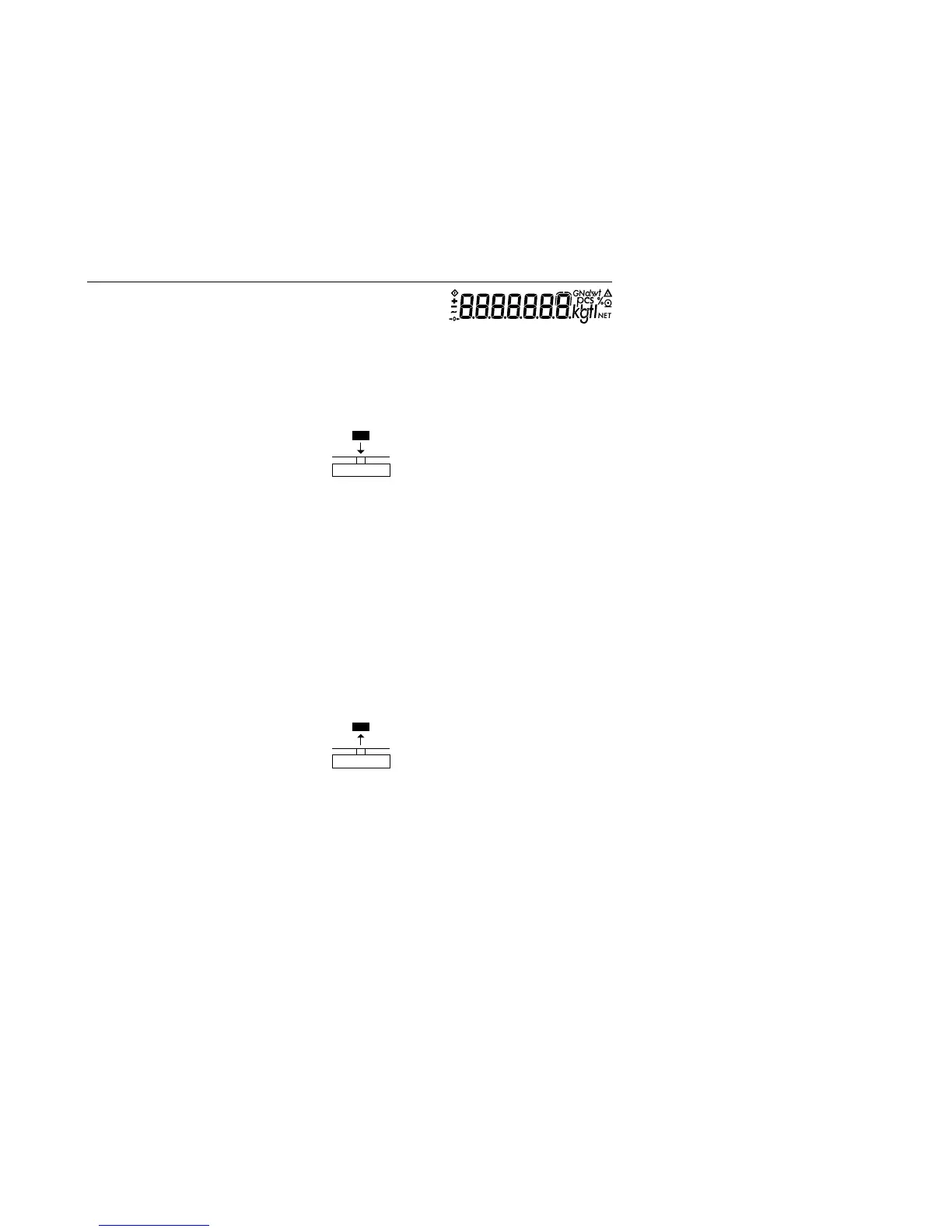
15
Example
Determine the weight of a sample in extremely unstable ambient conditions
by calculating the average of 10 subweighing operations.
Settings (changes in the factory settings required for this example):
Menu: Application program: Weigh Averaging (menu code 2. 1.12)
Step Key (or instruction)Display/ Printout
1. Turn on the balance/ scale e
2. Tare the balance/ scale t 0.0 g
3. Display the number
of subweighs (here: 10) v >2 sec. r ef 10 (briefly)
4. Place sample on the balance/ + 8888
scale (weight readout fluctuates;
here: about 275 g)
5. Start measurement v + 8888
10
9
8
...
1
After 10 subweighs + 275.5 g
G
If the print format is set
to include data ID codes,
the following is printed: RES + 2 75.5 g
6. Unload the balance/ scale + 275.5 g
G
(stable display)
7. Delete the result c
8. Repeat the procedure starting
from step 4, if desired.



 To Next Page