8
Operating the Balance/ Scale
Basic Weighing Function
Available Features
Taring the balance/ scale
You can tare the balance/ scale within the entire weighing range.
Preparation
Turn on the balance/ scale: Press e
To change configurations: See the chapter entitled
Configuring the Balance/ Scale
To load factory-set configurations:
See Configuring the Balance/ Scale, parameter 9 1
$ To tare the balance/ scale: Press t
Additional Functions
To turn off the balance/ scale: Press e
Example
Basic weighing
Menu code settings: Factory-set codes
Step Key (or instruction)Display/ Printout
1. Turn on the balance/ scale e
Self-test is performed
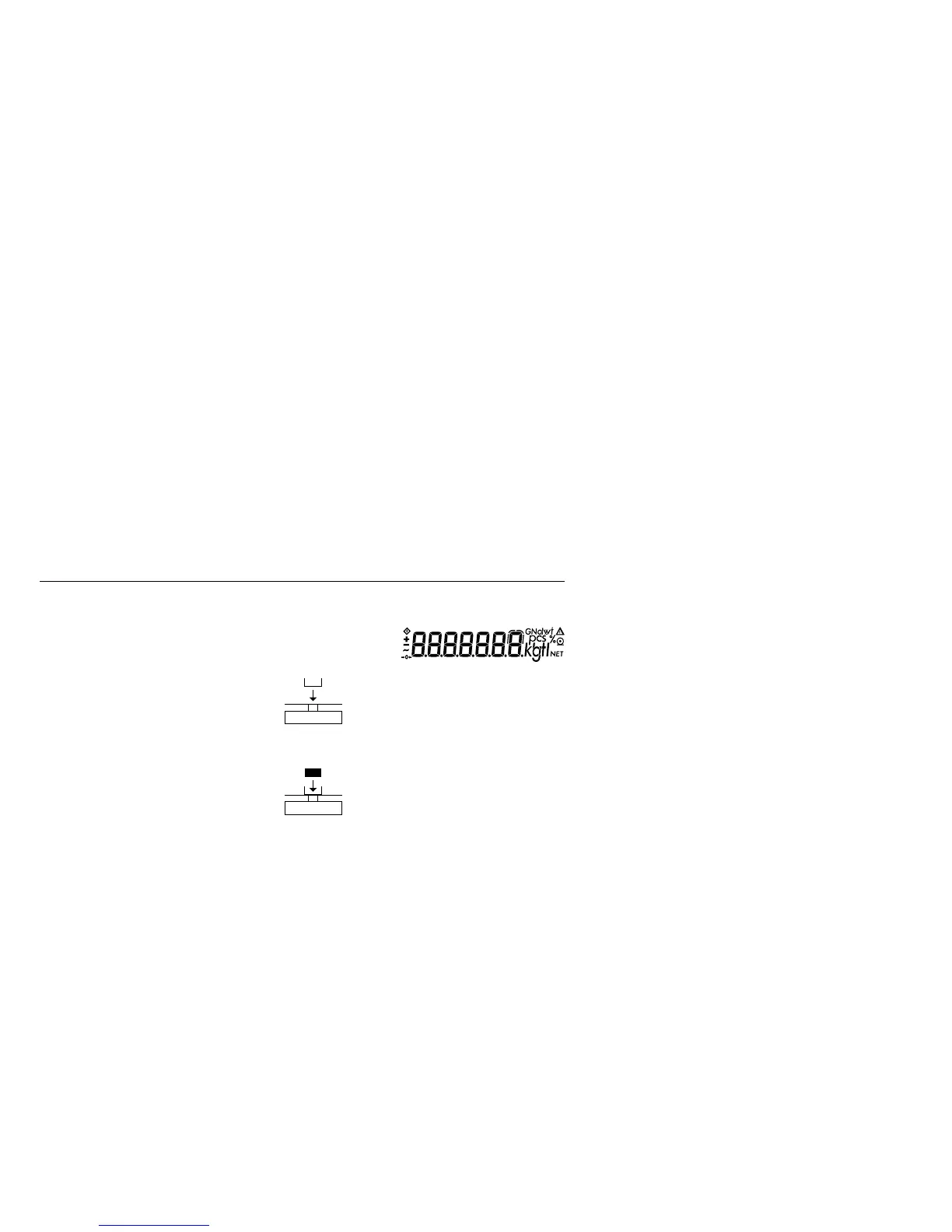
2. Place container on balance/ + 52.0 g
scale (here: 52 g)
3. Tare the balance/ scale t + 0.0 g
4. Place sample in container on +150.2 g
balance/ scale (here: 150.2 g)



 To Next Page