18
Configuring the Balance/ Scale
Setting the Parameters (Menu Codes)
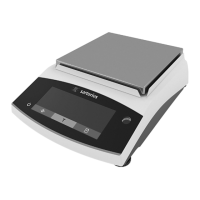
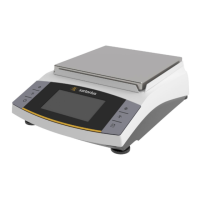
You can configure your Basic
lite
balance or Gem
lite
scale to meet individual requi-
rements by selecting from the parameters available in the menu.
Example: Adapt the balance/ scale to unstable ambient conditions:
Menu code 1 1 4
Step Key (or instruction)Display
1. Turn off the balance/ scale e
2. Turn the balance/ scale back on; e
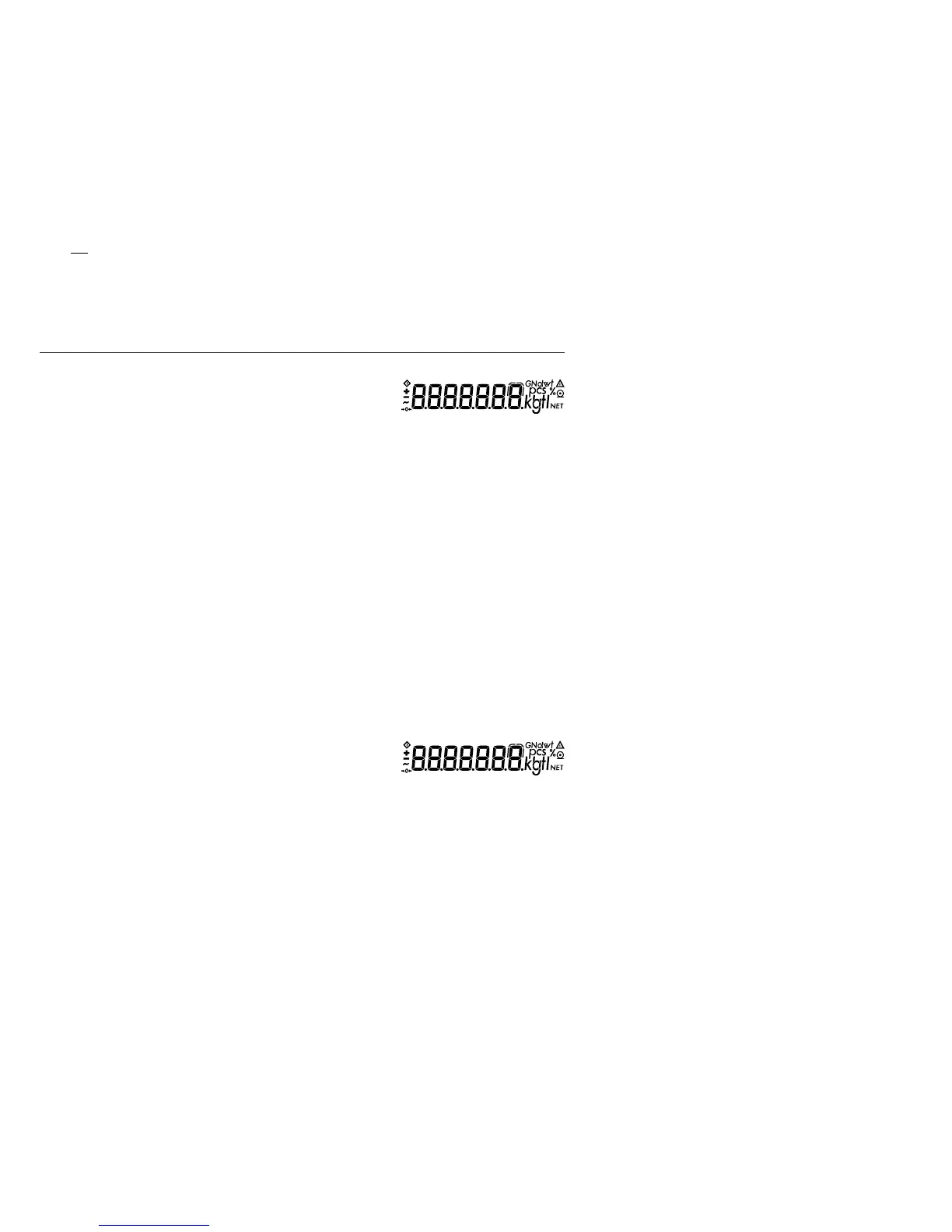
while all segments
are displayed: t briefly 1.
$ To navigate within a menu t 2.
level; the last menu option is repeatedly ...
followed by the first option 9.
1.
3. Select the 2nd menu level p 1. 1.
4. Select the 3rd menu level p 1. 1. 2 o
5. In Menu Level 3: t
Select the desired option repeatedly 1. 1. 4
6. Confirm new setting;
the o indicates the currently set p
option for 2 sec. 1. 1. 4 o
$ Select the next menu level
(here: move from the 3rd to
the 1st level) p 1.
$ Set other menu codes, if desired p , t
7. Store parameter settings t
and exit operating menu for 2 sec.
or
$ Exit operating menu without
storing changes e
> Restart the application 0.0 g



 To Next Page