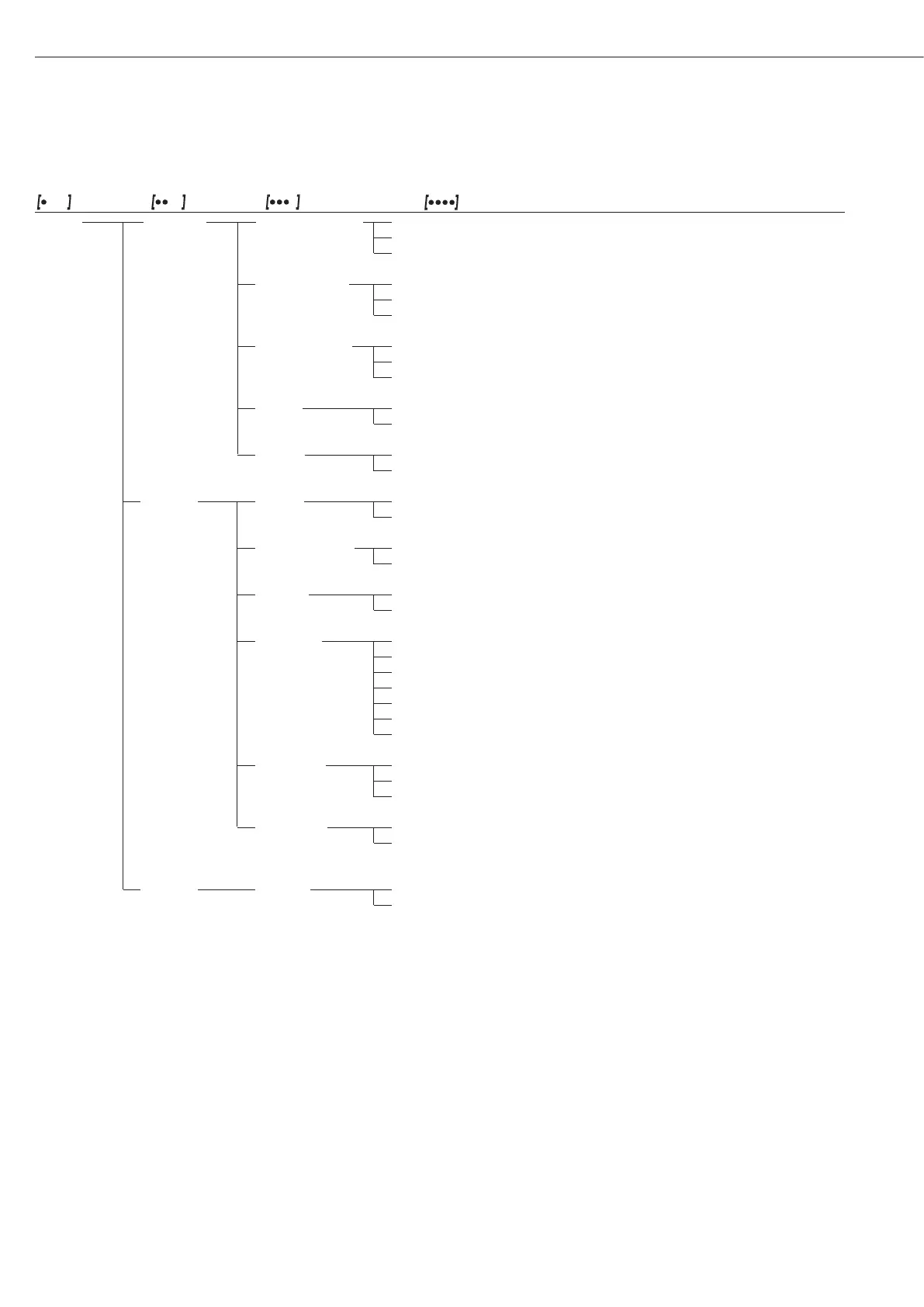
Level 1 Level 2 Level 3 Level 4 Code
Setup dat.rec. Prt.Init. Print- Off 1. 6. 5. 1
printout out of application ο all All parameters 1. 6. 5. 2
(Printout) parameters mainpar. Main parameters 1. 6. 5. 3
Format Line ο 16. char. characters (w/o ID) 1. 6. 6. 1
format for 22. char. characters (w/ ID) 1. 6. 6. 2
printout 2nd line with date/time 1. 6. 6. 3
GLP printout ο Off 1. 6. 7. 1
As ISO/GLP-com- Cal.-adj. Only for calib./adj. 1. 6. 7. 2
pliant Printout Always on 1. 6. 7. 3
Time ο 24h display 1. 6. 8. 1
12h display “AM/PM” 1. 6. 8. 2
Date ο dd.mmm.yy format 1. 6. 9. 1
mmm.dd.yy format 1. 6. 9. 2
Extras menu ο Can Edit 1. 8. 1. 1
(Additional Rd. Only Read only 1. 8. 1. 2
functions)
Horn Acoustic Off 1. 8. 2. 1
Signal ο On 1. 8. 2. 2
Keys ο free 1. 8. 3. 1
(Keypad) blocked 1. 8. 3. 2
ext.key ο Print key r 1. 8. 4. 1
External switch Z/Tare w key 1. 8. 4. 2
function cal. Q key 1. 8. 4. 3
select b key 1. 8. 4. 4
cf c key 1. 8. 4. 5
enter u key 1. 8. 4. 6
blocked Key locked 1. 8. 4. 9
on mode off/on Off/on/standby 1. 8. 5. 1
Power-on mode standby On/standby 1. 8. 5. 2
ο Auto On Auto on 1. 8. 5. 3
Backlit off 1. 8. 6. 1
Display ο on 1. 8. 6. 2
backlighting
Reset Menu Yes Restore fcty. settings 1. 9. 1. 1
Reset menu Factory settings ο no Do not restore settings 1. 9. 1. 2
20


 To Next Page
 Loading...