46
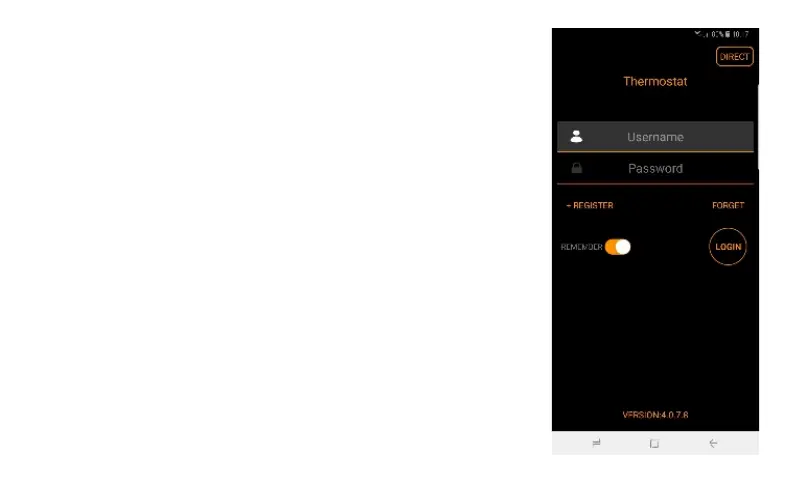
iOS: To use this mode, open the app. On the top right of the screen you'll see
»DIRECT« button. Click on it and now go back to your phone's settings menu,
WIFI settings. Find the SSID* of the thermostat and click on it (SSID starts with
»THERMOSTAT-»). Now return to the Saswell app. Now, you should able to see
the current room temperature and set the desired heating temperature via app.
Important – To be able to access the local, test mode, the thermostat must set to
AP mode. Otherwise, you won’t be able to see your thermostat.
*SSID – SSID is the name of the WIFI wireless network


 To Next Page
 Loading...











