MODULES AND FUNCTIONS
Bubbleland
Symbol Module Range Default
MISCELLANEOUS MODULES
CLOCK MODULE
x 1
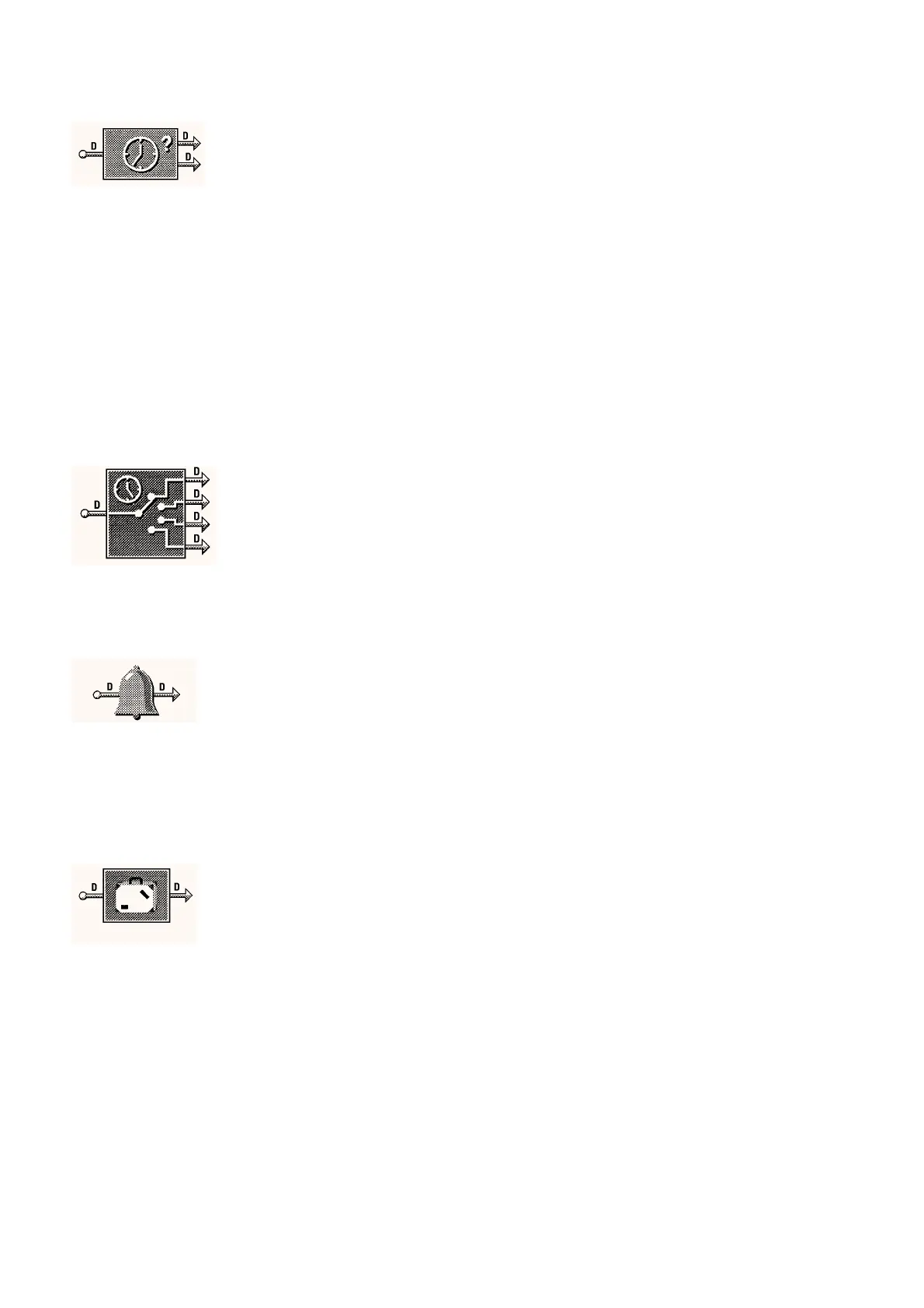
The Clock module is used b
the IAC to keep the time. The di
ital
input is used to re-s
nchronize the clock when the IAC is used in a
standalone mode. The di
ital outputs are used to show the clock state
e.
. time lost
labelled "?"
and clock runnin
.
NOTES:-
1.Touch-screen
The Touch-screen will update the time on all IACs on its SUB LAN
once per da
at midni
ht
. The Touch-screen monitors the IAC clocks
for time lost, on seein
this the time is updated on all the IACs.
The Touch-screen will update all the IACs if its own time is updated.
2.Computer Runnin
Satchnet
The computer will update the time on LAN sites ever
5 minutes.
WAN sites are updated when the
are contacted.
Re-synchronization Time
If the IAC is operatin
in a standalone mode then it is desirable to
re-s
nchronize the clock on a re
ular basis. This is achieved from an
external time switch momentar
contact and this settin
tells the IAC at
what time this will occur.
0000 to 2359 0000
Re-synchronization Day of the Week
This parameter tells the IAC on what da
the re-s
nchronization
contact will operate. If the clock is set to be re-s
nchronized ever
da
set this parameter to All.
Monda
to Sunda
or All
Monda
TIMESCHEDULE MODULES
x 4
The Timeschedule module has a sin
le di
ital input which should be
connected to the clock runnin
output of the clock module. The four
di
ital outputs represent the first on, first off, second on and second off
times respectivel
and each would be connected to the relevant input,
for instance controller overrides.
Displa
ed in tabular format with 2 On/Off’s per da
and a 7 da
week.
The On and Off times must be set in 24 hour format i.e. 3:00 AM is set
as 0300.
If onl
one ON/OFF is re
uired for a da
then the First ON time is set
and also the First OFF. The Second ON and second OFF should be
set to the same time as the First OFF. If the IAC is to be off all da
set
both ONs and OFFs to 0000.
0000 to 2359 0800, 1700
1700, 1700
ALARM MODULES
x 12
The Alarm module is used to monitor a di
ital si
nal, when the si
nal is
on the alarm module re
isters an alarm present and
ives a di
ital
si
nal out. When the alarm is acknowled
ed from the computer, the
output is turned off.
NOTE:-
The alarm is tri
ered b
the input to the module bein
on.
For temperature/volta
e alarms use a threshold module to
ive a
switched output.
Alarm Status
review onl
This parameter shows the state of the alarm.
No Alarm, Alarm,
Accept Alarm or
Alarm Acknowled
e
–
Accept Alarm
This parameter allows the alarms to be acknowled
ed.
Yes or No –
HOLIDAY MODULE
x 6
The Holida
module allows a holida
to be set in advance. The
Holida
Enable Di
ital input must be on to allow the preset holida
to
take place. This input would normall
be connected to the clock
runnin
output. When a holida
condition exists the module output will
be on and could be connected to, for instance, the ni
ht or relaxed
override input of one or more control modules.
NOTE:-
The holida
schedule will onl
operate if it is connected and
set before the holida
start date.
Current State
review onl
Shows the current state of the holida
module di
ital output.
On or Off –
Holiday Enable
Manual override to disable the holida
from the computer if re
uired
Yes or No Yes
Start of Holiday Week Number
This sets the week number that the holida
is to start in.
1 to 53 1
Start of Holiday Day
This sets the Da
that the holida
is to start on.
Monda
to Sunda
Monda
End of Holiday Week Number
This sets the week number that the holida
will finish in.
1 to 53 1
End of Holiday Day
This sets the Da
that the holida
will finish on.
Monda
to Sunda
Monda
05/98 11 - 24 DS 2.951A


 To Next Page