MODULES AND FUNCTIONS
Bubbleland
Symbol Module Range Default
MATHS MODULES
Cont.
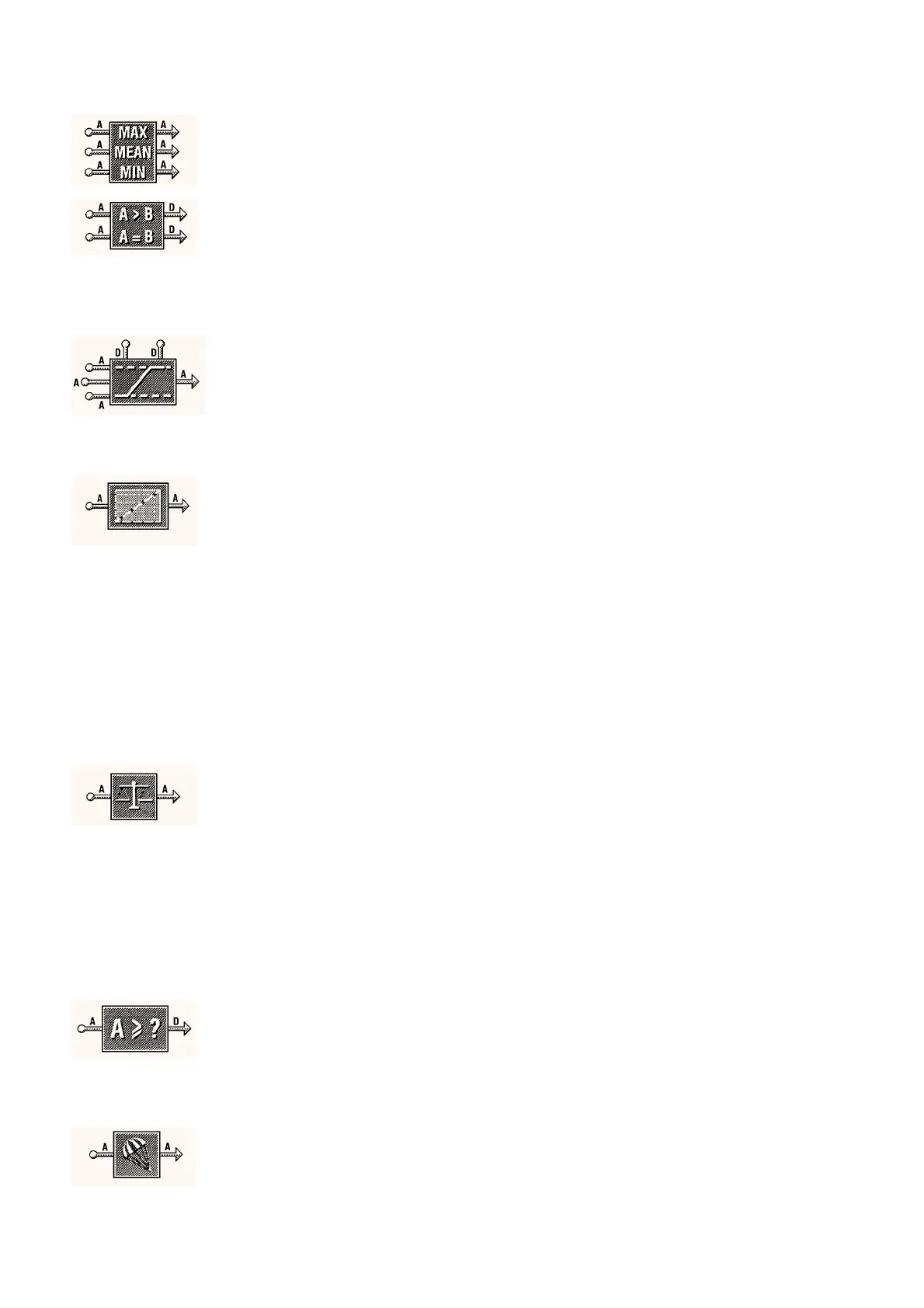
ANALOGUE AVERAGING MODULE
x 6
This module re
uires no settin
and is used to avera
e up to 3 inputs.
The module supplies a maximum, minimum and avera
e output value.
COMPARATOR MODULE
x 8
The Comparator module is used to compare two analo
ue inputs and
ive two Di
ital outputs if certain conditions are true. If the inputs are
referred to as A and B then the re
uired conditions are:-
A
≥
B then output 1 is on
A = B ‘+ or
−∋
the set tolerance then output 2 is on
Tolerance
A tolerance can be set for the A = B output such that the condition will
tri
er when A = B ‘+ or –’ the tolerance
0 to 10,000 1
LIMITER MODULE
x 8
The Limiter module is used to limit the ran
e of an Analo
ue si
nal.
The upper and lower limits can be set either from within the module or
b
feedin
an analo
ue si
nal into the two analo
ue inputs. The value
of these inputs sets the correspondin
upper and lower limits. Di
ital
inputs on the module override the module output to the upper or lower
set limit respectivel
.
Minimum Value
–10,000 to 10,000 0
Maximum Value
–10,000 to 10,000 100
LOOK-UP TABLE MODULE
x 6
The Look-up Table module is used to scale an
analo
ue si
nal to a
set of units, for instance pressure. The input and correspondin
output
value can be entered.
Input Value 1 and Output Value 1
There are eleven of these pairs to allow for non linear sensor
characteristics. If all eleven pairs are not re
uired unused pairs are set
to - - -.
NOTE:-
The ‘IN’ value must increase in size from input value 1 upto
input value 11 for the look-up table to function correctl
.
–10,000 to 10,000 IN OUT
00
10 2
20 3
30 4
40 6
50 10
60 16
70 25
80 40
90 63
100 100
SCALING MODULE
x 8
The Scalin
module is used to re-scale an analo
ue si
nal based on
minimum and maximum input and output values. From these values
the IAC scales all the points in between linearl
.
For example for values of 0 in 0 out and 50 in 100 out a 0 to 5 Volt
input is expanded to a 0 to 10 Volt output.
Si
nals can be reversed b
usin
this module b
settin
, for example
0, 100 and 100, 0 this would reverse a 0 to 10Vdc input si
nal.
NOTE:-
The Input Minimum Value must be less than the Input
Maximum Value for the Scalin
Module to function correctl
.
Input Minimum Value
–10,000 to 10,000 0
Output Minimum Value
–10,000 to 10,000 0
Input Maximum Value
–10,000 to 10,000 100
Output Maximum Value
–10,000 to 10,000 100
THRESHOLD MODULE
x 8
The Threshold module is used to provide a switched output from an
analo
ue input. If both the on and off values are set the same the
module will act as a simple switch. If the off value is set below the on
value then the switch will have a h
steresis on it. The Off threshold
must be less than or e
ual to the On threshold.
On Threshold
–10,000 to 10,000 0
Off Threshold
–10,000 to 10,000 0
RATE LIMITING MODULE
x 6
This module allows an
var
in
analo
ue si
nal to be slowed down or
smoothed. The time
in seconds
and a value are set. The output
value will then follow the input as lon
as it chan
es at/or slower than
the set value per set time period. If it chan
es faster than the values
set then the output will chan
e onl
at the rate set. For example, the
module ma
be set at 5
°
C per 1 second, if the input chan
es b
10
°
C
in 1 second and stabilizes then the output will take two seconds to
e
ual the input.
DS 2.951A 4 - 24 05/98



 To Next Page