LOGIC MODULES
Cont.
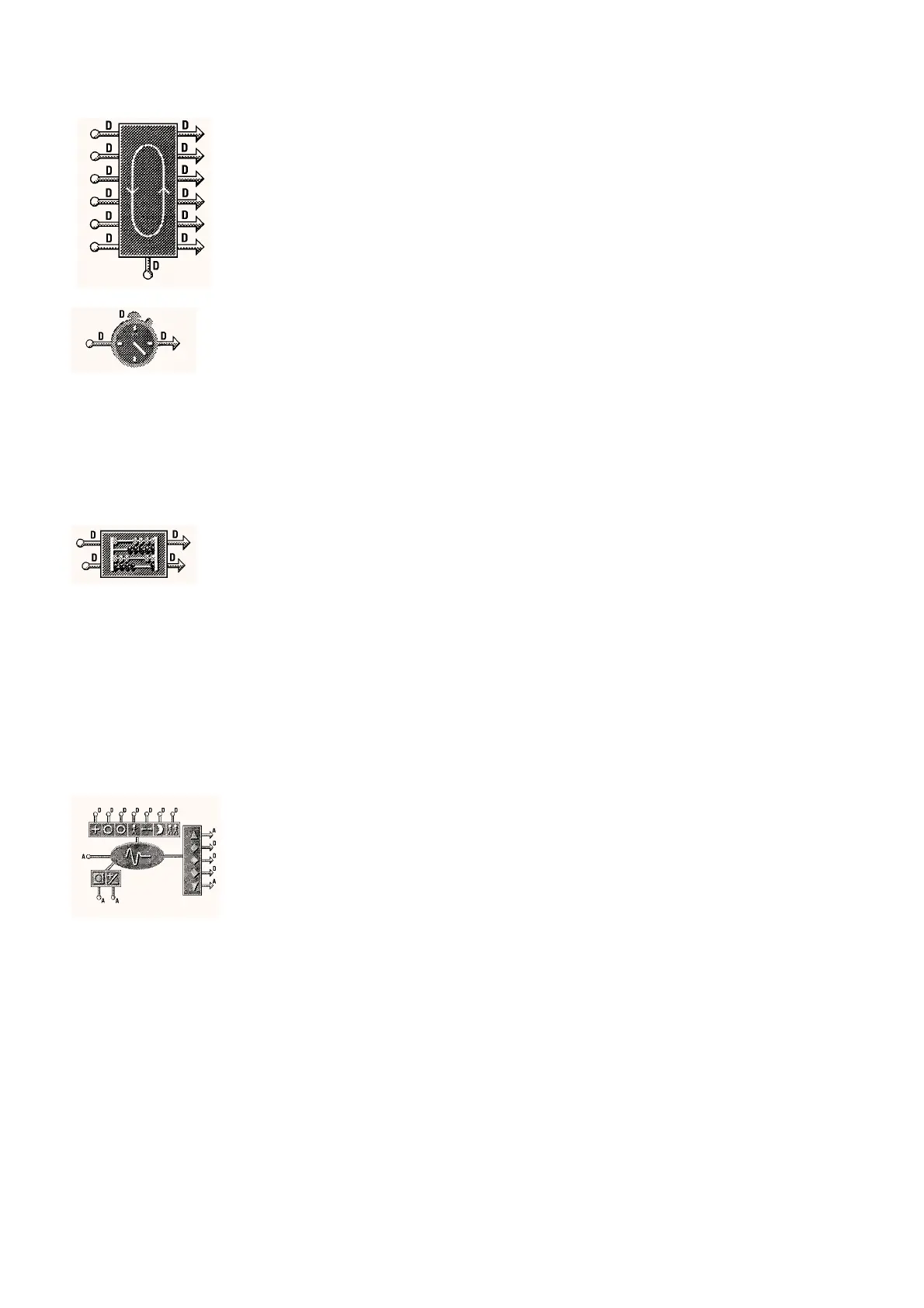
ROTATION MODULE
x 3
The Rotation module is used to rotate upto six di
ital inputs in
se
uence. Rotation is tri
ered b
a di
ital pulse on the rotate input.
Onl
those inputs connected are rotated. This is t
picall
used to
rotate modular plant such as boilers, chillers, pumps etc to even out
the wear on the individual items of plant.
Current Lead
review onl
1 to 6 –
Rotate
Allows the module to be manuall
rotated. Each selection rotates to
the next item of plant.
On or Off Off
STOPWATCH MODULE
x 8
The Stopwatch module has a di
ital input that when set to on will run
the stopwatch. The stopwatch will stop when the input is set to off. A
second di
ital input on the module is used to reset the module to zero.
A t
pical use for this module is plant hours run, boiler/chiller rotation,
switchin
the lo
in
module for timed lo
s etc.
Current Count
This parameter is usuall
used to review the current count but it also
allows the user to set an initial count value if re
uired.
0 to 10,000 0
Rollover Time
The di
ital output will produce a pulse at the set rollover time and the
stopwatch will reset to zero and start countin
a
ain.
0 to 10,000 3600
Selected Count Units
Seconds, Minutes,
Hours or Da
s
Secs
COUNTER MODULE
x 8
The Counter module is used to count pulsed di
ital inputs on either the
risin
ed
e of the momentar
di
ital input or on both the risin
and
fallin
ed
es. The secondar
output will be pulsed each time a count
is made. This includes the fallin
ed
e if that has been set in the
counter. The secondar
di
ital input is used to zero the counter at a
time other than when the rollover count is reached.
Current Coun
t
This parameter is usuall
used to review the current count but it also
allows the user to set an initial count value if re
uired.
0 to 10,000 0
Rollover Count
At a preset rollover count the module will
ive a momentar
output
from the primar
output, reset to zero and start countin
a
ain.
0 to 10,000 1000
Count Rising and Falling Edges
Sets the module to count both the risin
and fallin
ed
es of the pulsed
input.
Yes or No No
CONTROL MODULES
CONTROLLER MODULE, 2 STAGE
x 6
Current Set Value
review onl
This parameter displa
s the calculated set value. This ma
differ from
the main set value if reset is used.
–10,000 to 10,000 –
Integral Action Dumping On
The optimiser set point must be e
ual to the controller set value minus
the appropriate deadzone.
Integral Action Dumping Off
The optimiser set point must e
ual the controller set value.
Current Input Value
review onl
This parameter displa
s the current value of the main control sensor.
–10,000 to 10,000 –
Schedule Mode
review onl
This parameter shows the timeschedule mode the control module is
currentl
operatin
in.
Occupied 1,
Occupied 2,
Relaxed or Ni
ht
–
Override
This parameter is used to override the controller.
None, Occupied 1,
Relaxed, Occupied 2
or Ni
ht
None
Stage 1 Level
This parameter displa
s the Sta
e 1 output position as a percenta
e,
where 0 = Full Off and 100 = Full On. In Temperature Control
schemes Sta
e 1 is used for heatin
.
0 to 100% –
Stage 2 Level
This parameter displa
s the Sta
e 2 output position as a percenta
e,
where 0 = Full Off and 100 = Full On. In Temperature Control
schemes Sta
e 2 is used for coolin
.
0 to 100% –
Set Value
This parameter is used to set the desired controller set value.
–10,000 to 10,000 19
Set Value Minimum
This value sets the lowest set value the controller is allowed to use.
–10,000 to 10,000 –10,000
Set Value Maximum
The value sets the hi
hest set value the controller is allowed to use.
–10,000 to 10,000 10,000
MODULES AND FUNCTIONS
Bubbleland
Symbol Module Range Default
DS 2.951A 6 - 24 05/98



 To Next Page