24 Programming SATEL
3 - information on data writing/reading progress.
4 - icon indicating the status of communication with the control panel:
– green color – ready to send data;
– alternating green and yellow color – data transmission in progress;
– red color – no communication with the control panel;
– gray color – COM port disabled.
A click on the icon button:
– in case of communication via the COM port – will enable/disable the COM port;
– in case of other forms of communication – will display a window referring to the
given connection.
5 - information on the current way of communication with the control panel.
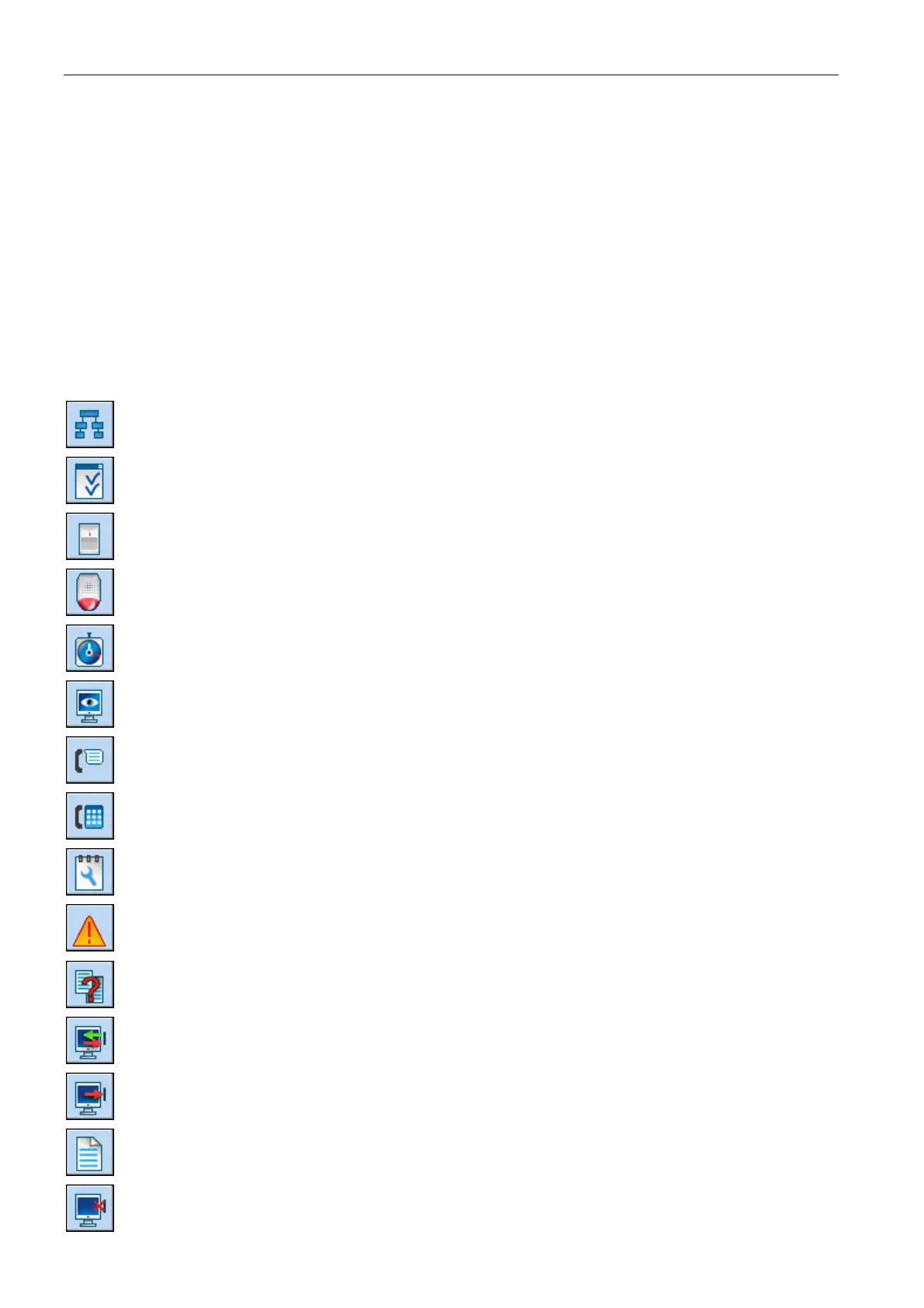
Buttons:
- button opens the "Structure" window.
- button opens the "Options" window.
- button opens the "Zones" window.
- button opens the "Outputs" window.
- button opens the "Timers" window.
- button opens the "Reporting" window.
- button opens the "Messaging" window.
- button opens the "Answering and remote control" window.
- button opens the "Service note" window.
- the button is displayed when errors were made during programming. It opens a
window containing information on errors made.
- button opens the "Data comparison" window.
- the button enables reading /updating of data from the control panel.
- button enables data writing to the control panel.
- button opens the "Event log" window.
- button makes it possible to cancel the data reading/writing.












 To Next Page