SATEL PERFECTA 64 M 7
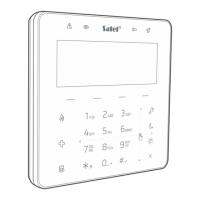
INT-TSH2 – hardwired touchscreen keypad,
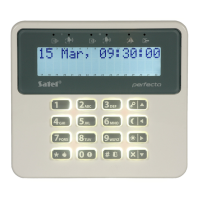
PRF-LCD-A2 – wireless keypad with mechanical keys and built-in proximity card reader
(ACU-220 / ACU-280 module must be connected),
PRF-LCD-WRL – wireless keypad with mechanical keys (PERFECTA-RF module must be
connected).
The alarm system should include at least one keypad.
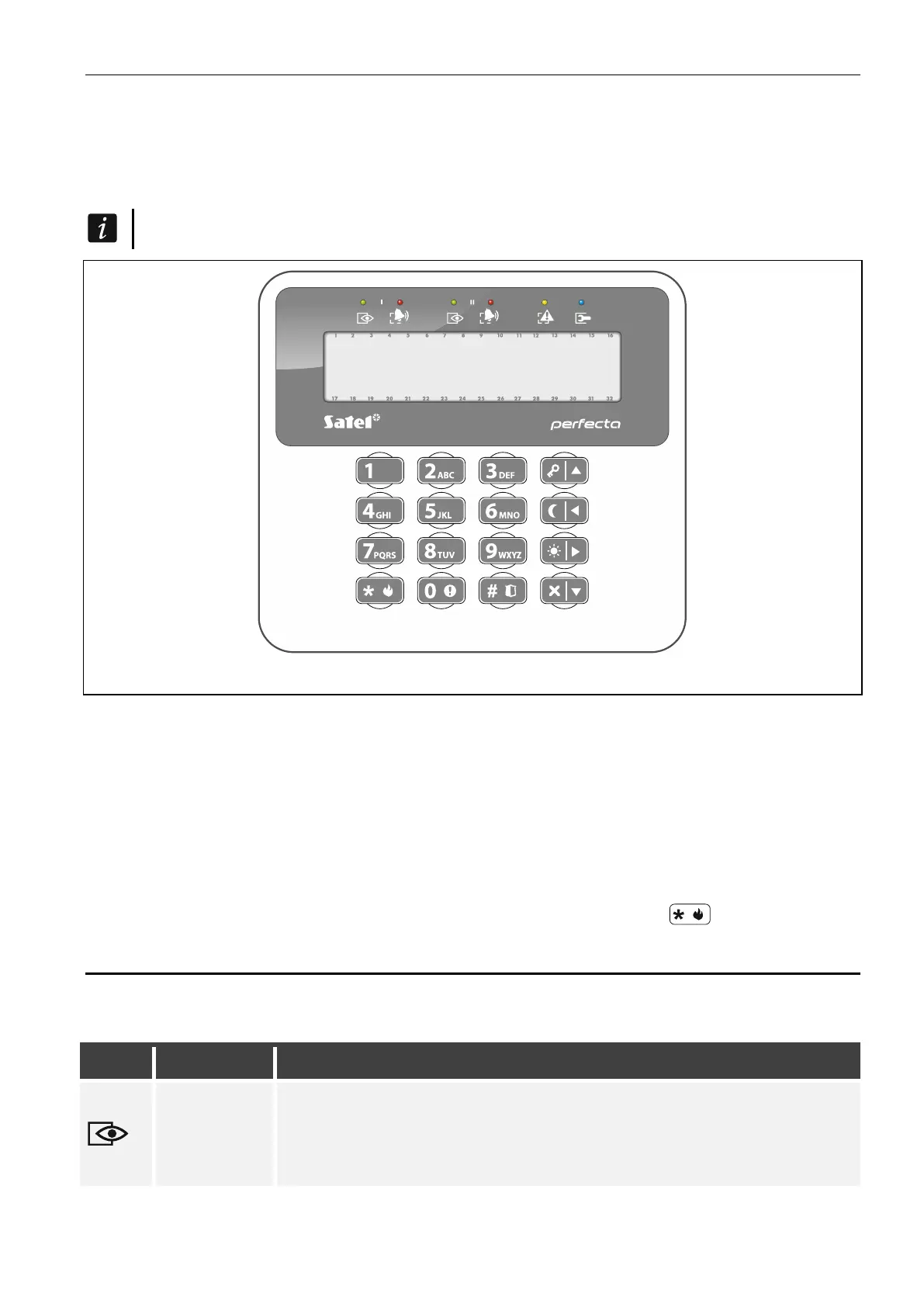
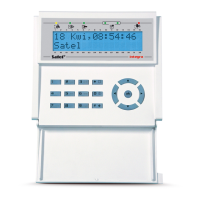
Fig. 1. PRF-LCD / PRF-LCD-WRL keypad.
The following manual includes instructions on how to use the wired PRF-LCD keypad and the
wireless PRD-LCD-WRL / PRF-LCD-A2 keypad. For instruction on how to use the
INT-KSG2R, INT-TSG2 and INT-TSH2 keypads, please refer to the manuals included with
these manuals.
The wired keypad is faster to react to user actions than the wireless keypad. The wireless
keypad powered by an external power supply (connected to the APS-055 power supply)
works similarly to the wired keypad. In the wireless keypad powered by the battery, the sleep
mode is started after 20 seconds of inactivity. When the keypad is in the sleep mode,
the display is off and the LED indicators, sound signaling, backlight (of display and keys) and
proximity card reader are disabled. To wake up the keypad, press e.g. .
6.1 Keypads description
6.1.1 LED indicators
green
two LEDs (marked I and II) – ask the installer which LED indicates
the state of which partition
ON – at least 1 partition is armed
flashing – exit delay countdown in at least 1 partition


 To Next Page