Press
YZ
key to select the current satellite.
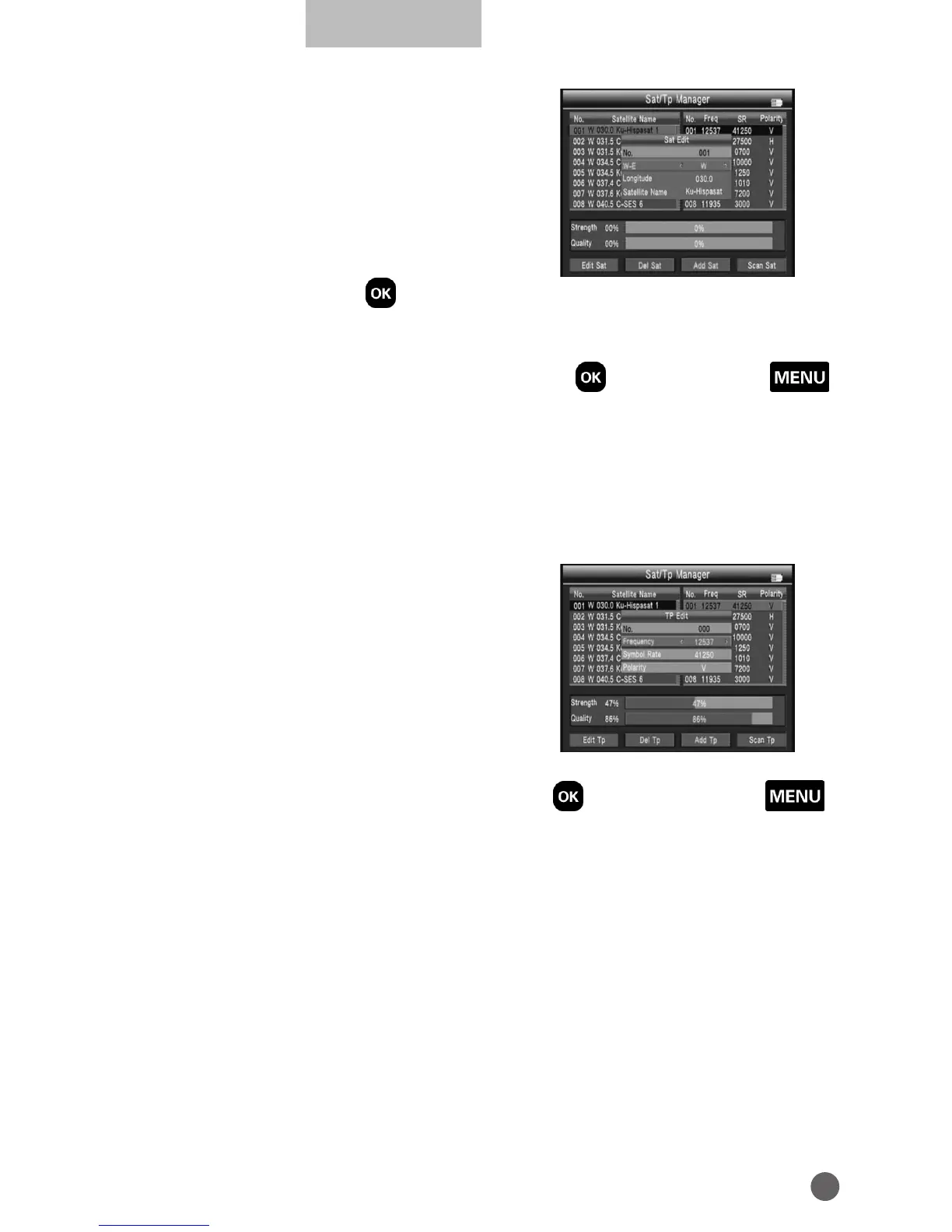
• Edit Sat
Press red key to edit satellite.
NO.: Satellite number.
WE: Switch the satellite longitude west or
east.
Longitude: Use number key input value.
Satellite Name: Press OK will open the keyboard, use the direction key input
satellite name.
• Del Sat
Press green key to delete satellite, then press OK to confirm or press MENU
to
cancel.
• Add Sat
Press orange key to add a satellite.
• Scan Sat
Press blue key into auto scan interface.
Press
AB
key to TP manager.
• Edit Tp
Press red key to edit TP.
NO.: TP number.
Frequency: Use number key input value.
Symbol Rate: Use number key input value.
Polarity: Press
AB
to change polarity.
• Del Tp
Press green key to delete TP, then press OK to confirm or press MENU
to
cancel.
• Add Tp
Press orange key to add a TP. Please refer to TP edit operations.
• Scan Tp
Press blue key into TP scan interface.



 To Next Page