NRT405F901 manual Chapter 10 Button management 22
Chapter 10 Button management
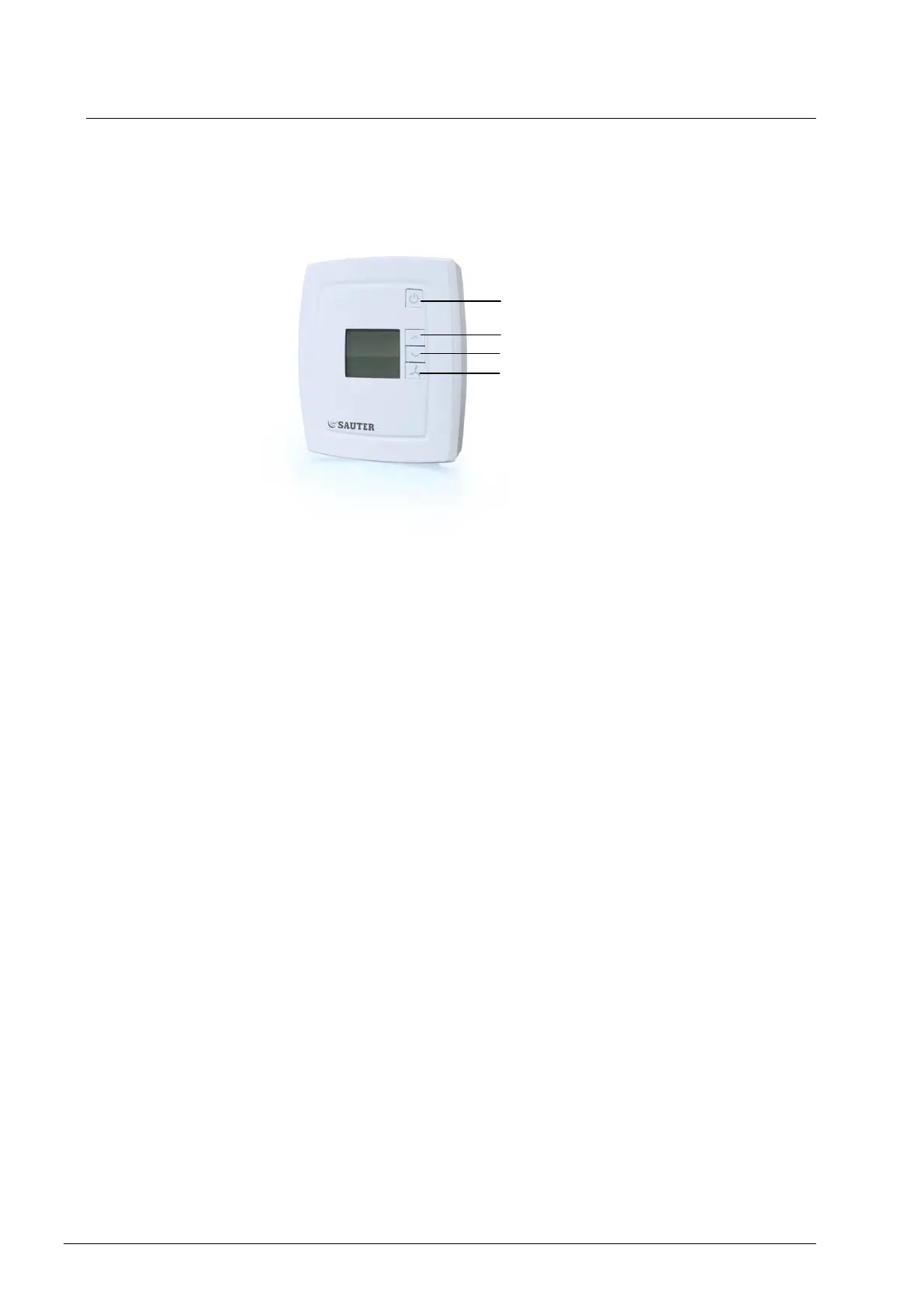
On/Off button
By pressing the On/Off button, NRT405F901 will switch between Off mode and
Comfort/Economy mode.
Setpointbuttons
The INCREASE and DECREASE buttons are used to change the setpoint value. The desired
contents of the display can be configured via the parameter list. There are four alternatives:
1. The actual value is shown, or, when the setpoint has been changed via the
INCREASE and DECREASE buttons, the setpoint value is shown in the display
together with the setpoint (thermometer) symbol.
2. The actual value is shown, or, when the setpoint has been changed via the
INCREASE and DECREASE buttons, the setpoint adjustment is shown in the
display together with the setpoint (thermometer) symbol.
3. The setpoint value is shown (factory setting).
4. The setpoint adjustment is shown.
When the setpoint adjustment is displayed (alternatives 2 and 4), the basic setpoint is 22°C.
The basic setpoint is changeable in parameter 64 (factory setting=22°C).
Fan button
By pressing the fan button, the fan speed is set to to Low, Medium, High and Auto.
If the fan has been configured not to be affected by the controller output, the ”AUTO” option
will not be shown when pressing the fan button.



 To Next Page