Saia-Burgess Controls AG
User Manual Standby System │ Document 27-645 │ Edition ENG 02 │ 2017-04-26
Icons
Annex
A-1
A
A Annex
A.1 Icons
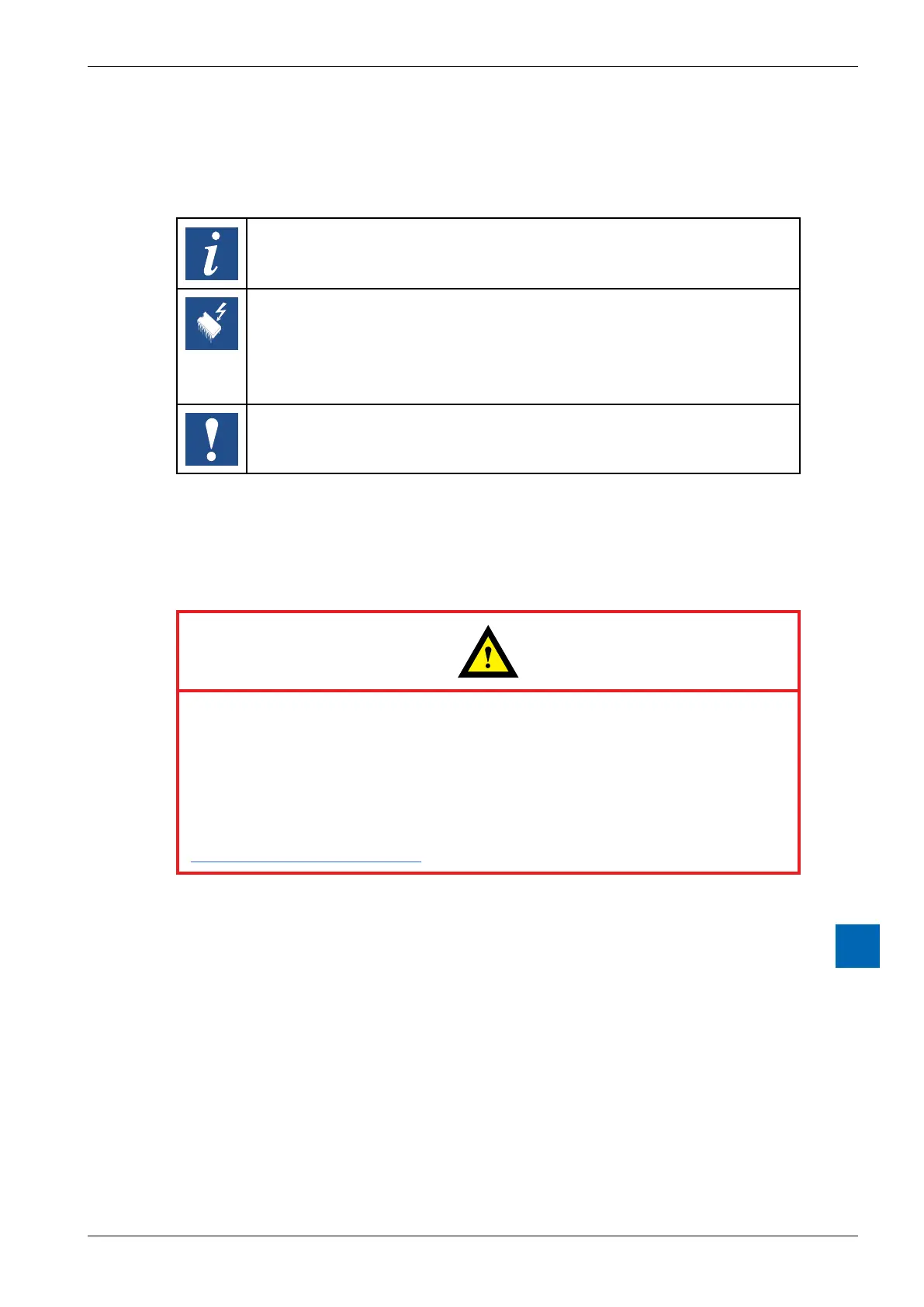
In manuals, this symbol refers the reader to further information in this manual or other
manuals or technical information documents. As a rule there is no direct link to such
documents.
This symbol warns the reader of the risk to components from electrostatic discharges
caused by touch.
Recommendation: Before coming into contact with electrical components, you should
at least touch the system’s negative pole (cabinet of PGU connector). However, it
is better to use a grounding wrist strap with its cable permanently attached to the
system’s negative pole.
This sign accompanies instructions that must always be followed.
A.2 Instructions for connecting Saia-PCD
®
controllers to the internet
When Saia PCD controllers are connected directly to the internet, they are
also a potential target of cyber attacks. For secure operation, appropriate pro-
tective measures must always be taken.
PCD controllers include simple, built-in protection features. However, secure
operation on the internet is only ensured if external routers are used with a
For more information, please refer to our support site:
www.sbc-support.com/security



 To Next Page