Saia-Burgess Controls AG
User Manual Standby System │ Document 27-645 │ Edition ENG 02 │ 2017-04-26
Creating a Standby System Project in PG5
Diagnostic
2-1
2
2 Conguration and Programming
2.1 Creating a Standby System Project in PG5
The Saia PG5
®
has many features to help you create a standby system project. It
will create the three standby devices for you (primary, secondary and redundant),
CPUs.
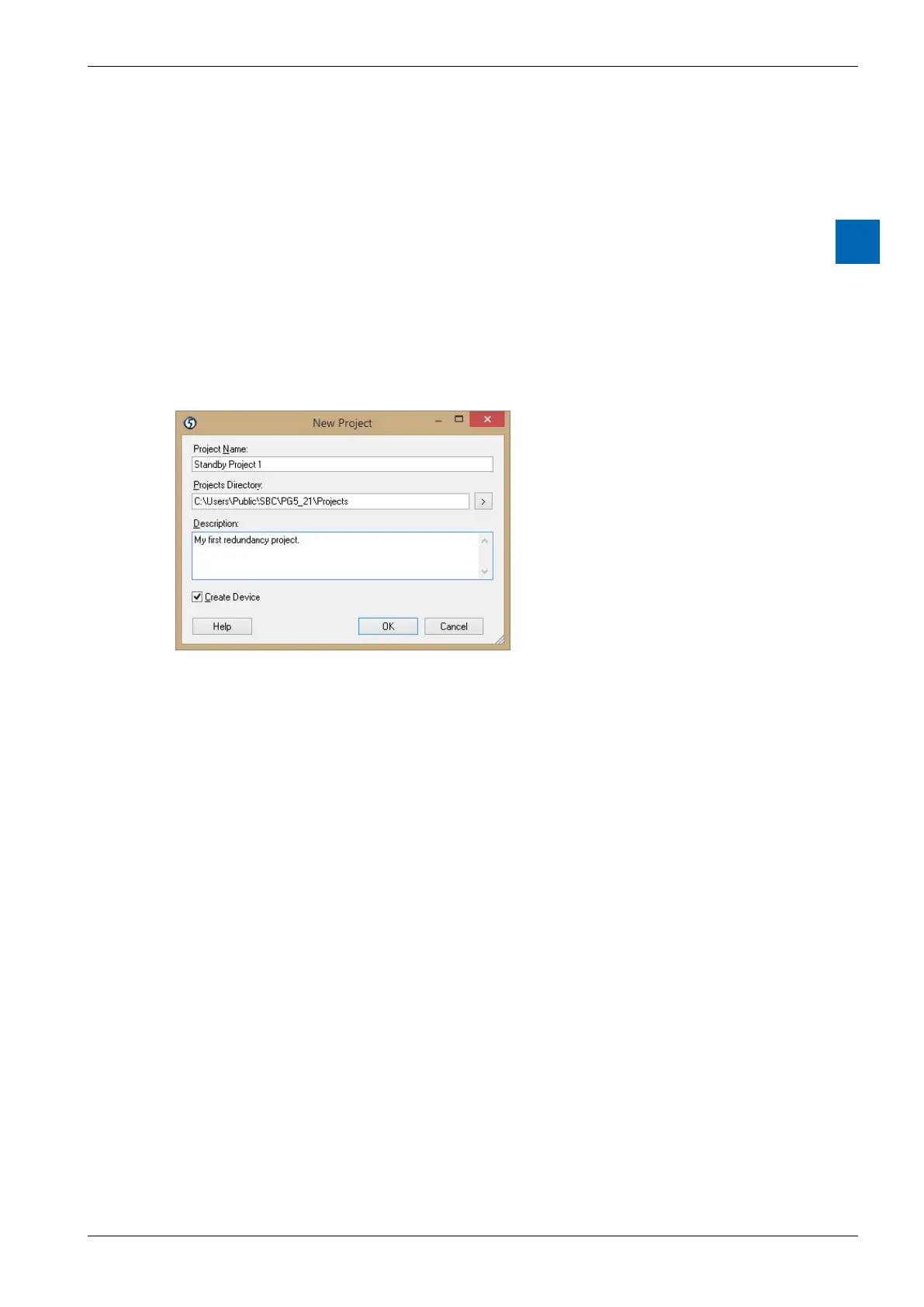
1. Create a new Project
Use Project Manager’s “Project / New Project” command to create a new project.
Check the “Create Device” option.
A single PG5 project can contain one standby system (one primary and one
secondary device). If you have more than one standby system on the same
network, then you must create a new PG5 project for each standby system.
If you are using Ether-S-Bus to communicate between the PCDs of two or more
standby systems on the same network, then you can use the Export and Import
features of the “TCP/IP Settings Table” window to transfer the settings between the
projects.



 To Next Page