Saia-Burgess Controls AG
User Manual Standby System │ Document 27-645 │ Edition ENG 02 │ 2017-04-26
Creating a Standby System Project in PG5
Diagnostic
2-2
2
2. Add the Primary standby device
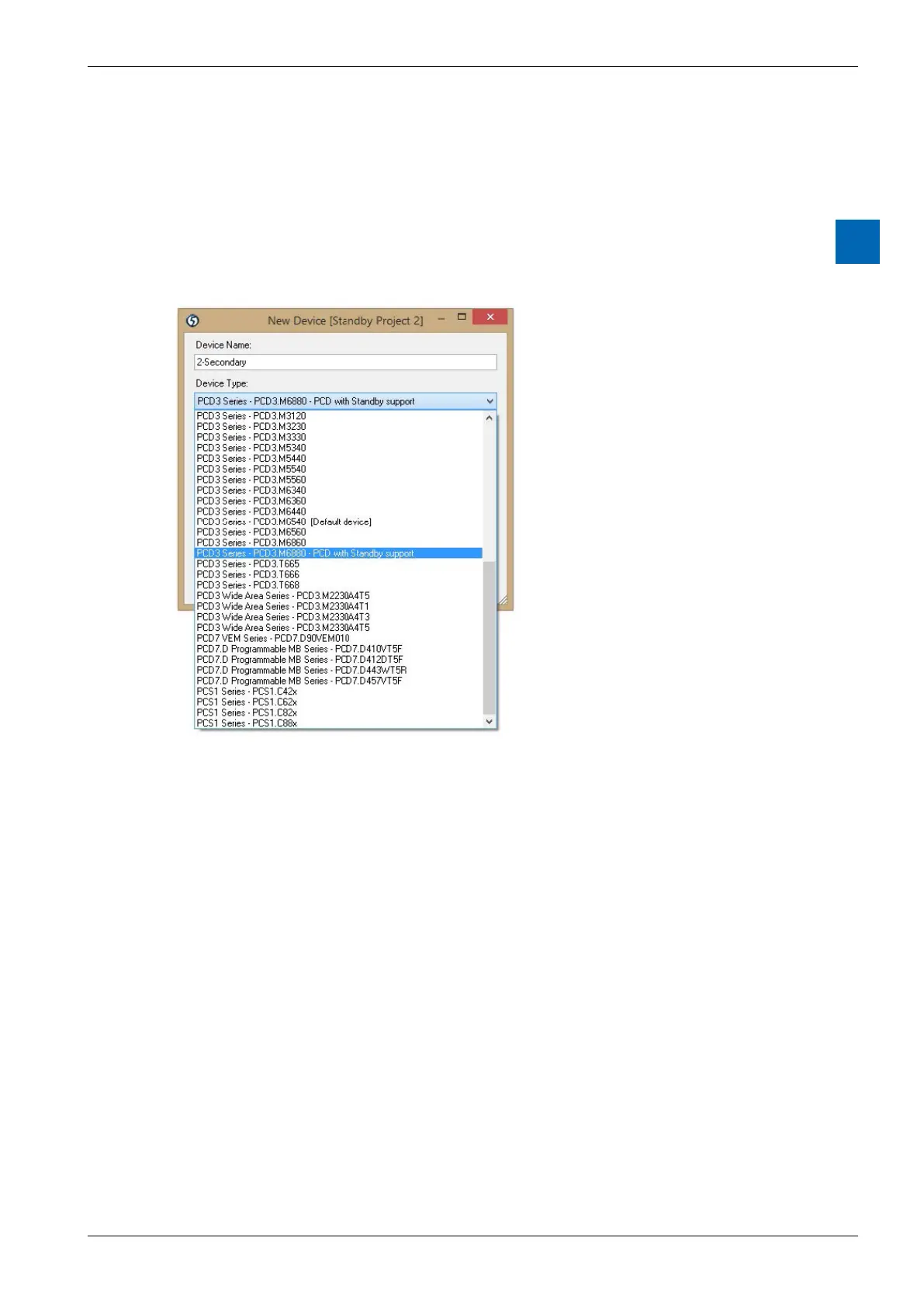
The “New Device” dialog box will be displayed next. Select the device type “PCD3.
M6880 - CPU with Standby support”. This is the “primary” device, so it is assigned
the name “1-Primary” by default, but you can rename it if you like. A standby
project contains 3 devices, by default these are named “1-Primary”, “2-Secondary”
order of the devices in the Project Tree. The devices can also be renamed later.



 To Next Page