16
bundle you can also get the sole orientation of a banknote bundle with this mode. The banknote bundle
arranged to one face by now can be sorted Up to Stacker and Down to Reject pocket.
In this time you can also find “Stay Note” as the reject reason pressing the Display key.
■ Count mode (COUNT mode)
In Count mode, the machine only counts the bank notes without discriminating a denomination.
To change into the simple counting mode, press MODE key until “COUNT” is displayed on LCD
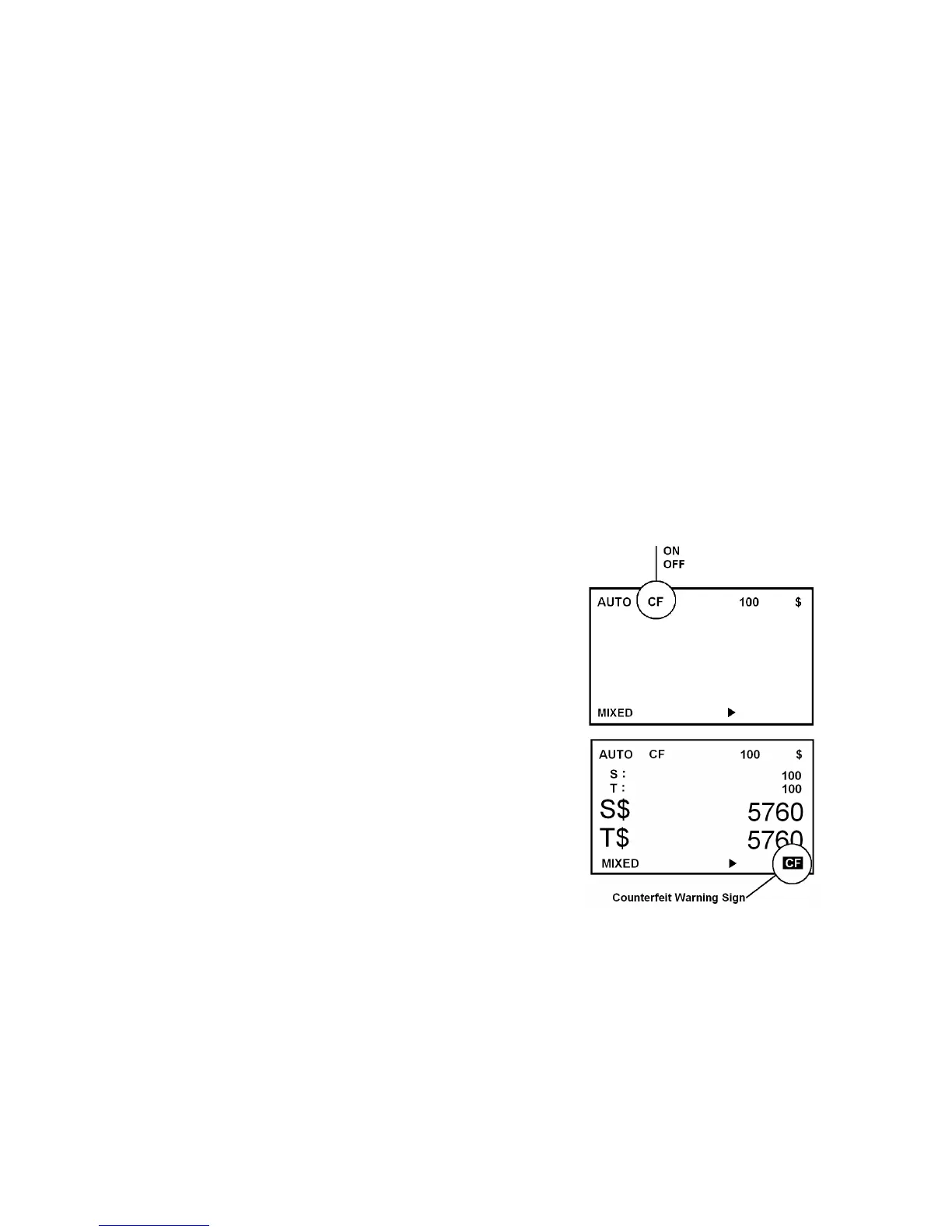
CF Detector On/Off
To turn on/off CF detector, press CF key. If “CF” appears on LCD, then it
means the detector is activated.
If a note is determined as a counterfeit, CF sign will be lit on LCD as the
figure like below and the note will be sent to the Reject Pocket. The
machine will beep warning sound if the counting job is finished. The sign
will be cleared automatically when the Reject Pocket is emptied.



 To Next Page