23
7 Set ‘MENU' and its Parameters
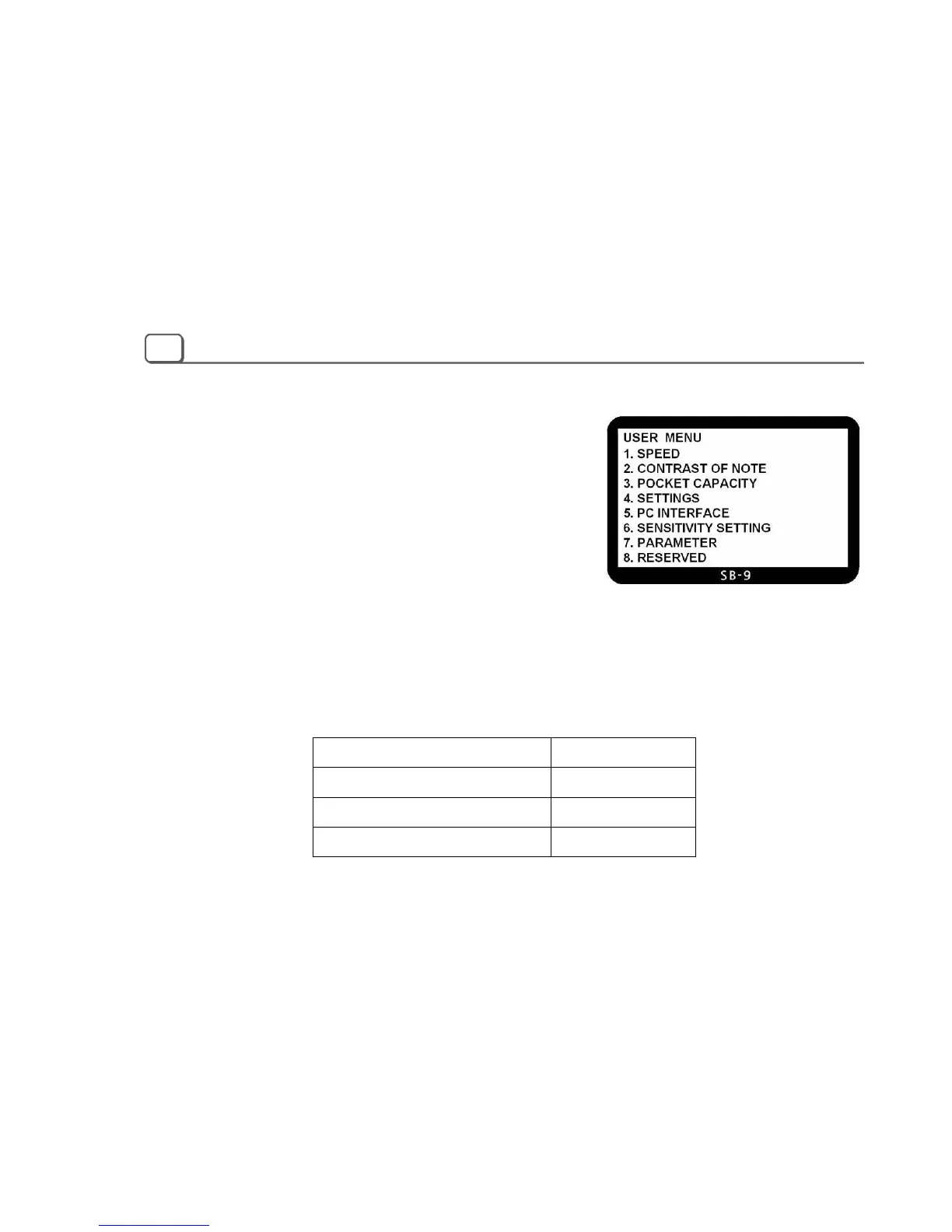
USER MENU
To set a function and its parameters, at first move to USER MENU by
pressing MENU key. After pressing ‘MENU’ key, you can see the
Display as shown below.
To move to a menu item, press UP/DOWN key. Then press START
key to enter. Or you can directly move to a menu by just pressing a
numeric key. For example, to move to the “SETTINGS” menu, just press numeric “4” key. To escape from the
menu completely, press CLEAR/ESC key or to move to higher level of menu item, press MENU key again in sub
menu mode.
The factory default settings are like below;
Function/Parameter Default Value
Speed 1000 NPM
Contrast of Note Normal
Beep On



 To Next Page