20
Grand Total
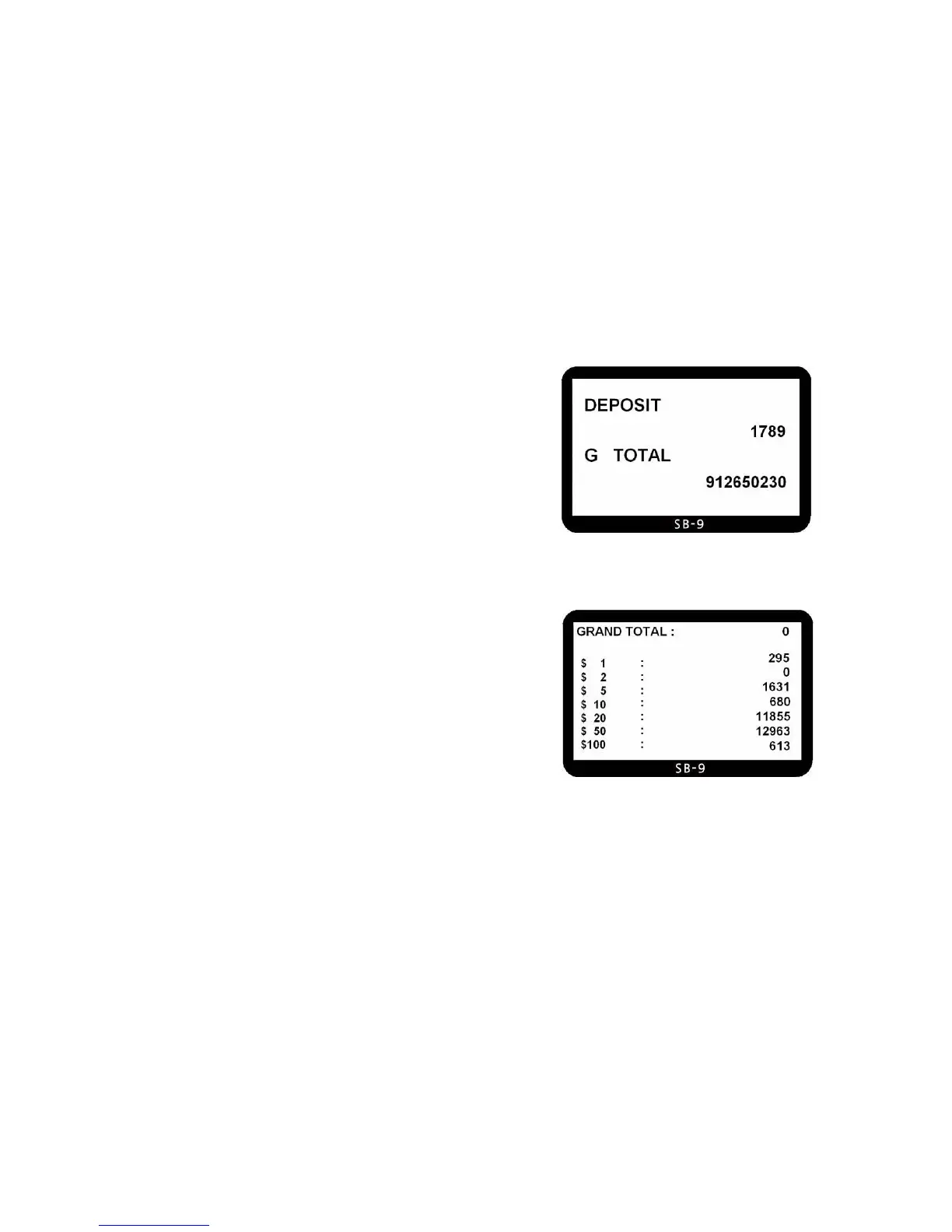
Grand Total is a total of printed counting amount. When you start
printing the counting result by pressing PRINT key, then the value is
added to Grand total and automatically the machine displays the
number of deposit and G TOTAL. Even though a printer is not
connected, this operation will be done because SB-9 does not check
whether a printer is connected or not.
The grand total is managed separately in MIXED and SINGL mode, namely
there are two grand totals. You can see only one grand total at a time: for
example in SINGL mode the display will show only grand total for
SINGL.
If you want to check the grand total, press GT key. And you can check
detail by pressing DISPLAY key as shown below pictures. Only in this
display mode the operator can clear grand total by pressing CLEAR
key. If the grand total is cleared, the printing sequence number is
automatically reset to “1”.
To exit from the grand total display mode, just press GT or just start another counting job.
Grand Total View
Grand Total Detail View



 To Next Page