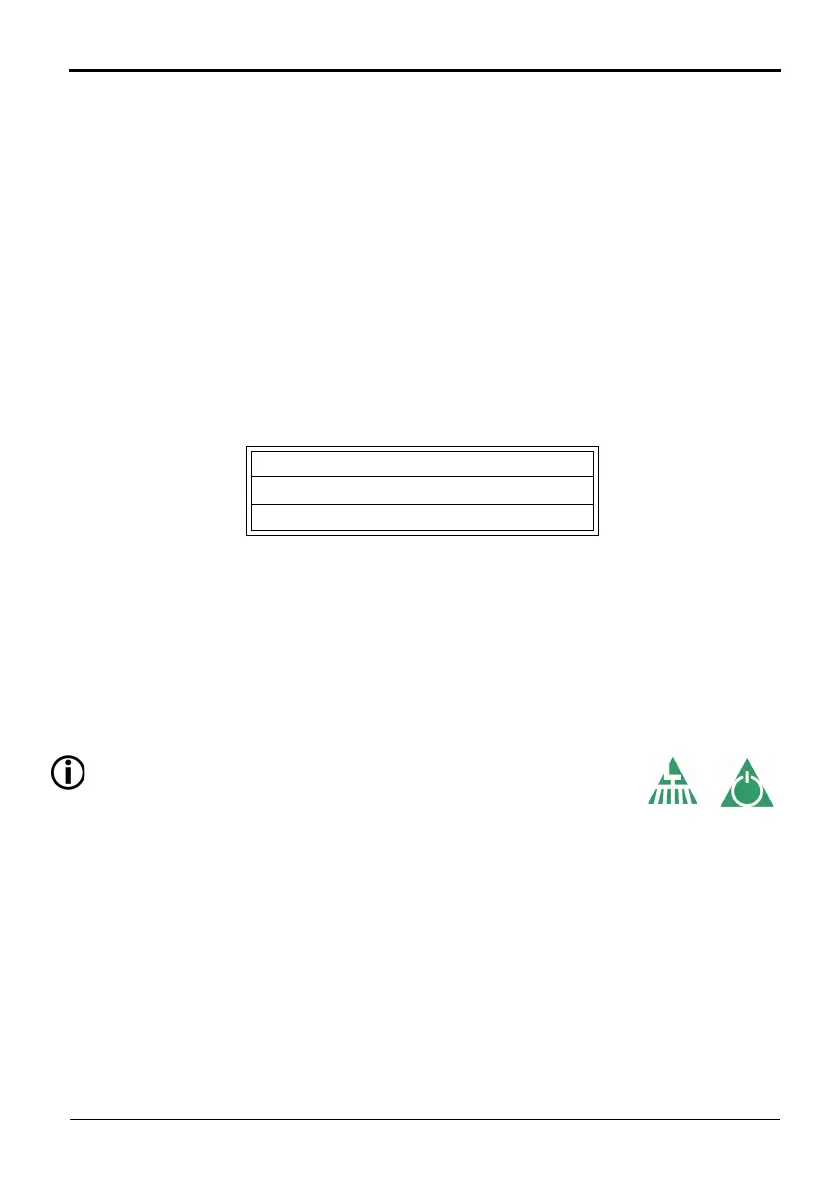
SCARAB M6 SWEEPER KIT
7 Operator’s Manual Amdt.1 - 03 November 2009
Firstly they are colour coded as follows:
ORANGE =
Electrical functions such as lighting.
RED =
Critical functions (e.g. Auxiliary Engine).
PALE GREEN =
Sweeping functions.
BLUE =W
ater Spray functions.
Secondly, switches that control functions that are available
on both sides
of the machine, e.g. side brushes, are grouped with left, right and centre
function controls being positioned accordingly on the panel.
Each switch has a red LED located at it
s upper left hand corner. This
illuminates when the switch is ON (latched) or PRESSED (non-latching).
Most switches are of the latching type (
press once to turn ON and again
to turn OFF) however there are a number of non-latching switches. These
will only function while they are held down and are as follows:
Auxiliary Engine START
Auxiliary Engine STOP
Nozzle Tilt (Momentary)
Apart from switches for the sweeping equipment, the main panel also
incorporates an LCD screen and a light-sensor. The LCD provides real-time
information relevant to the operating status of the machine, in the form of
warnings or feed-back, and acts as the inter-face when using the self-
diagnostic facility. The light-sensor automatically controls the panel/LCD
back-lighting to ensure legibility in low ambient light conditions.
MAIN PANEL SWITCH DESCRIPTIONS
Switch functions are described from Left to Right and Top to Bottom.
Switches that are fully enabled ONLY when the Master Switch is
ON or Sweep
Mode is ON are identified by the following symbols.
Switch functions are described Left to Right Top to Bottom.
PANEL STAND-BY MODE / SWEEP MODE SWITCH
- Press to turn the sweeper
panel ON or OFF. Red LED illuminates when sweep mode is selected.
BEACON SWITCH - Pre
ss to operate hazard beacons (cab beacon may
have a separate switch on some chassis). Red LED illuminates when
active.
MANUAL PRE-HEATERS SWITCH - Pr
ess to operate the auxiliary engine
heaters. Red LED illuminates when heating cycle is complete,
accompanied by a beep.


 To Next Page