www.schaerer.com Programming
BASCJ_EN
V03 | 07.2015
38
Programming
Navigation
PIN entry
The settings in the menus listed below can be protected by a PIN (Personal Identification Num-
ber):
• Cup size
• Beverage settings
• Basic settings
• Counters
The default PIN is: 00002
Overview
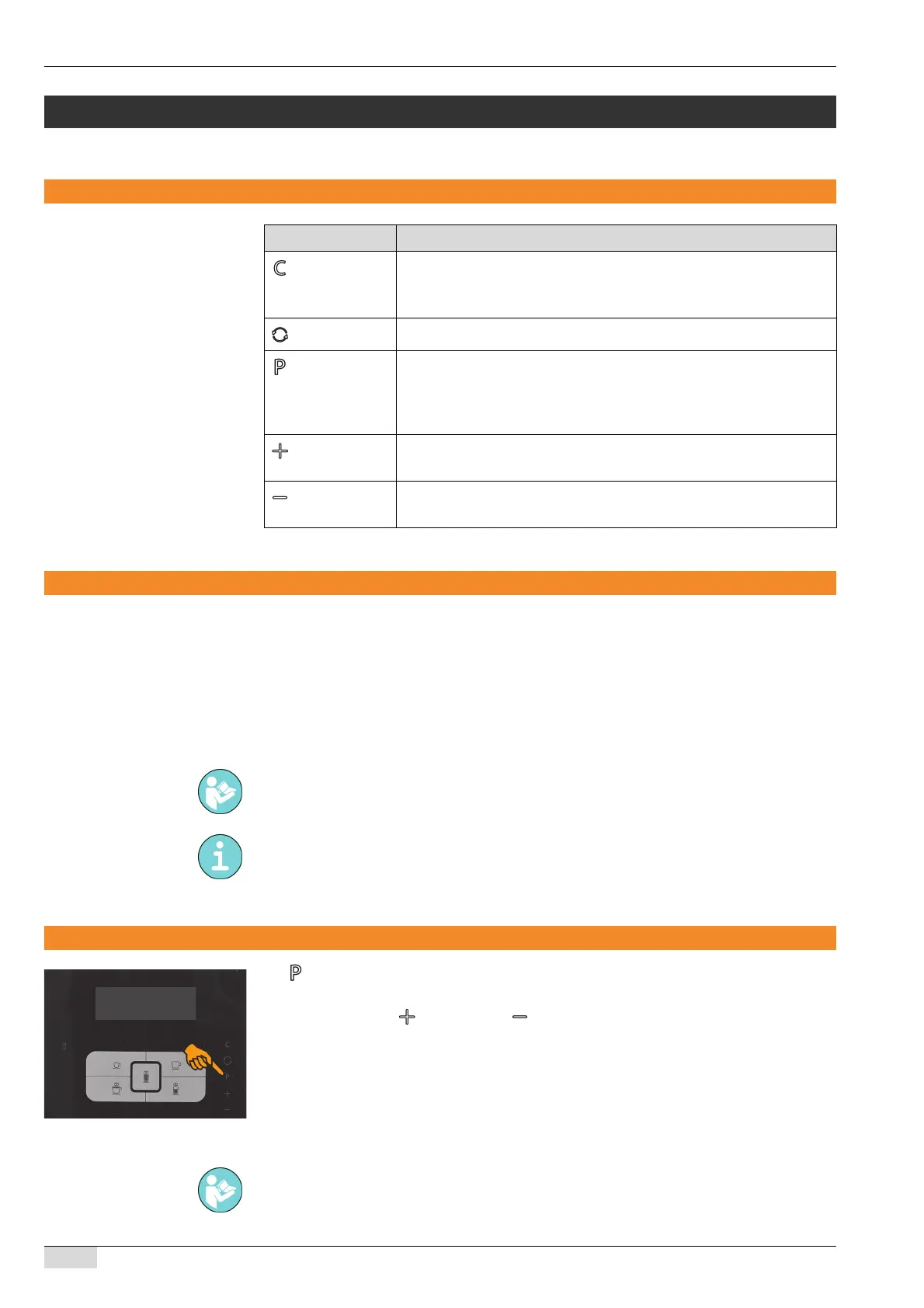
► Press the button.
The programming opens.
► Navigate with the button and the button.
The programming contains the following menus:
• Cup size
• Beverage settings
• Basic settings
• Counters
• System information
Symbol Description
• Cancel the procedure.
• Leave the programming.
• "No" in response to prompts.
Opens the cleaning menu of the machine.
• Opens the programming of the machine.
• "OK" to confirm new or existing settings and continue to the next
menu item.
• "Yes" in response to prompts.
• Navigate forward in the programming.
• Set parameters.
• Navigate back in the programming.
• Set parameters.
See Go to "Programming" - "Basic settings" - "Enter PIN" to change the PIN.
The functionality of "PIN entry" can be activated by a service technician.
The menus and menu options are described below in this chapter.














 To Next Page