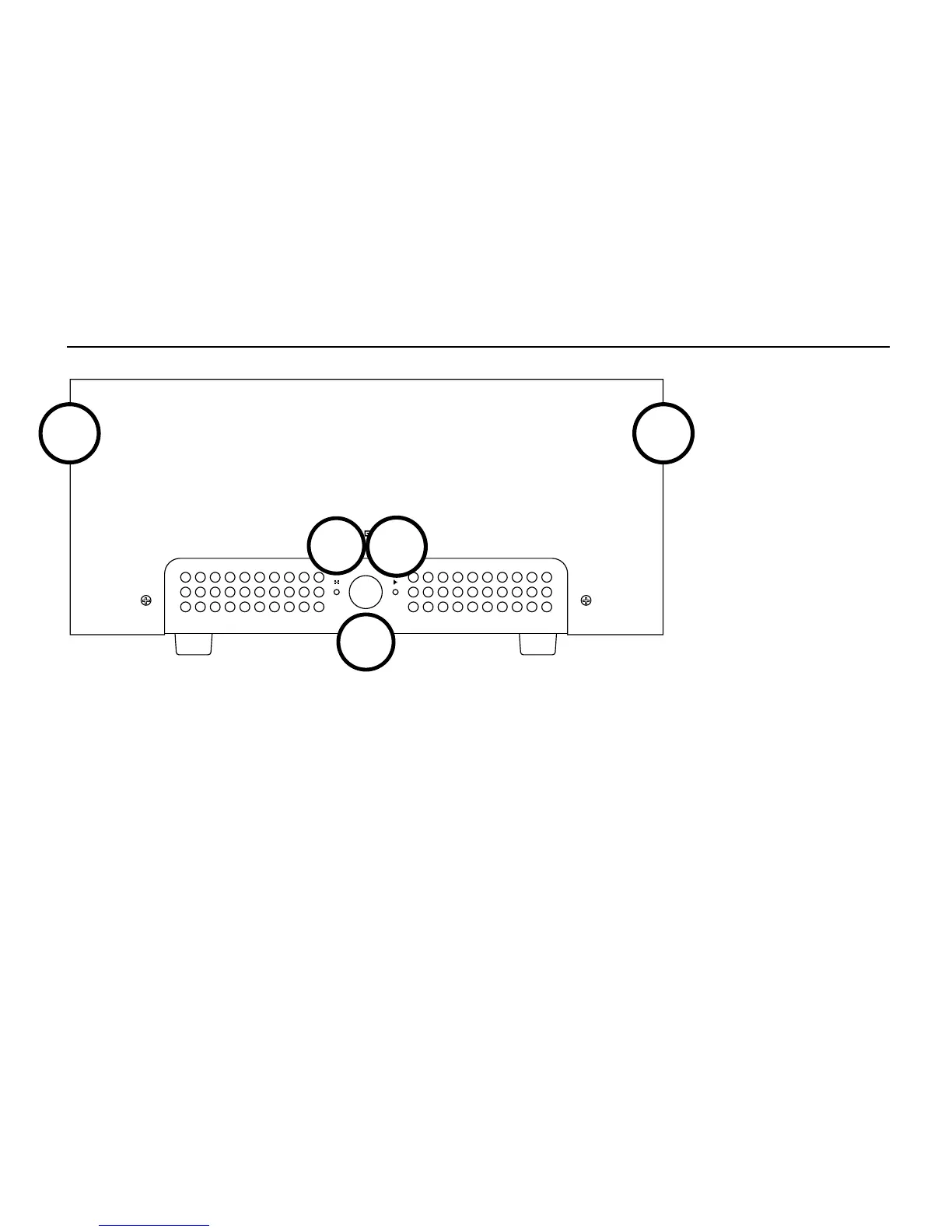
1 Standby/Alert Light. When this light is on,
Aegir is in Standby mode—the amp is muted and
the output stage is de-biased. This light also
serves as an alert light. It flashes during self-
check on startup and flashes if there is a fault.
2 Standby Button. Press this button to put Aegir
in Standby mode and reduce power draw. Press
again to take Aegir out of Standby mode for
normal use.
OPERATION
1
3 Operate Light. When this light is on, Aegir is in
Operate mode (that is, it will play music when fed
a musical signal from an appropriate source.)
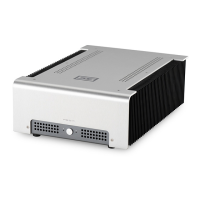
4 Heatsinks. These get plenty hot when in use.
Ensure there’s plenty of space on either side
of the amp and good ventilation above. If your
home is particularly warm (like, 30C and above),
you may need to use additional cooling—like, you
know, a fan —to avoid thermal shutdown).
2
3
44


 To Next Page