1
3
4
2
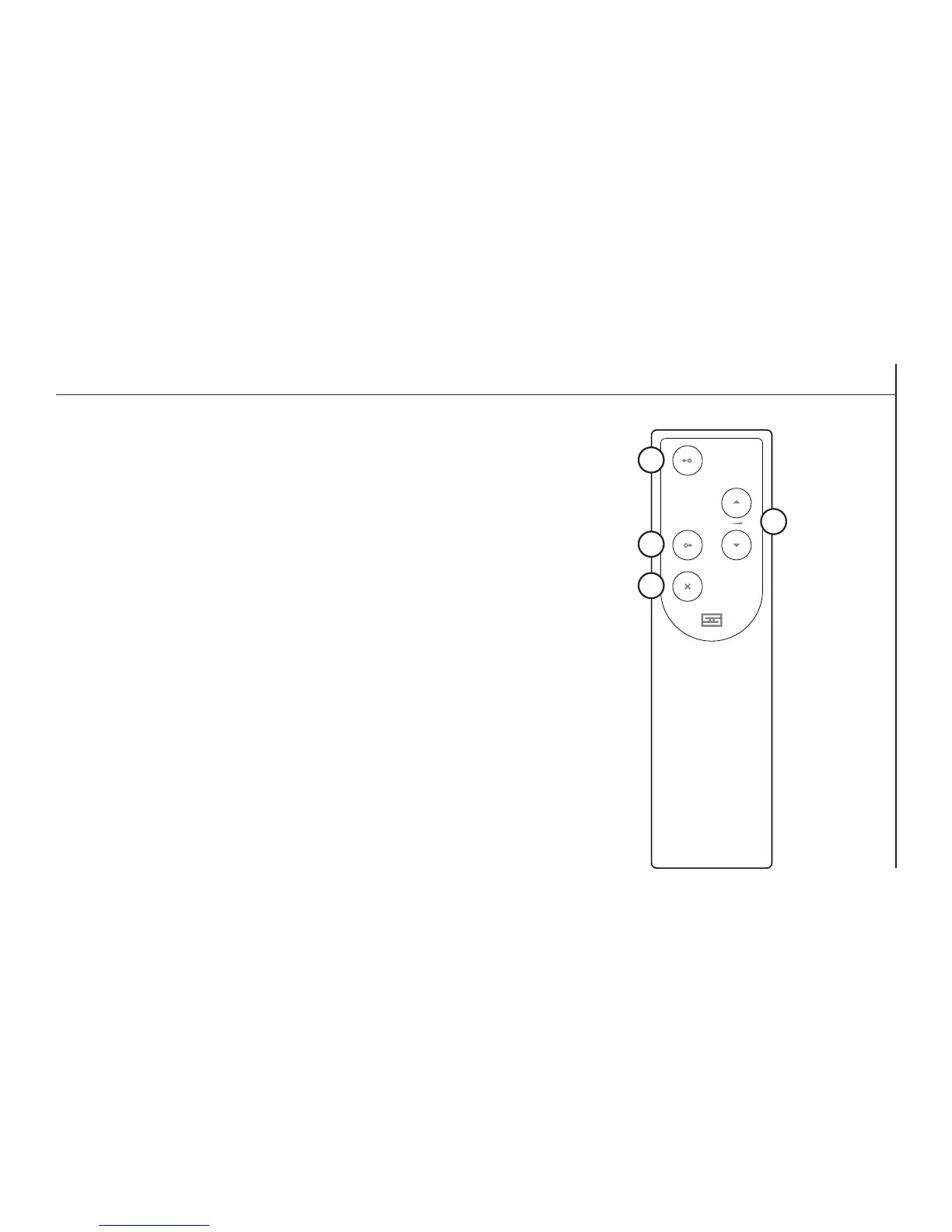
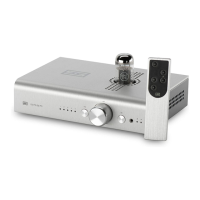
Yes, this preamp comes with a remote control. Unlike earlier Freyas, this is
now a fancy milled aluminum model. It’s still inexpensive to replace in case
you lose it or want another one, however.
1 Input. Press this button to select the input you want to listen to. If you skip
the input, keep pressing—it cycles back around.
2 Volume Up/Down. Press the up arrow to turn volume up, press the down
arrow to turn it down. Simple as that.
3 Output. Press to change between passive and tube hybrid buffer output.
4 Mute. Press to mute the preamp. All input lights will turn off.
Changing the Battery
1. Flip the remote over to reveal a single hole on the back.
2. Push the remote open by inserting the end of an open paper clip into the hole in the back and
pushing rmly. It’s held together with magnets.
3. Replace the battery inside with one of the same type.
4. Reassemble the remote by rst inserting the clear LED in the front, then dropping the panel
down onto the matching magnets. Press down gently to pop the panel in place.
REMOTE CONTROL


 To Next Page