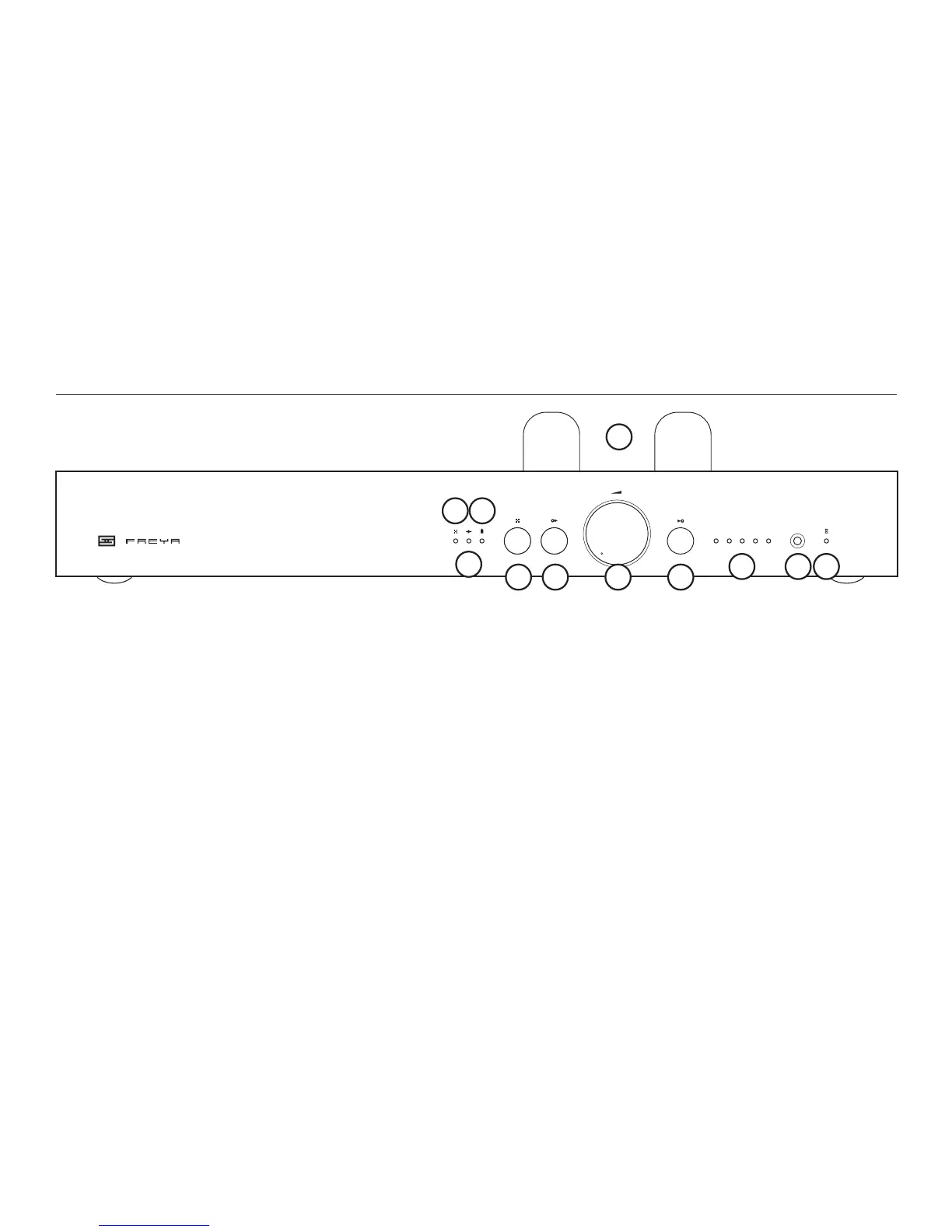
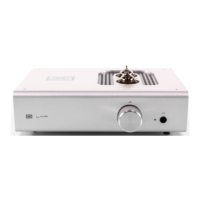
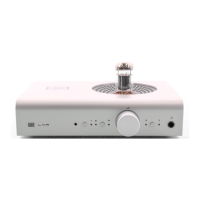
6 Output Select
Press to select the output stage: passive,
JFET buffer, or tube gain.
7 Volume Knob
Turn up to increase volume. Stop before
your speakers explode.
8 Input Select
Press to select the input you want to
listen to.
9 Input
These lights indicate which input you’re
listening to, from 1-5.
1 Hot Tubes
When using the tube gain stage, Freya’s
tubes get hot. We don’t recommend letting
your pets sleep on them.
2 Mute LED
This light is on when Freya is muted.
3 Buffer LED
This light is on when using the JFET buffer.
4 Tube LED
This light is on when using the tube gain
stage.
5 Mute Button
Press to toggle mute on and off.
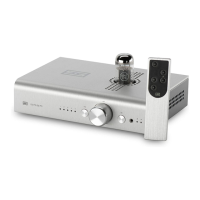
10 Remote Window. The IR remote beams
invisible light through this hole to control
the preamp remotely. Magic! Don’t block it
and expect it to work.
11 Remote Indicator. When you’ve used
the remote control to adjust volume, this
LED will light. You’ll need to turn the
volume down below the level set by the
remote in order for the knob to control
volume again.
CONTROLS
1 2 3 4 5


 To Next Page