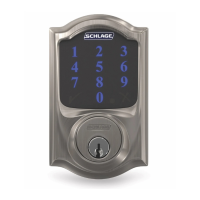
How to reset your Schlage Omnia Smart Lock
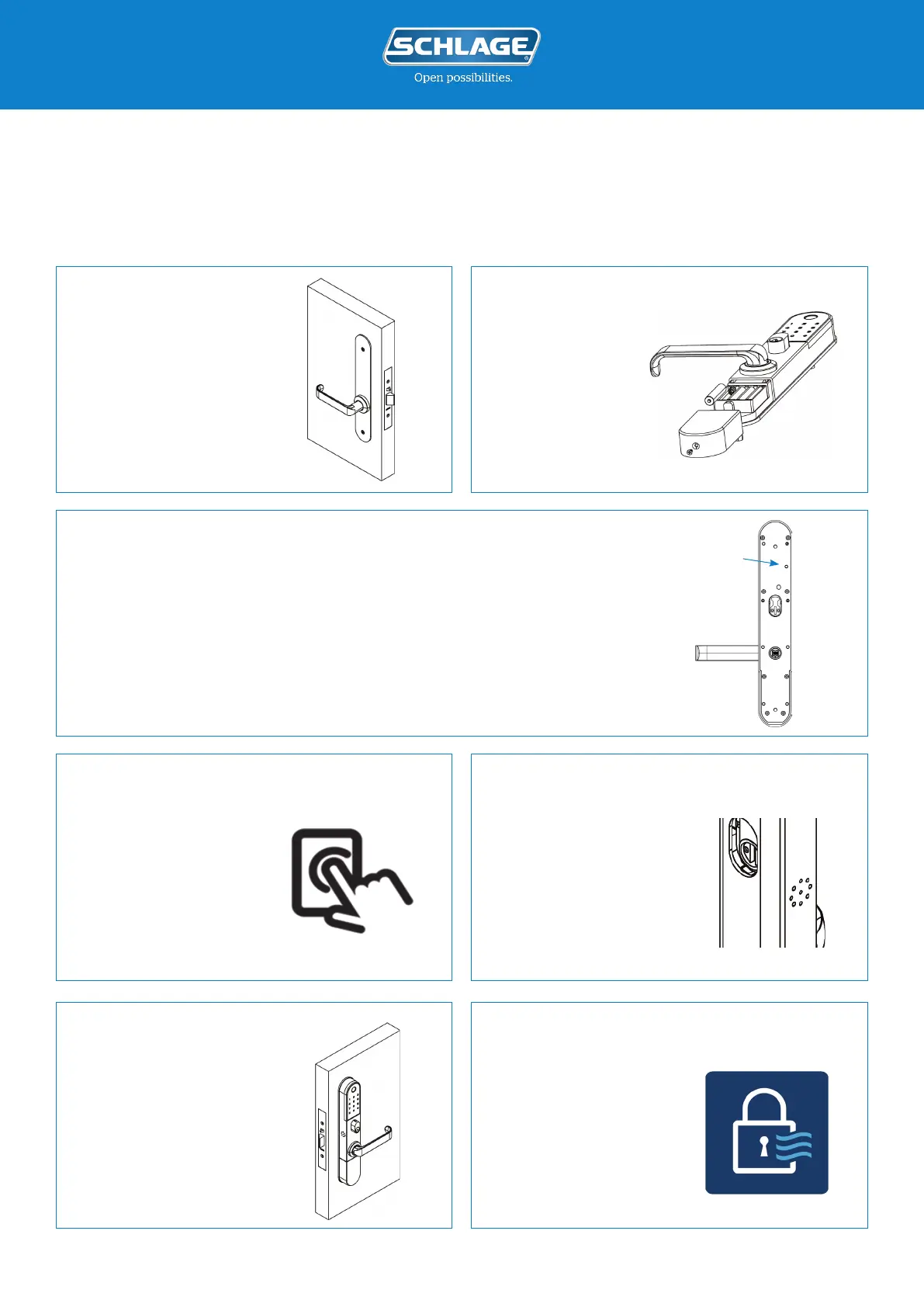
Remove the Schlage
Omnia from your door by
removing the two screws
located on the interior
body.
Ensure the batteries
are installed and the
lock has power.
Hold down the reset button located on the inside of the exterior body, for 5
seconds until you hear “Input initialisation code.”
Note: A long, pointed object will be required to reach the small button.
Note: If you hear “Please enter administrator code.” then you have not held
down the button for long enough, please try again.
Enter 000000#
(six zeros then hash).
You will hear “Deleting
administrator
successful.”
Your Schlage Omnia
Smart Lock has now
been reset back to
factory settings and can
be paired to the Schlage
Breeze app.
Open the Schlage
Breeze mobile app
and follow the
instructions to pair
your Schlage Omnia
Smart Lock.
schlage.co.nz/breeze
Please follow these instructions if you are having trouble pairing your Schlage Omnia Smart Lock
to your Schlage Breeze app on your mobile phone.
1.
Reset Button
2.
3.
4. 5.
6. 7.







 To Previous Page