Operating Instructions
VACUMASTER
J. Schmalz GmbH
Aacher Straße 29
D - 72293 Glatten
Tel +49 +7443 / 2403 - 0
Fax +49 +7443 / 2403 - 259
http://www.schmalz.de
e-mail: schmalz@schmalz.de
30.30.01.00185 Status 03.2013 / Index 00 Page 21 / 28
Lower the load and place it on a clear, even surface so that it cannot slip or tilt.
B
B
A
A
S
S
I
I
C
C
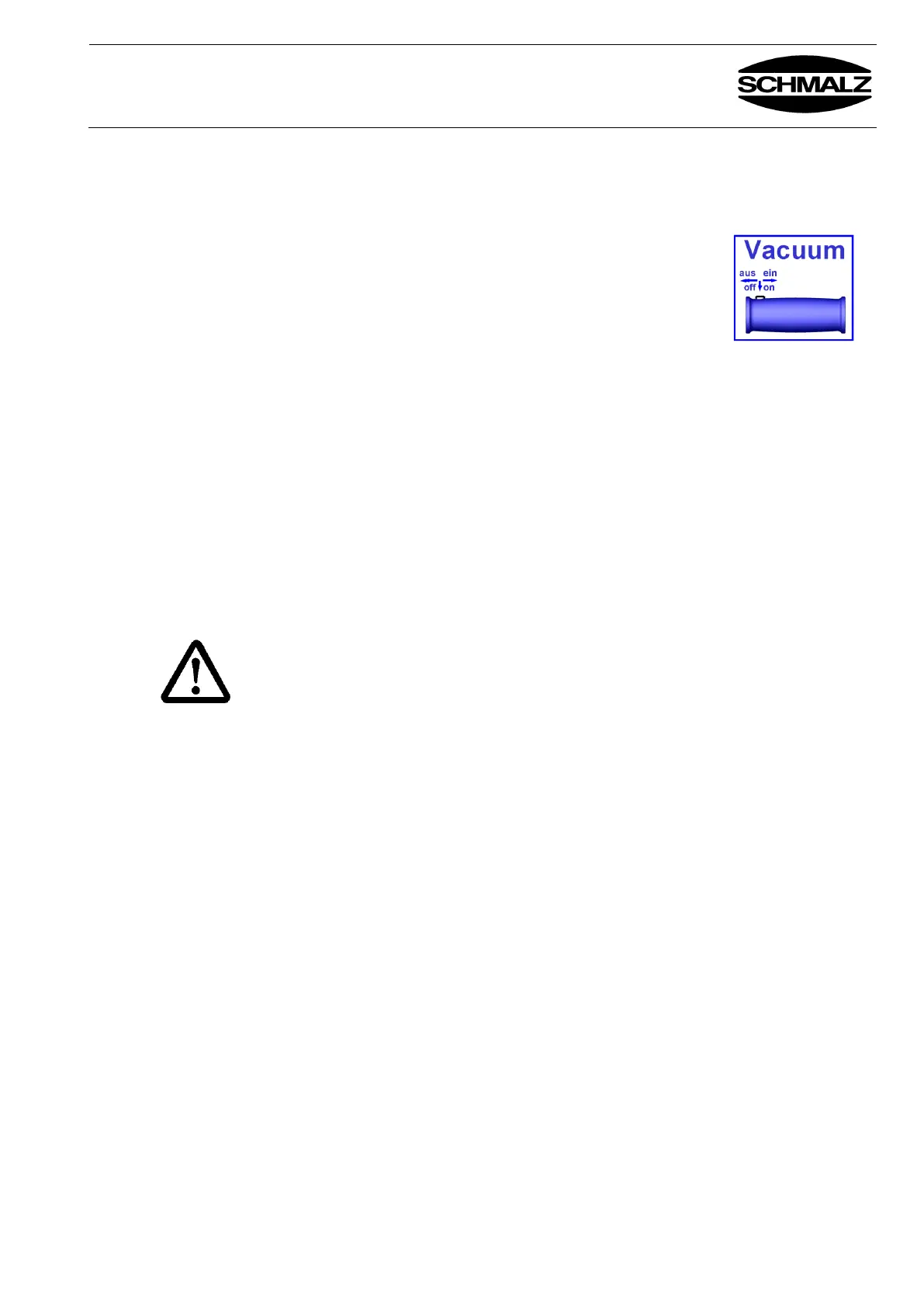
Press the locking button and move the sleeve of the
manual sliding valve on operating lever into the
"Vacuum off" position.
The load detaches itself.
C
C
O
O
M
M
F
F
O
O
R
R
T
T
Press the "Release" and "Suction ON" buttons on the operating panel to
release the load. The buttons must be pressed simultaneously.
In order to prevent the vacuum storage unit emptying, you should release the
"Suction ON" button early after lowering the item.
See the "Description" chapter and the separate operating instructions of the chain
hoist for further information.
Only applicable for rotating devices!
The push switch on the operating lever allows you to rotate / turn the lifted
workpiece 90° / 180° (depending on the device type).
See the "Description" chapter for further information.
When rotating / turning, ensure that the load does not collide with any other items.
!! Risk of accidents !!
5.5 Moving the
lifting device
with the crane
unit
Avoid jolting movement of the lifting device (especially built up in inching mode),
as otherwise the lifting device and any lifted load could start to turn or swing
Risk of accidents!


 To Next Page