IO/20 EXERC|SE B|KE MAINTENANCE
[] Moving your 10/20 bike
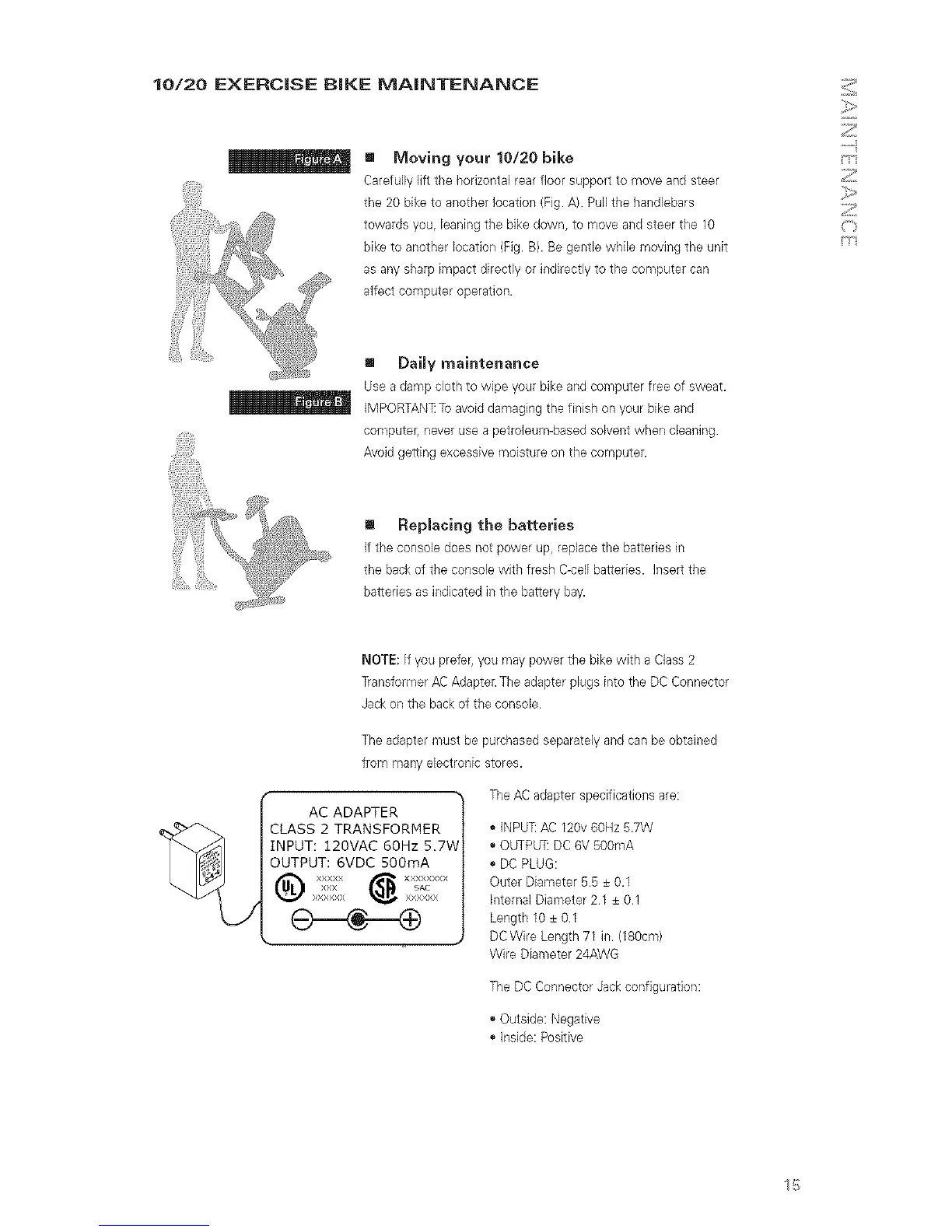
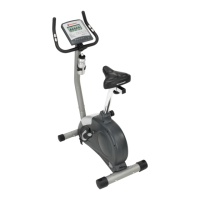
Carefully lift the horizoetal rear floor support to move and steer
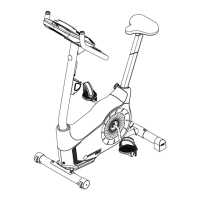
the 20 biketo another location (Fig. A). Pull the handlebars
towards you, leaning the bike down, to move and steer the 10
bike to another location (Fig. B). Be gentle while moving the unit
as any sharp impact directly or indirectly to the computer can
affect computer operation.
[] DaiJy maintenance
Use a damp cloth to wipe your bike and computer free of sweat.
_ IMPORTAN_ To avoid damaging the finish on your bike and
computer, never use a petroleum-based solvent when cleaning.
Avoid getting excessive moisture on the computer.
! RepJacing the batteries
If the console does not power up, replace the batteries in
the back of the console with fresh Gcel[ batteries. Insert the
batteries as indicated in the battery bay.
NOTE: If you prefer, you may power the bike with a Class 2
Transformer AC Adapter. The adapter plugs into the DC Connector
Jack on the back of the console.
The adapter must be purchased separately and can be obtained
from many electronic stores.
AC ADAPTER
JCLASS2TRANSFORMER
I'_ HNPUT: 120MAC 60Hz 5.7V
[_;_ I OUTPUT: 6VDC 500mA
The AC adapter specifications are:
,, INPU]! AC 120v 60Hz 5.7W
,, OUTPLFRDC 6V 500mA
,, DC PLUG:
Outer Diameter 5.5 ± 0.1
Internal Diameter 2.1 ± 0.1
Length 10 ± 0.1
DC Wire Length 71 in. (180cm)
Wire Diameter 24AWG
The DC Connector Jack configuration:
,, Outside: Negative
,, Inside: Positive
15


 To Next Page