1. Introduction
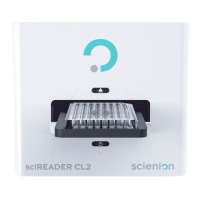
sciREADER CL2
,
sciREADCL2
and its specialized application modules are designed for the analysis of
images of microtiter plate wells in the standard 128 x 86 mm format (laboratory slides etc.), especially
for the analysis of the microblot array tests (multiplexes). As a component of the
sciREADER CL2
device, the application modules ensure comfortable device control and the acquisition of high-quality
images.
Using
sciREADCL2
, automated analysis, evaluation and archiving of completed tests can be performed.
This manual describes how to work with the
sciREADER CL2
device. Here you will find the procedures
and instructions for working with the system.
Everyone who will use the device must become acquainted with the operating instructions. Before you
start to use the device
sciREADER CL2
, carefully read the operating instructions for the device and
follow all the given instructions.
For following proper installation and using the software, read the user guide for work with
sciREADCL2.
Used symbols and icons
Please pay particular attention to notifications with these icons.
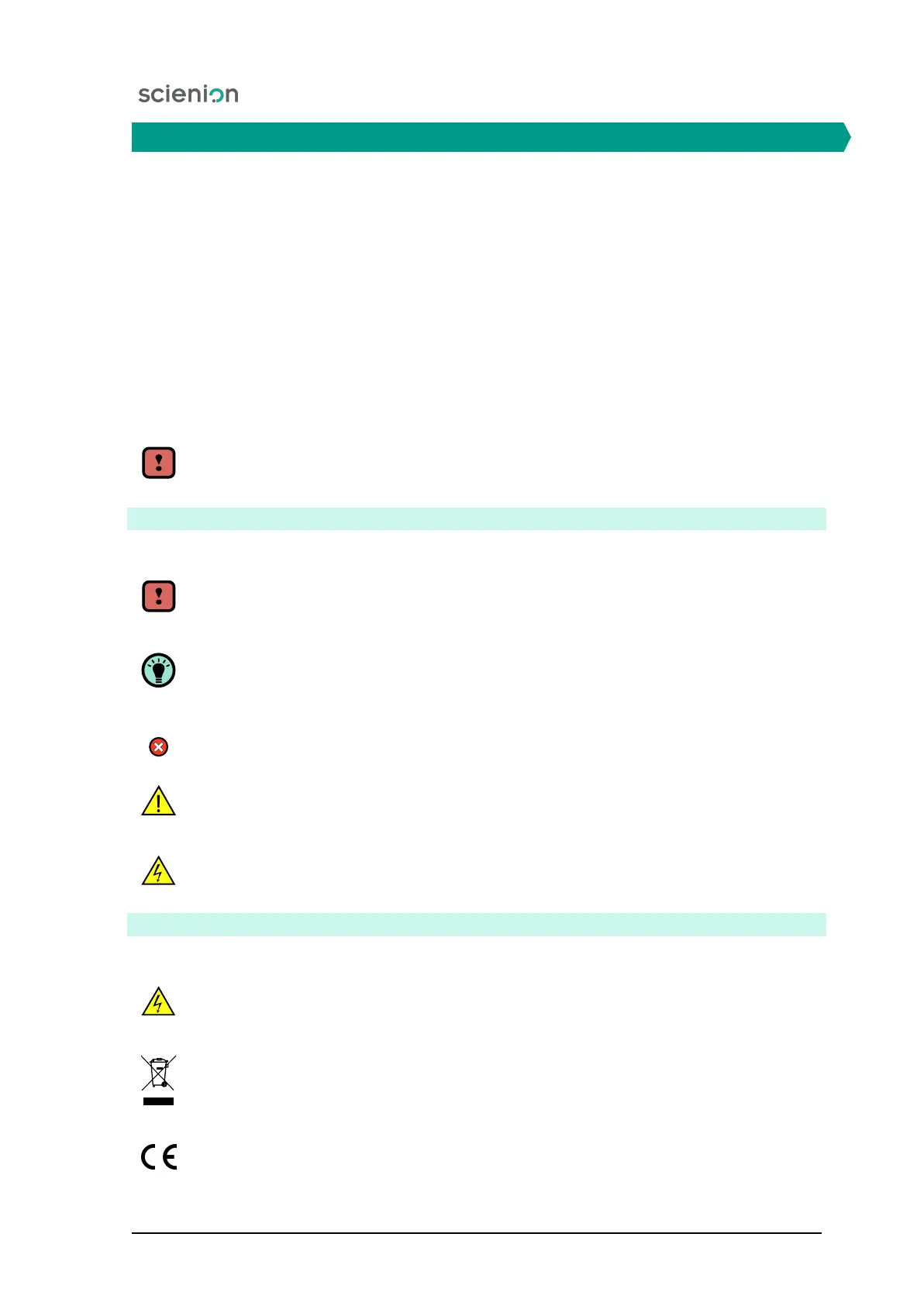
Icon Attention/Warning is used to alert or warn the user.
The Information/Note icon is used to alert the user to some important information.
Icon Error is used to alert the user to error conditions.
The Danger Icon is used to warn the user against the risk of accident.
The Alert icon is used to warn users against the risk of electric shock.
Labels and safety marks on the product
Please pay particular attention to labels placed on the device:
The Alert icon is used to warn users against the risk of electric shock.
The
WEEE
symbol, indicating separate collection for WEEE - Waste of electrical and
electronic equipment.
The CE mark.
Scienion AG, 2019, Original user manual, sciREADER CL2 4


 To Next Page