Please follow all given instructions how to proceed further in the section
Final
recommendation.
If a test failure occurs in any step while using the diagnostic software the procedure is stopped. The
current Test result and Final recommendation are shown.
In some particular cases user is obligated to contact the Service Department and consult next steps.
5.2. USB diagnostics
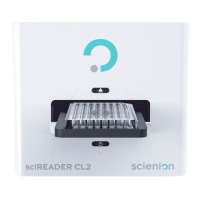
sciREADER CL2
device, on its’ rear part, is equipped with USB connector intended for USB diagnostics
of device or for a service access to device.
In case of the device can not be run after hardware installation, contact the manufacturer to
learn further procedure.
Scienion AG, 2019, Original user manual, sciREADER CL2 19


 To Next Page