LED Device status
Unlit. The device is switched off.
Blinking red, orange, green. Initialization of the device.
Blinking orange. The device is switching on.
Glows orange.
The device is ready for communication with BioVendor
Analytics application, but not connected to a PC.
Glows green.
The device is connected to BioVendor Analytics
application and to a PC.
Switch between red and orange. The device is shutting off.
Glows red.
Device error, malfunction. Contact the service
department.
2.3.2. Rear view
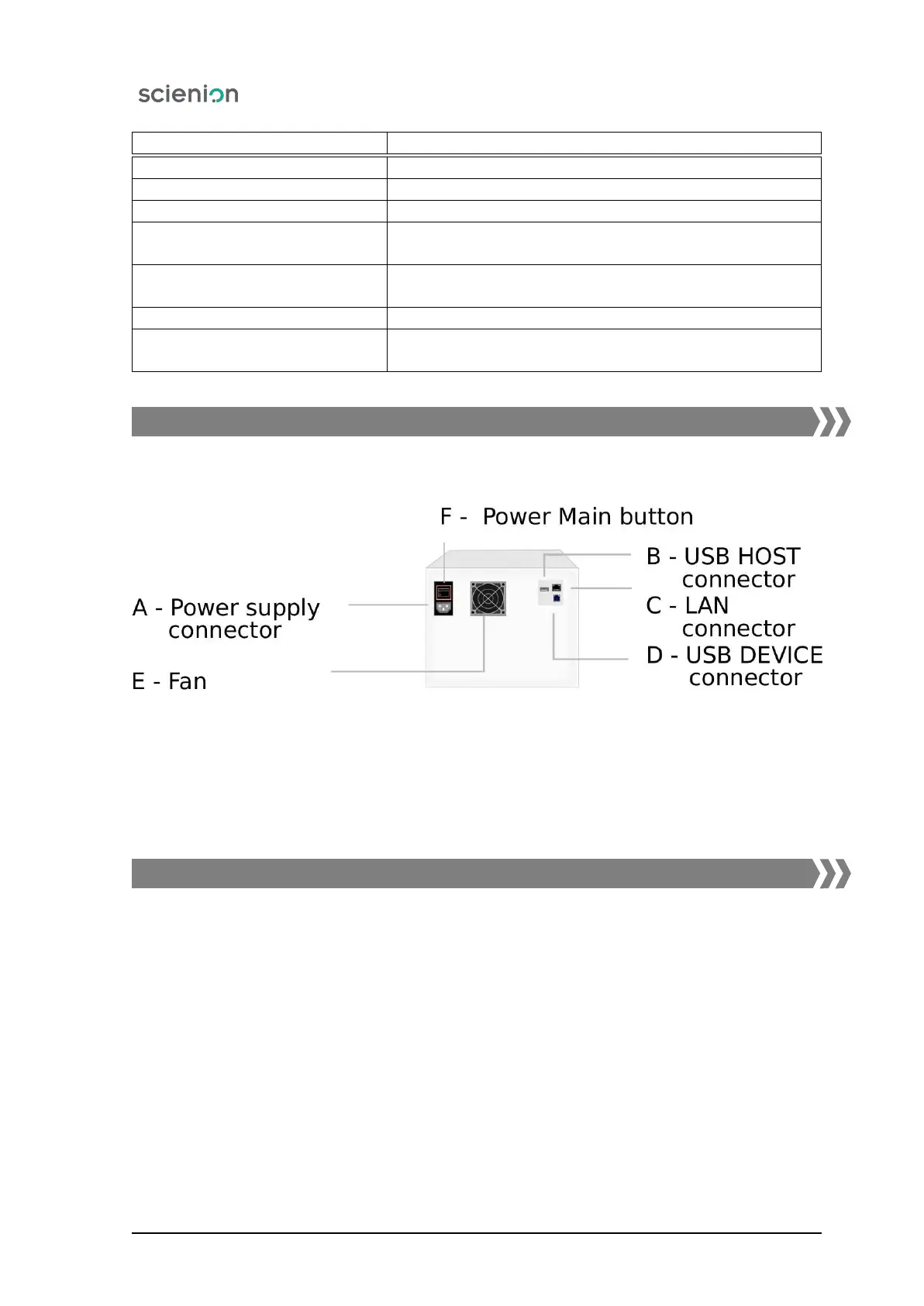
Located on the rear panel of the device connectors are the connectors and the main on/off switch of the
device (Figure 5):
Figure 5: Rear view.
A Power supply connector - for connection of power supply cable
B USB HOST connector - for connecting the flash disk designated for diagnosis
C LAN connector - for connection to the terminal of a service technician
D USB DEVICE connector - for the connection of the cable that connects the device nad PC
E Fan
F Power Main button - main on/off switch for the power supply to the device
2.3.3. Microtiter plate tray
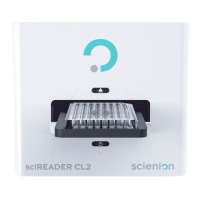
Pressing the button on the front panel or clicking the button icon from the SW environment will open
the door and the microtiter plate tray will slide out (Figure 6).
For precise placement of the plate, locking elements are mounted on the tray. It is necessary to insert a
plate in one direction, with the written label of the plate row facing into the working area of the device.
Scienion AG, 2019, Original user manual, sciREADER CL2 12


 To Next Page